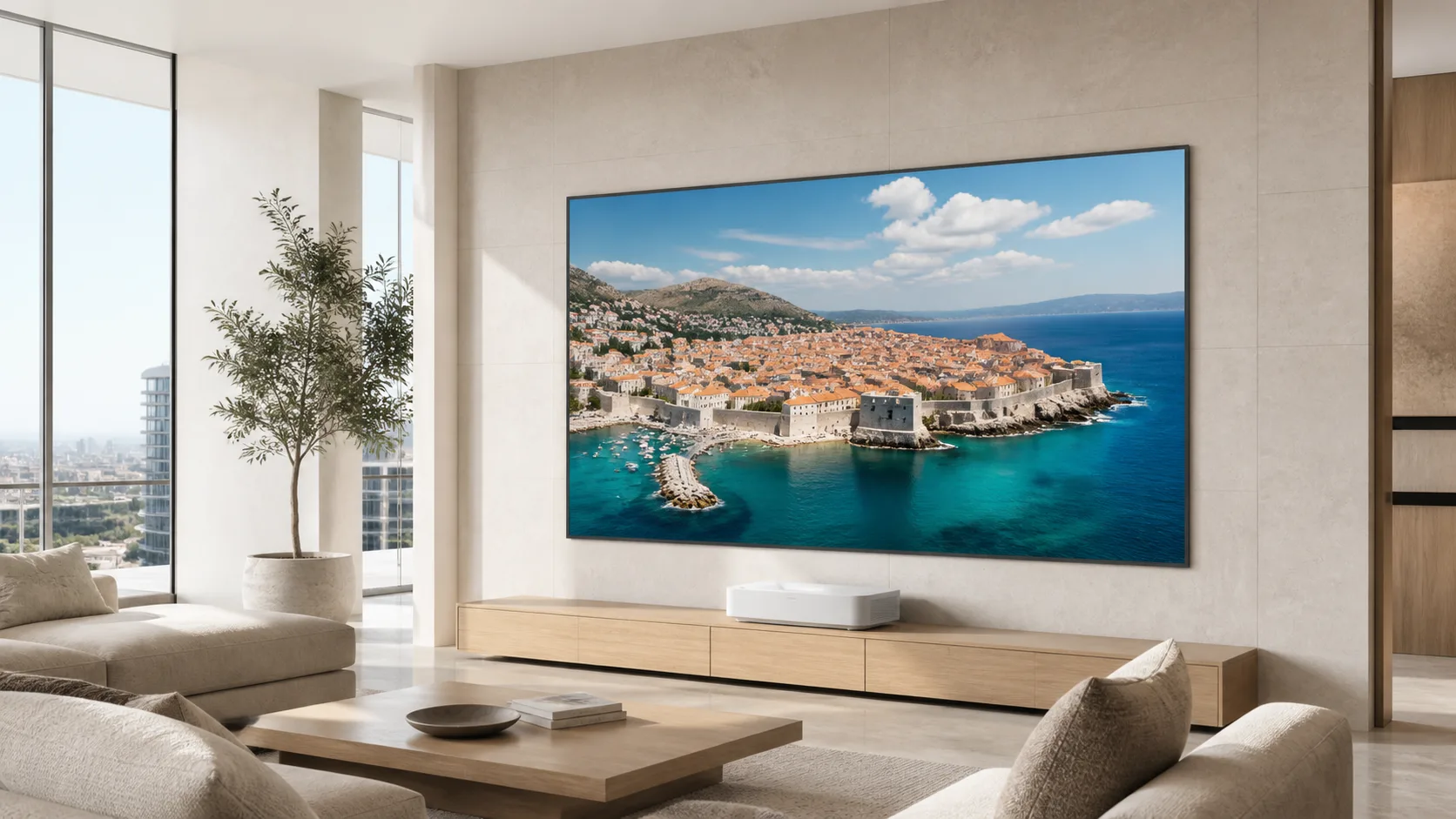
What home cinema projects need
The most useful recommendation starts with the environment, not a product name. Use this checklist to define what the screen needs to do before you compare models.
Image contrast
Choose a material direction that supports the projector and the amount of ambient light the room actually receives.
Comfortable scale
Match viewing width to seating distance so the image feels immersive without forcing the first row too close.
Quiet, clean operation
For living rooms and multi-use spaces, a concealed electric screen can keep the room visually calm when not in use.
Installation fit
Wall, ceiling, recessed, or fixed frame installation should be decided together with the room layout and services.
Start with the room profile.
Choose the condition that sounds most like the project. This is a conversation starter, not a final specification.
Dedicated cinema room
The priority is a flat, stable viewing surface, carefully matched to seating distance, projector brightness, and the room’s dark-light conditions.
Choose the direction before the model.
Use the room conditions to narrow the solution family first. Final selection should be confirmed with projector details, size, aspect ratio, and installation requirements.
Think in a complete screen system.
A good application recommendation connects the visible screen to the room, projector, surface, installation, and control requirements.
Fixed frame, electric, in-ceiling, floor rising, or curved.
White, grey, ALR, or acoustically transparent material to assess.
Wall, ceiling, recessed, or room-integrated placement.
Confirm trigger, remote, smart-home, and service requirements.
Four starting points for a home cinema brief.
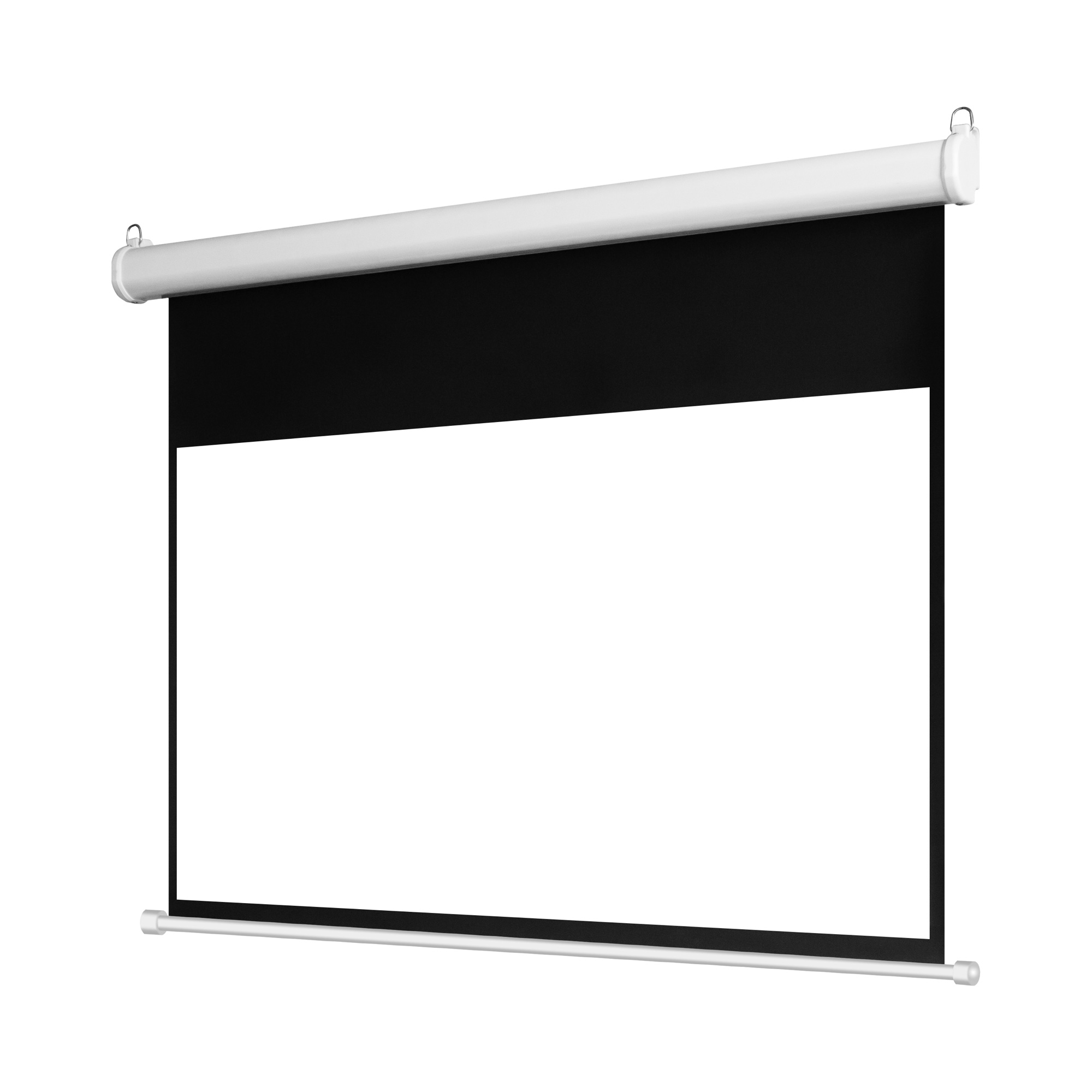
Standard electric screen
A practical route for general home cinema and living-room projects where value and easy operation matter.
View product direction ↗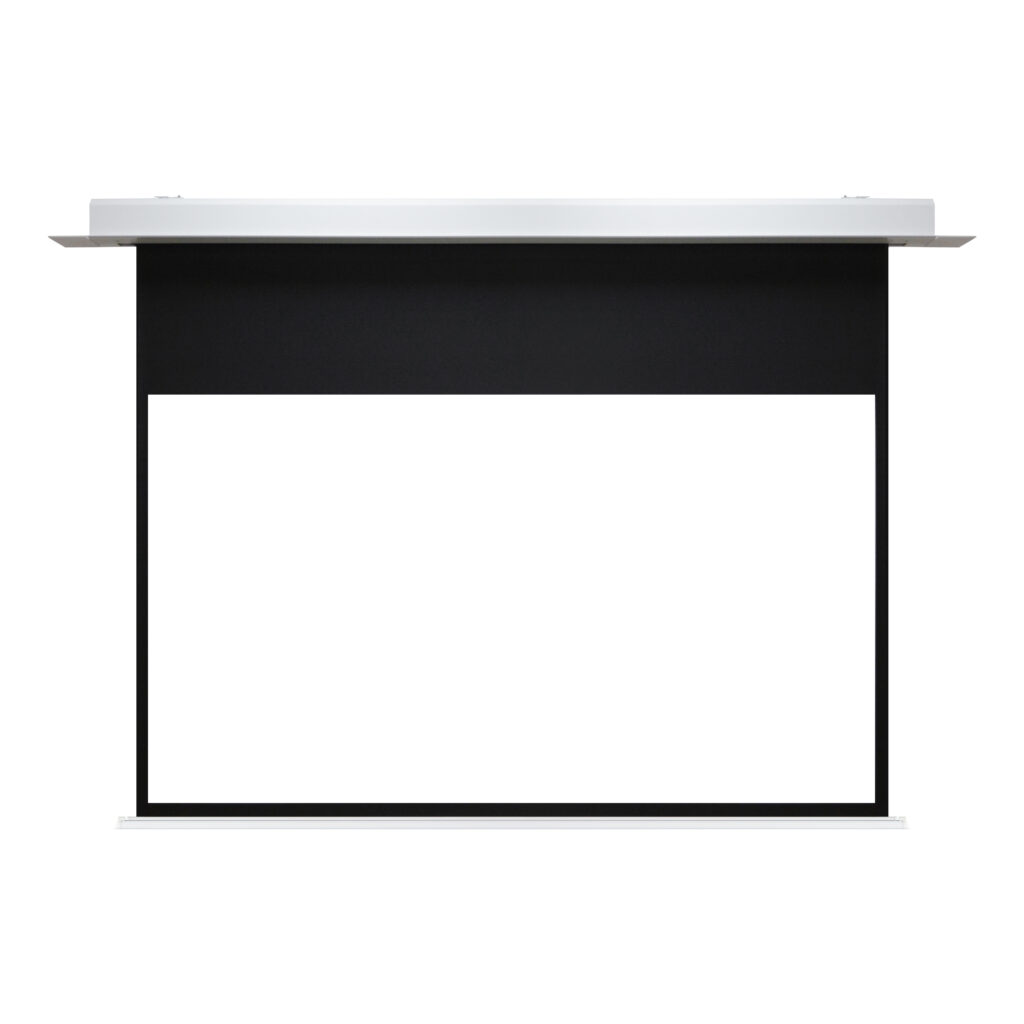
In-ceiling electric screen
For a clean ceiling-integrated setup in a living room or premium cinema environment.
View product direction ↗
Standard fixed frame screen
For a permanent room where a flat, tensioned surface is the priority.
View product direction ↗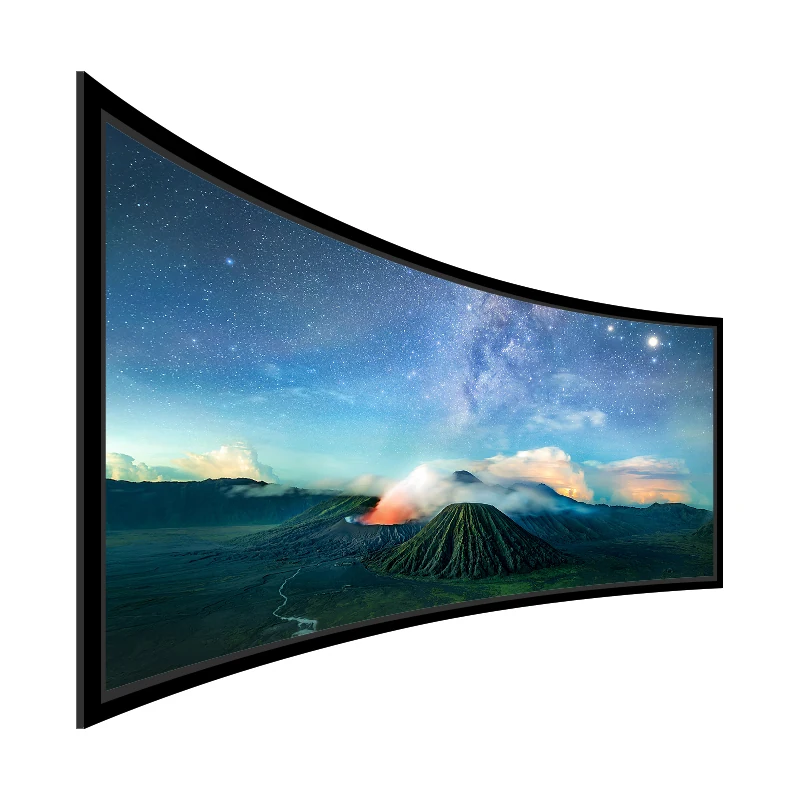
Large curved fixed frame
For larger private theaters where a more cinematic field of view is part of the brief.
View product direction ↗FAQ for a better first conversation.
Fixed frame or motorized for a home theater?
A dedicated dark cinema room often points to fixed frame. A multi-use living room often benefits from an electric or in-ceiling screen that can be retracted.
Do I need a grey or ALR material?
That depends on the projector, room light, viewing angle, and image priority. Include those details in the inquiry so the material direction can be evaluated correctly.
What should a distributor or integrator send first?
Share the room profile, screen width or size, aspect ratio, projector information, ambient light, installation method, expected quantity, country or region, and project stage.
Can MGF support a custom or OEM request?
Use the project inquiry to describe the screen structure, material, size, installation, control, quantity, and market. The team can then confirm the suitable product direction and next information needed.
Give the first reply enough context to be useful.
Use the short project brief below to prepare your enquiry. Include your company and country or region when you continue to the Request a Quote form so MGF can review the product direction, quantity and project requirements.