Use, audience and ambient light
APPLICATION DECISION CENTER
Projection Screen Guides by Application
Choose the right screen direction for the room, audience, lighting and installation conditions—then open the guide that matches your project.
Visible size, ratio and surface
Wall, ceiling, recessed or portable
Control, quantity and destination
Start with your application
Begin with the room and operating condition, then confirm the screen direction against projector, installation and service requirements.
Featured direction
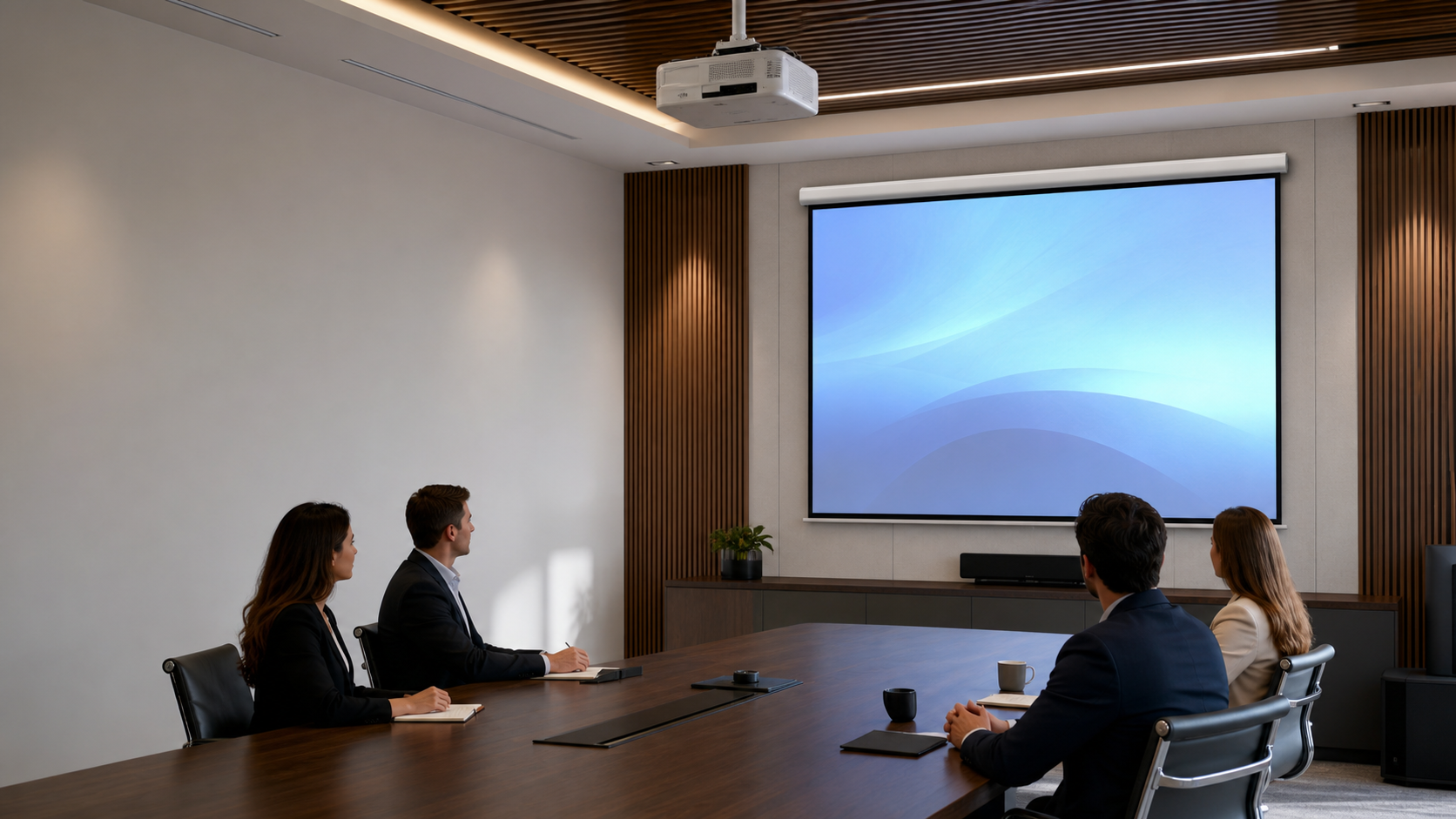
Conference rooms
- Typical direction
- Motorized or in-ceiling
- Common formats
- 16:9 or 16:10
- Planning focus
- Room layout, control and service access
What to confirm before choosing
Room
Audience, content, ambient light and viewing distance.
Image
Screen type, visible size, aspect ratio and surface.
Installation
Wall, ceiling, recessed, portable or floor-rising.
Delivery brief
Control, quantity, packaging and destination market.
Application Guide Library
Practical guidance for planning, specification and project-level confirmation.
Application Guides
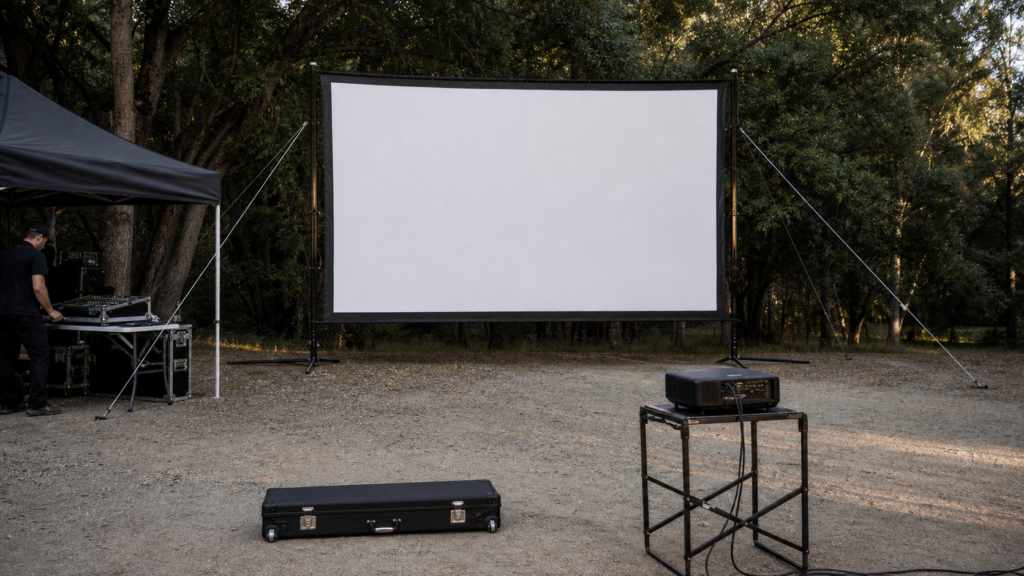
Portable Outdoor Projection Screen Transport and Anchoring Guide
A practical planning checklist for moving, setting up and securing a portable projection screen at an outdoor or temporary event.Read the guide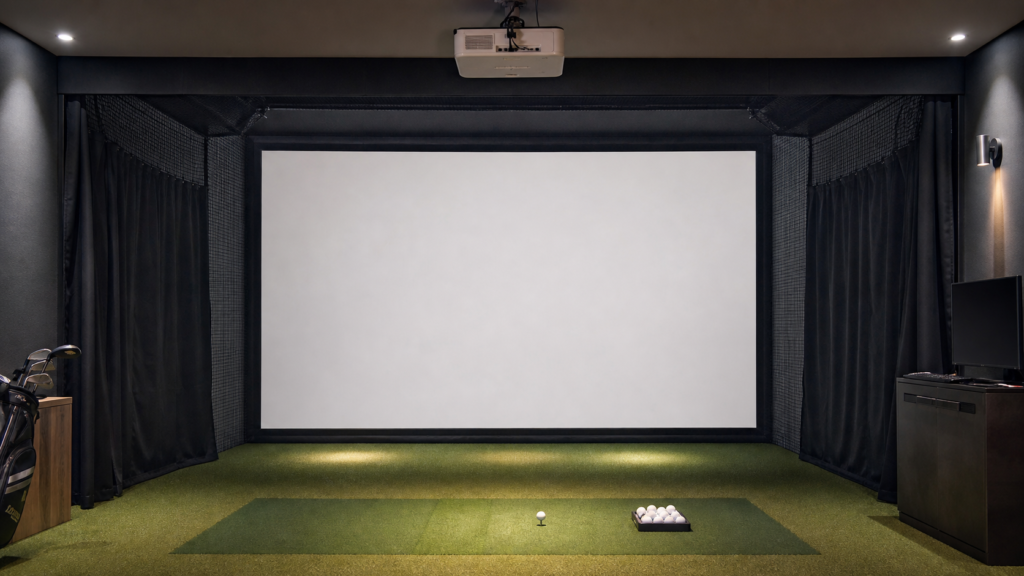
Application Guides
Golf Simulator Projection Screen Guide
A project checklist for golf simulator designers choosing a screen surface, frame, enclosure and projector layout.Read the guide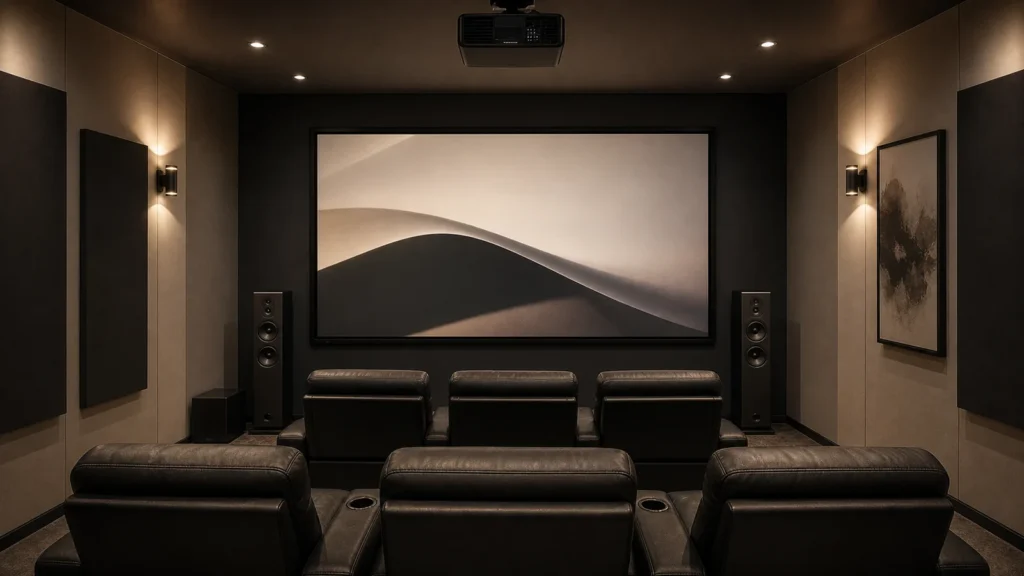
Application Guides
Home Theater Projection Screen Buying Guide
A practical sequence for matching a home cinema screen to the room, projector, seating, lighting, speakers and interior design.Read the guide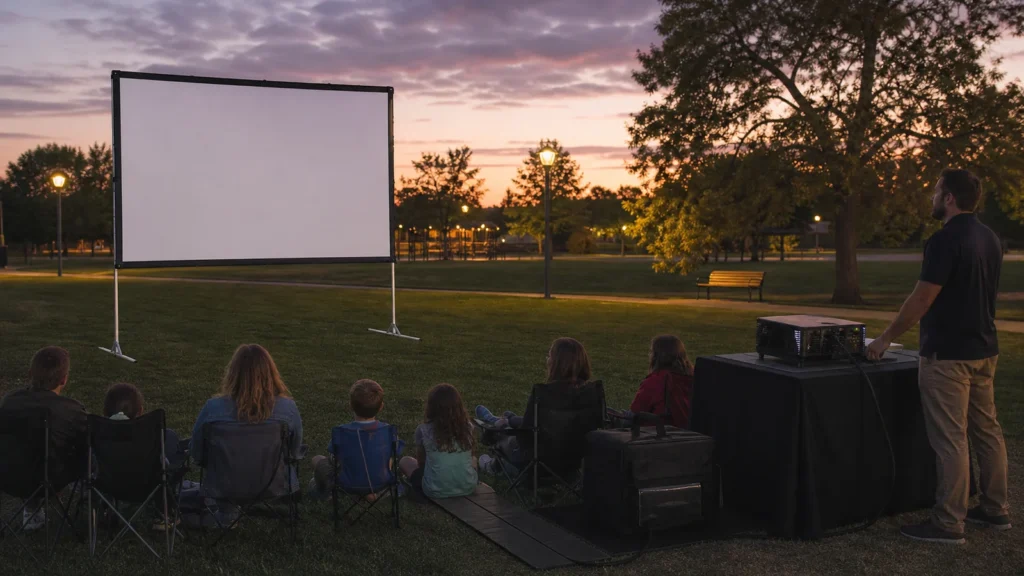
Application Guides
Outdoor Projection Screen Guide: Size, Material and Wind Safety
A practical outdoor screen guide for event teams and buyers planning portable cinema, community screenings and temporary presentations.Read the guide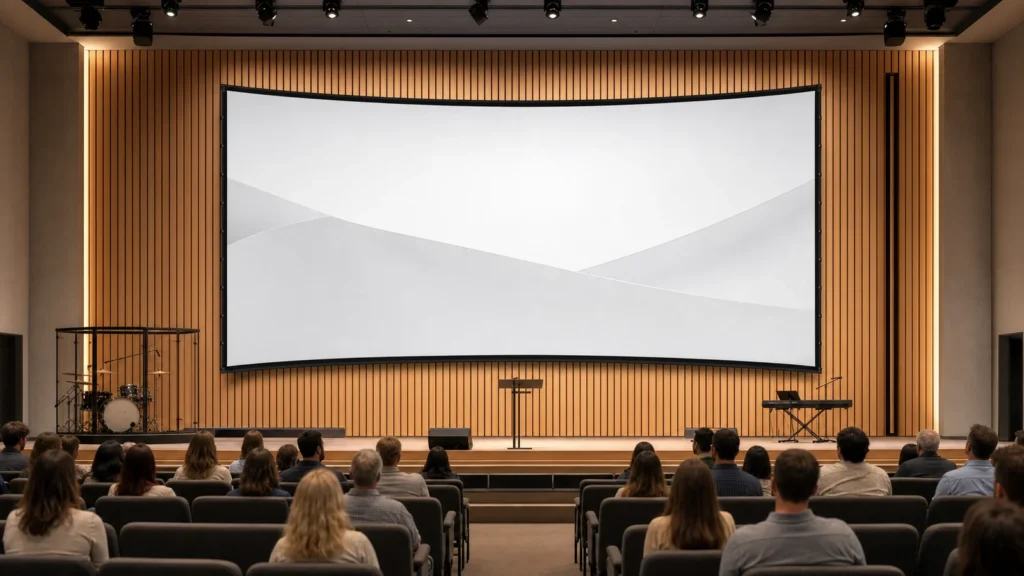
Application Guides
Church and Auditorium Projection Screen Selection Guide
A planning guide for large worship and auditorium screens covering readability, structure, materials, audio placement, installation and maintenance.Read the guide
Application Guides
Portable Folding Projection Screens for Events: A Buyer’s Guide
A procurement and site-planning guide for event companies, AV integrators and exhibitors selecting repeatable portable projection systems.Read the guide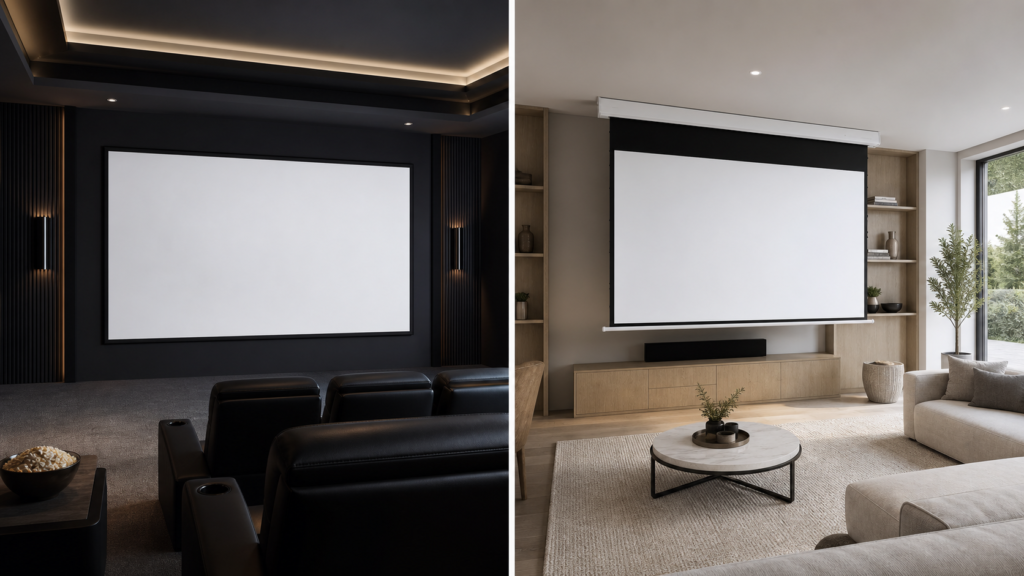
Application Guides
Fixed Frame vs Motorized Screen for a Home Theater
Choose between permanent fixed tension and retractable motorized convenience using room function, projector, material, installation and service needs.Read the guide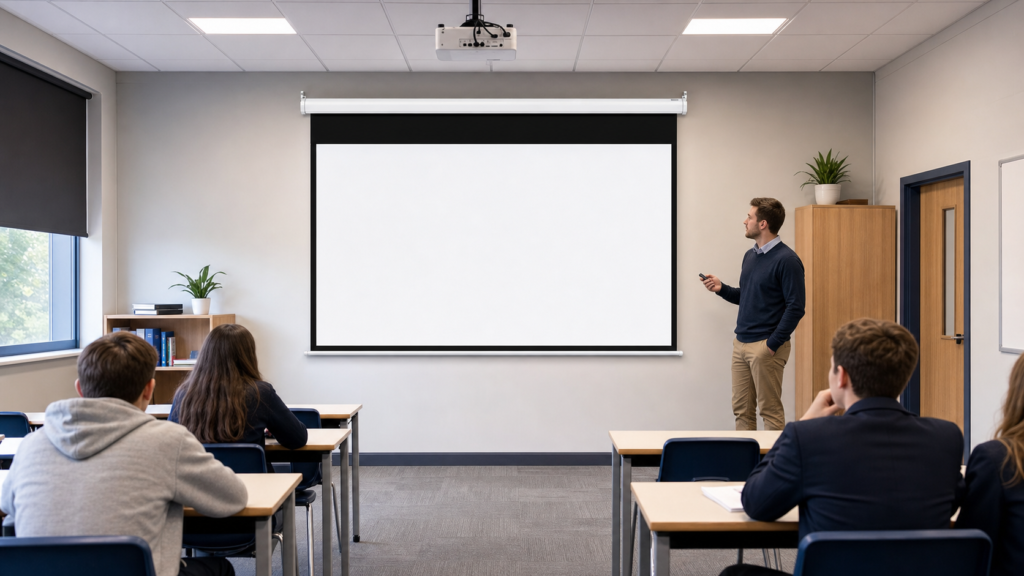
Application Guides
Classroom Projection Screen Buying Guide for Schools and Integrators
A room-by-room procurement framework for choosing manual, electric and fixed projection screens across schools and training facilities.Read the guide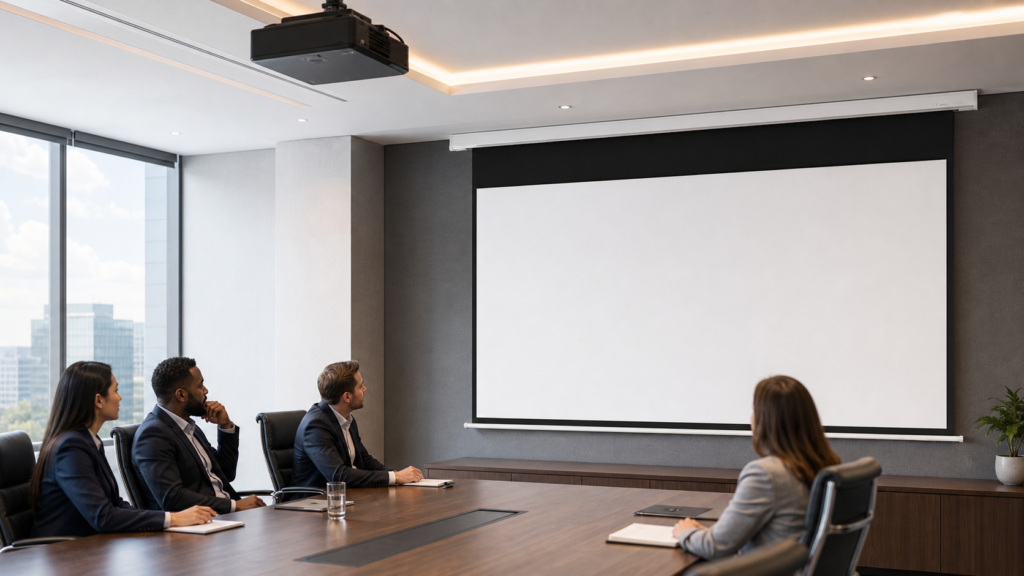
Application Guides
How to Choose a Projection Screen for a Conference Room
A practical selection process for meeting-room screen size, aspect ratio, material, installation and control—from small huddle rooms to larger boardrooms.Read the guide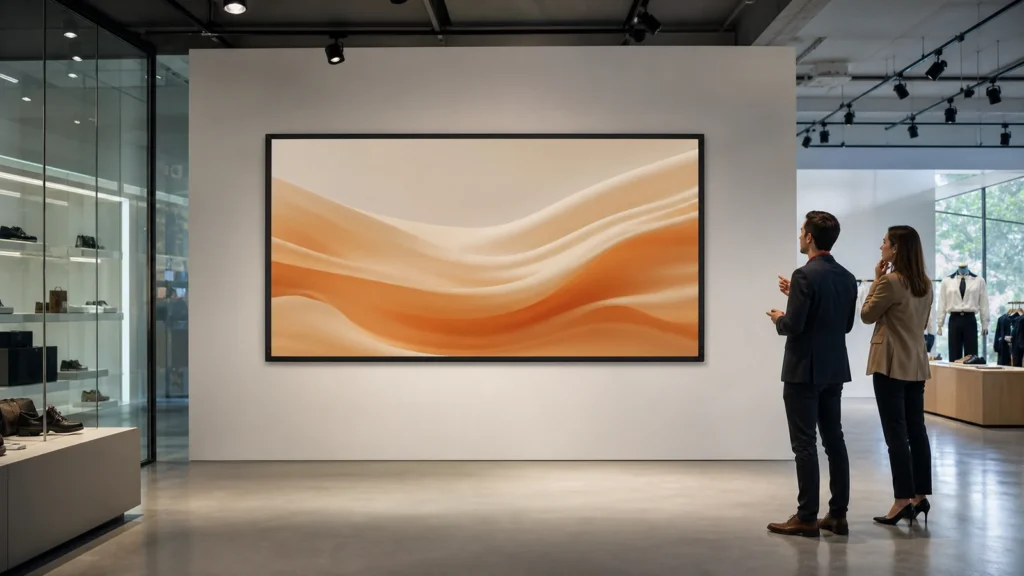
Application Guides
Commercial Display Projection Screen Guide for Retail and Showrooms
A project-planning guide for selecting projection screens in retail, showroom, exhibition and visitor environments where light, sightlines and daily operation matter.Read the guideFrequently asked questions
Which screen type works best for a conference room?
Motorized and in-ceiling directions are common starting points where the screen should retract after use. Confirm image size, control method, ceiling access and projector geometry before selecting a model.
How should screen size be confirmed?
Confirm the content format, visible image area, seating positions, projector capability and available installation space together. Room dimensions alone are not enough.
When should I consider ALR or acoustically transparent material?
Consider ALR-compatible surfaces when room light affects perceived contrast and the projector geometry is compatible. Consider acoustically transparent material when speakers must sit behind the image area.
Can MGF review a project brief?
Yes. Send the application, projector model, target image size, room-light condition, installation method, quantity and destination for project-level review.