Daily repeat use
The screen should deploy consistently without adding a motor or control system to the room.
MGF manufactures manual pull-down projection screen solutions for schools, training facilities, meeting rooms and commercial AV projects. Compare housing format, mounting position, screen size, aspect ratio, surface and OEM requirements before moving to model-level selection.
Request a Recommendation Compare Manual Self-lock Screen Models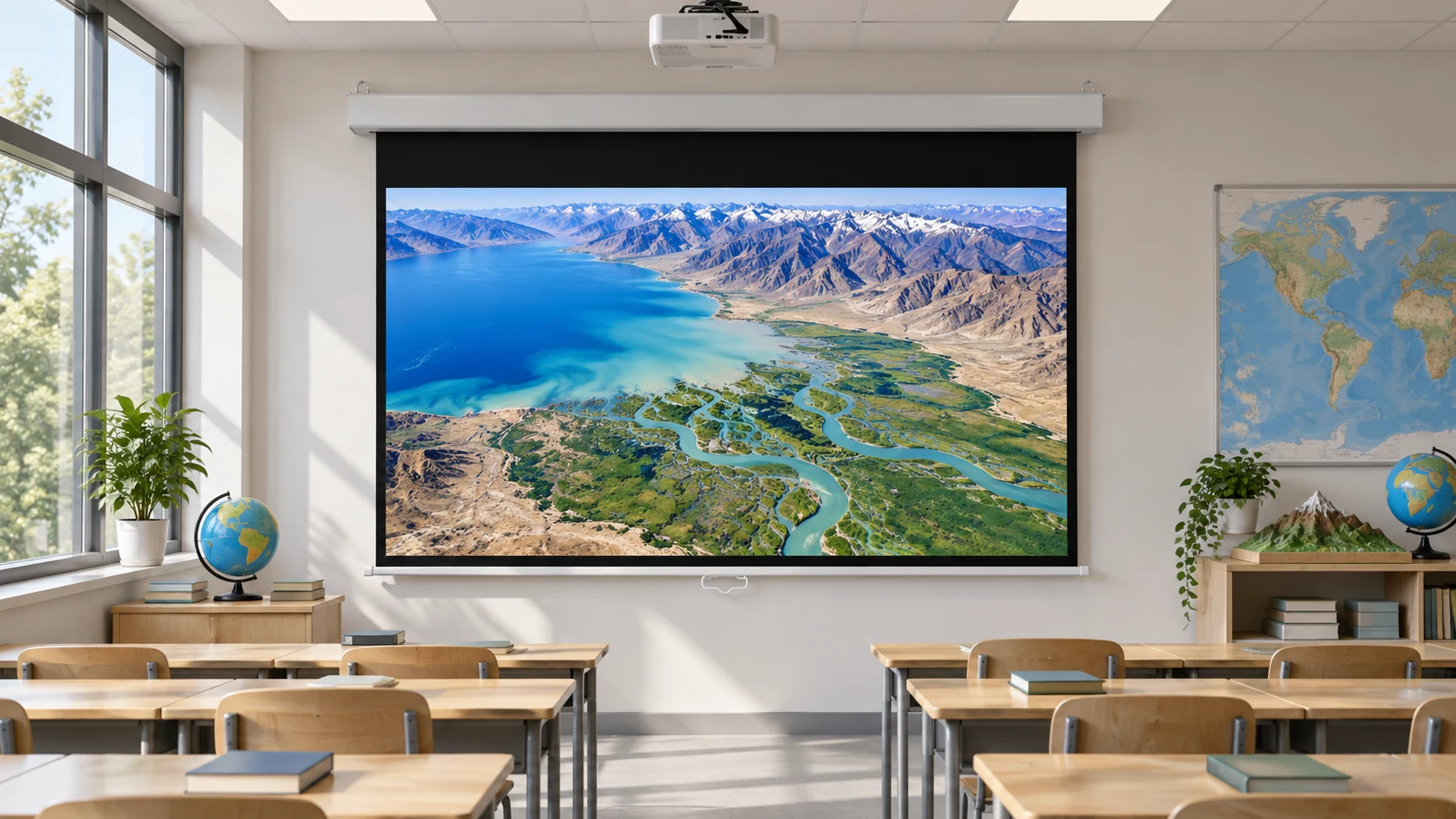
Manual projection screens are a practical fit when the screen stays in one room and the user needs straightforward daily deployment. Selection depends on mounting position, pull-down clearance, case style, screen size, and the room’s repeat-use pattern.
See the selection logicThe screen should deploy consistently without adding a motor or control system to the room.
Wall or ceiling mounting changes access, pull-down clearance and required support.
A manual screen works best when users can reach the screen and return it safely after use.
Education integrators, AV distributors and commercial project teams can use this page to define room use, mounting position, screen size, aspect ratio, surface and OEM requirements before comparing individual models.
Plan repeat-use screens for classrooms, lecture rooms and training facilities with reachable, safe manual operation.
Compare housing formats, listed sizes, screen surfaces, packaging and OEM requirements for local projects.
Coordinate wall or ceiling structure, viewing height, projector geometry, access and delivery requirements.
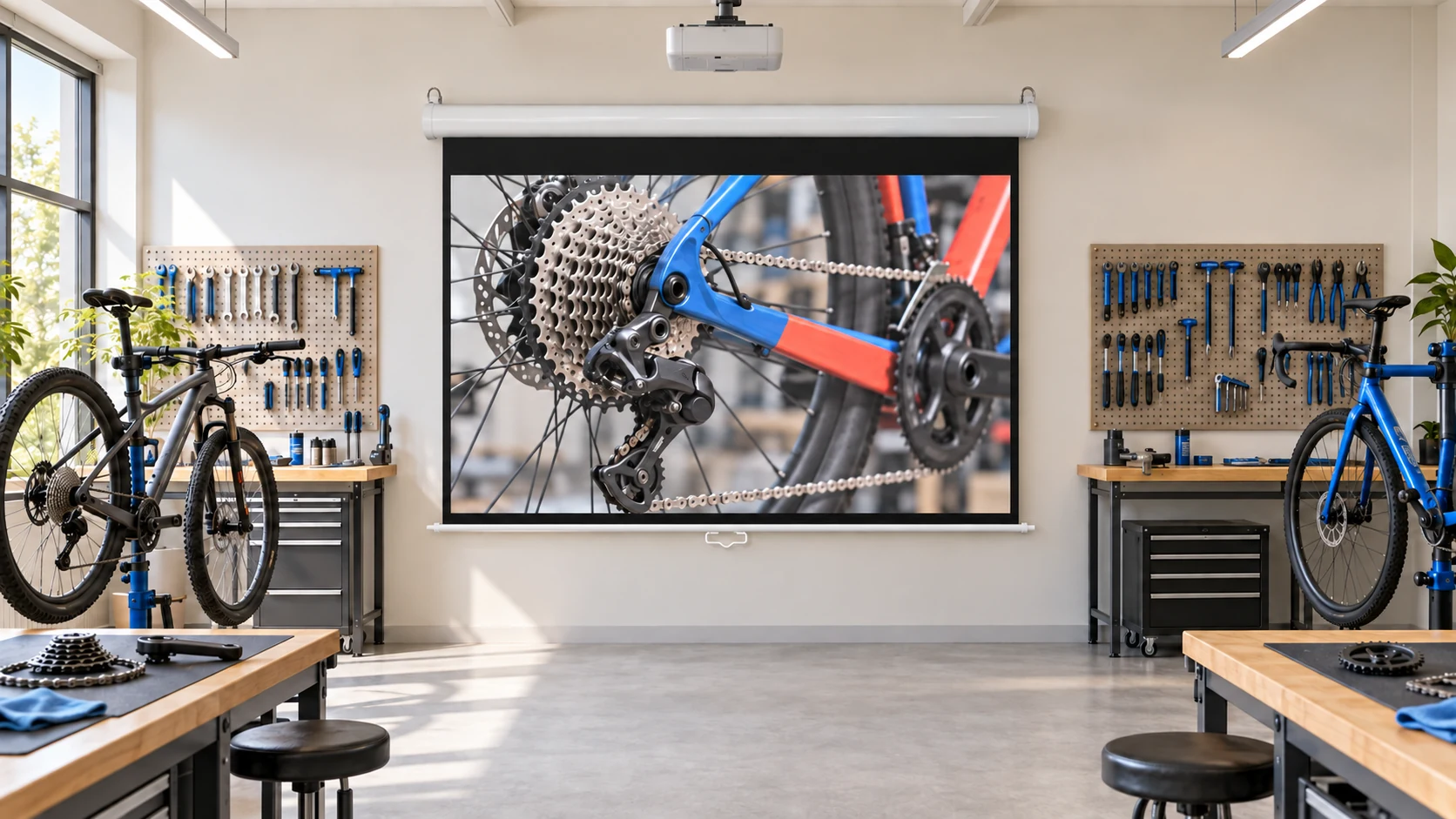
For classrooms, offices, meeting rooms, and training spaces that need a screen stored close to the wall or ceiling.
Installation: fixed wall or ceiling mounting; confirm pull-down clearance and mounting height.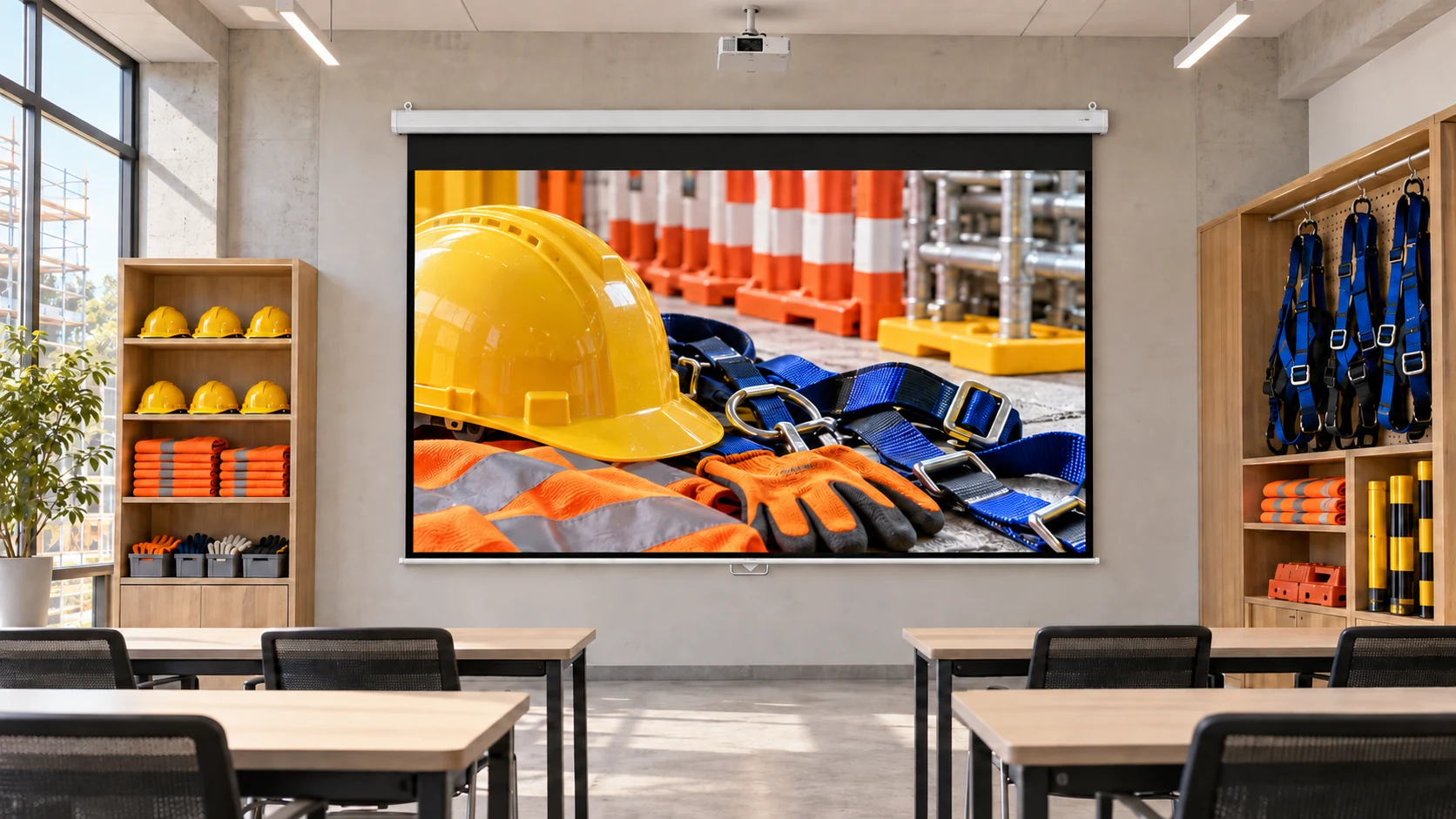
For fixed-use rooms that need a defined viewing position with simple manual deployment.
Installation: fixed mounting; confirm the case, handle, and access around the screen.| Criteria | What to review | Planning direction |
|---|---|---|
| Room use | Classroom, office, training room, or occasional presentation space | Choose a fixed manual direction when the screen stays in one room |
| Reach and clearance | User access, pull-down height, and furniture below the screen | Confirm mounting height and safe operating clearance |
| Storage | Visible case, wall storage, or floor storage position | Match the case and installation method to the room layout |
| Screen size | Viewing distance, content format, and wall dimensions | Confirm supported size and aspect ratio from the selected model |
| Maintenance | Simple operation, cleaning, and access to the screen case | Leave access for routine handling and inspection |
Keep visible image size and format constant when comparing manual housings. For each candidate, request the full model, overall housing dimensions, applicable installation drawing and operating instructions. Include nearby cupboards, lights and the user's operating position. An existing fixing arrangement needs review for the selected model; a similar housing shape does not establish interchangeability.
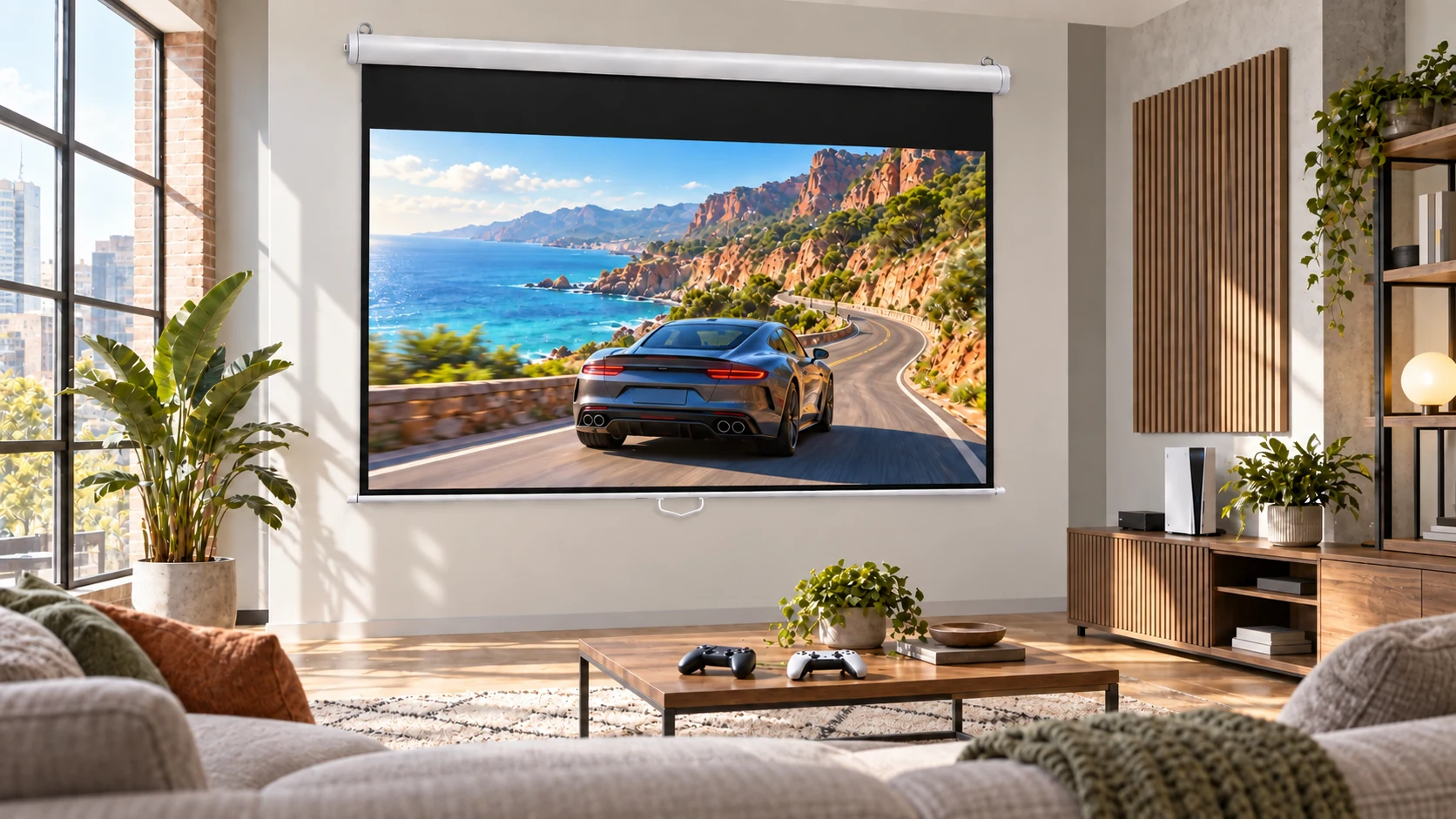
A simple fixed-room option when users can safely reach and operate the screen.
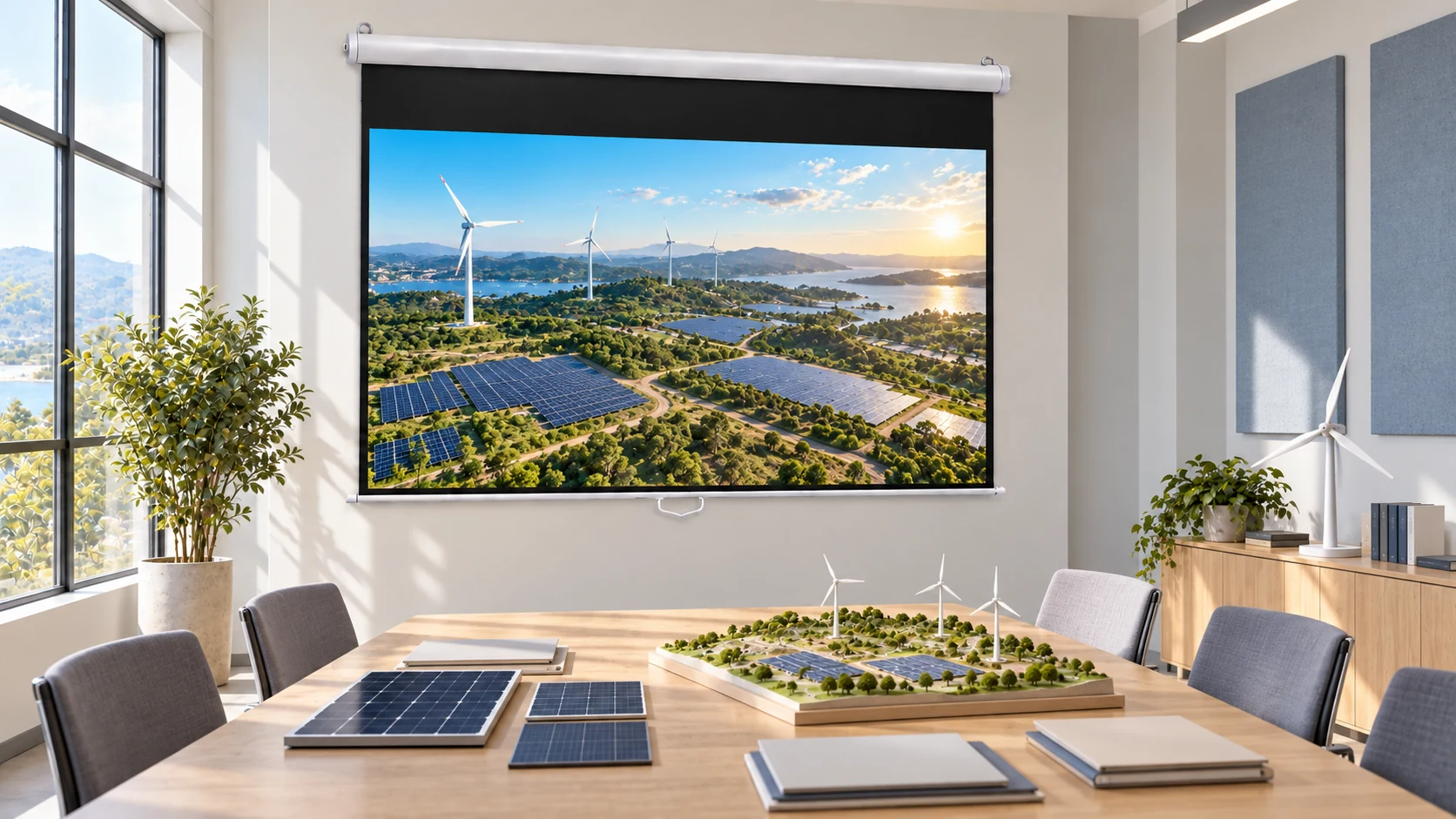
Repeat-use presentation rooms requiring predictable wall or ceiling mounting.
Daily teaching environments needing simple operation and a defined viewing height.
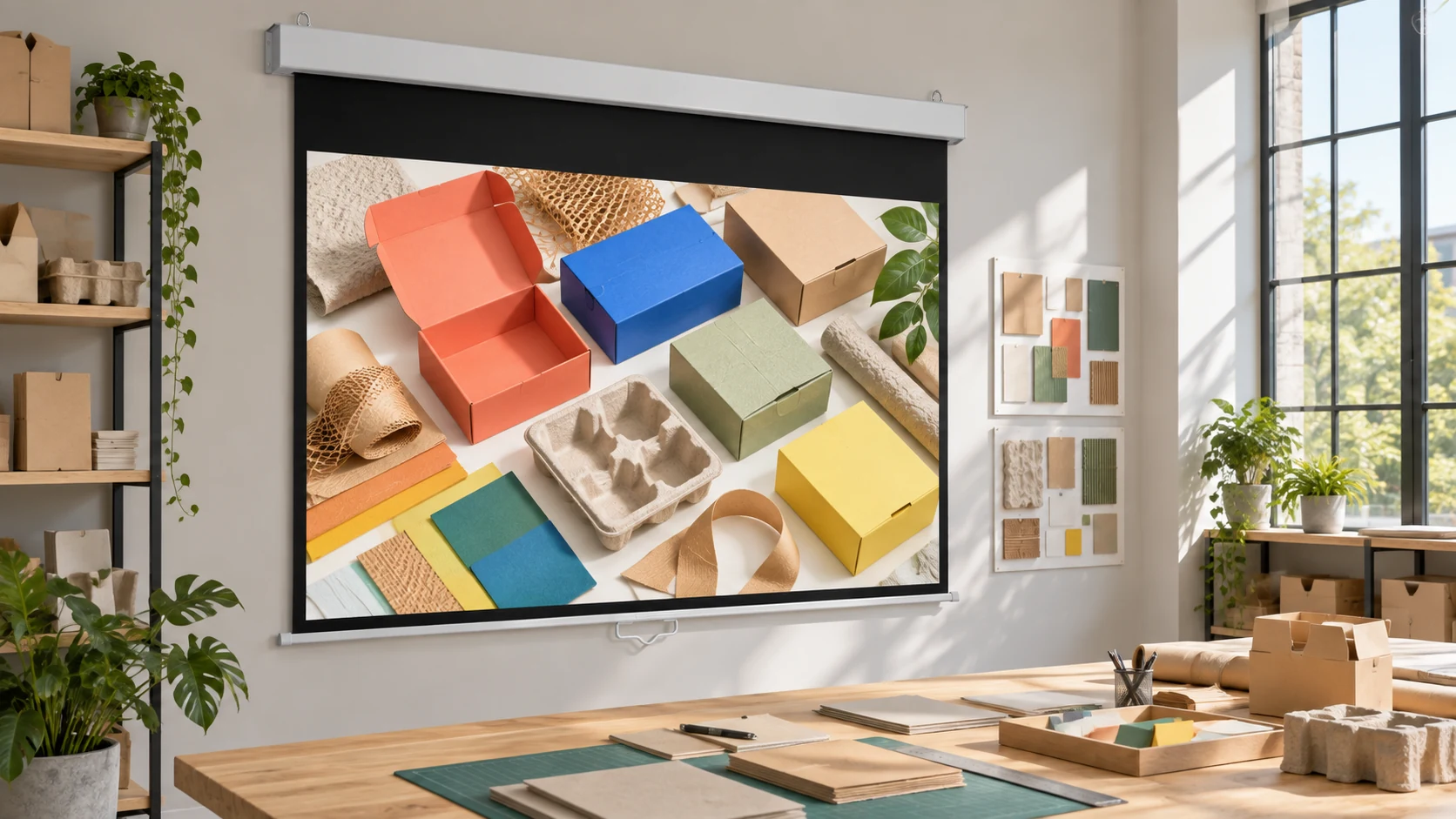
Showrooms, offices and visitor spaces with a permanent mounting position.
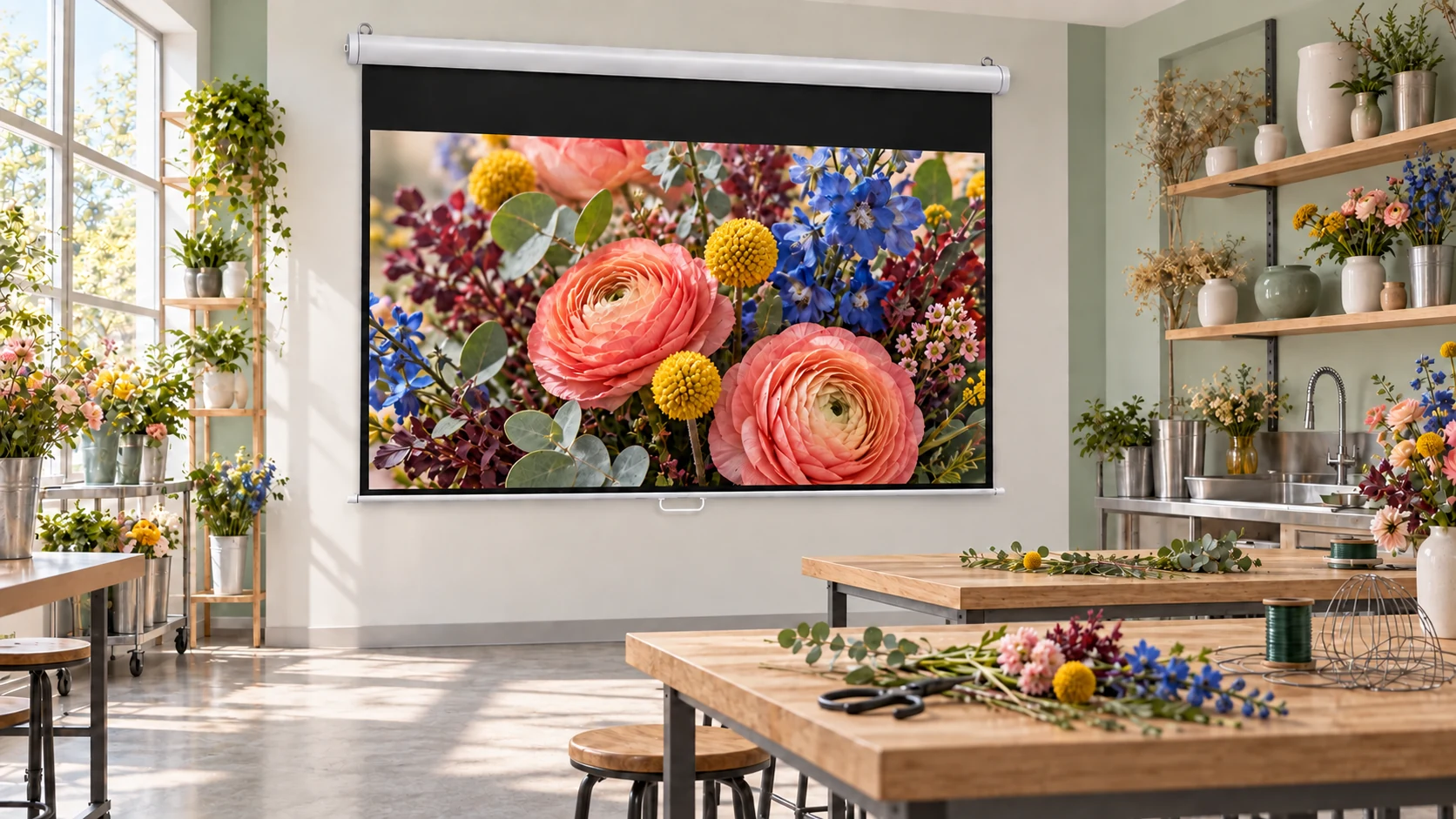
Repeat-use training rooms requiring accessible, straightforward manual deployment.
Space, use case, target size, and project stage.
A suitable screen, material, mounting, and control direction.
Confirm key details before production.
Build against the approved project configuration.
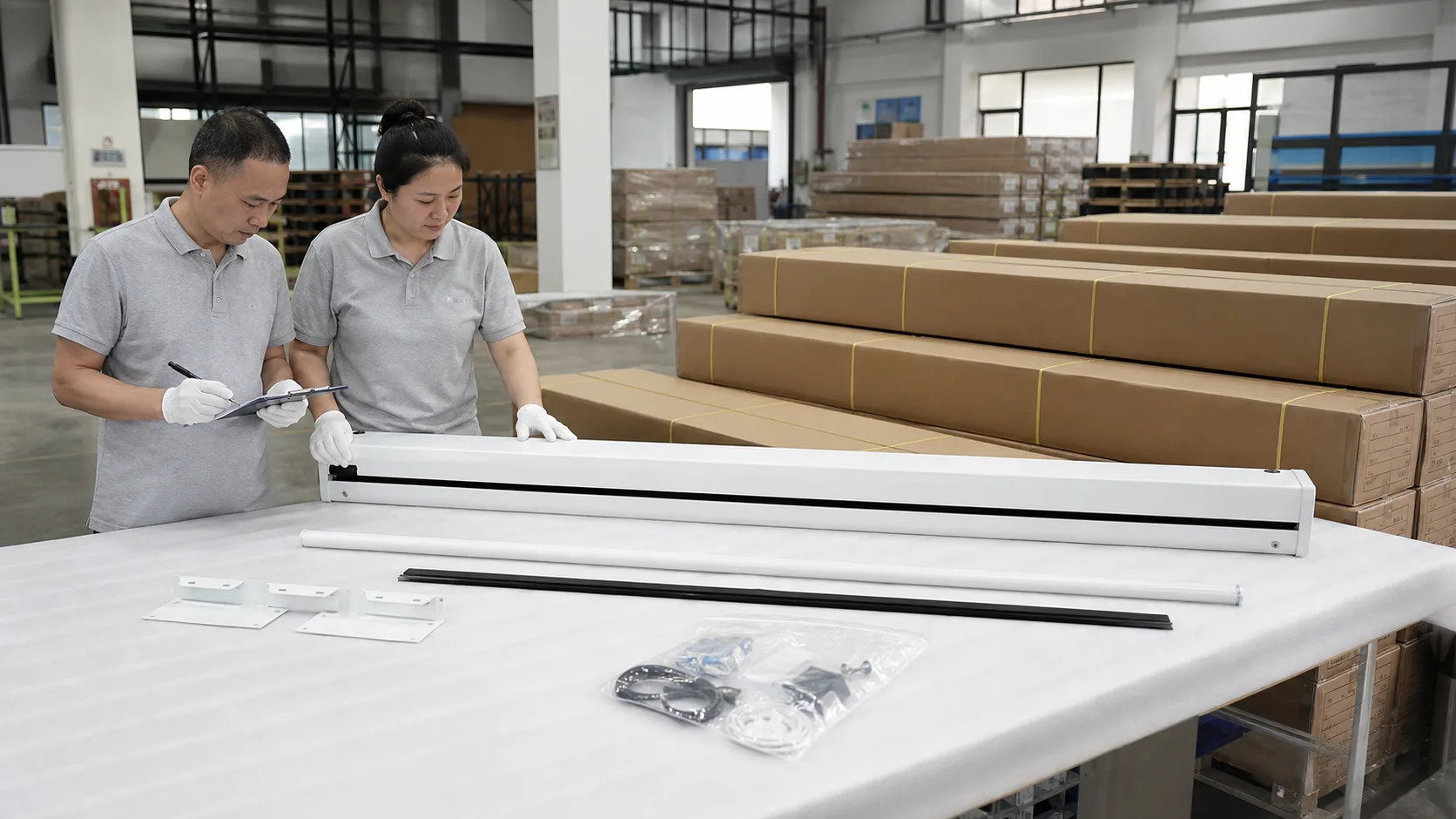
Check appearance, operation, and packing readiness.
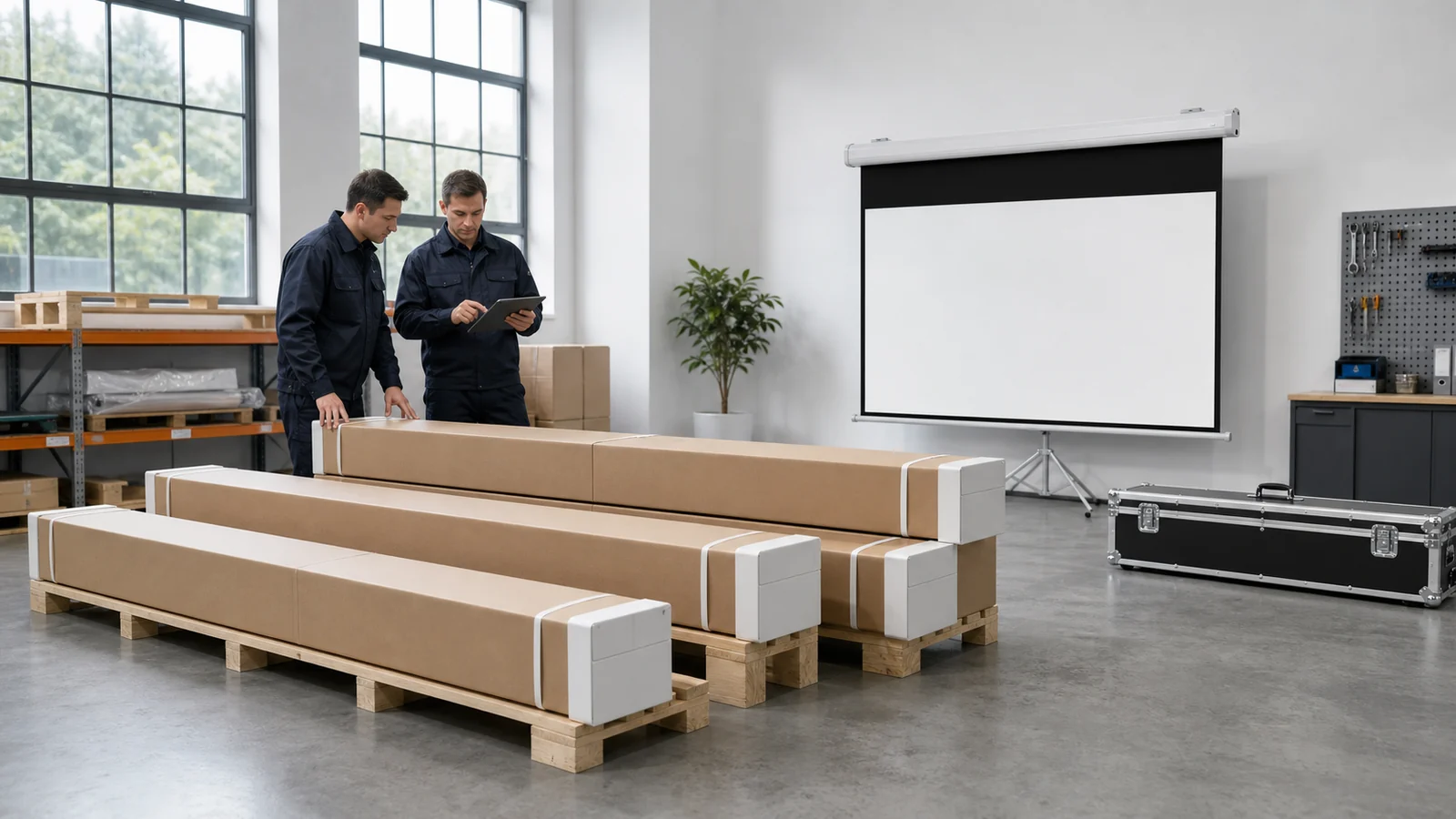
Prepare the agreed shipment and project documents.
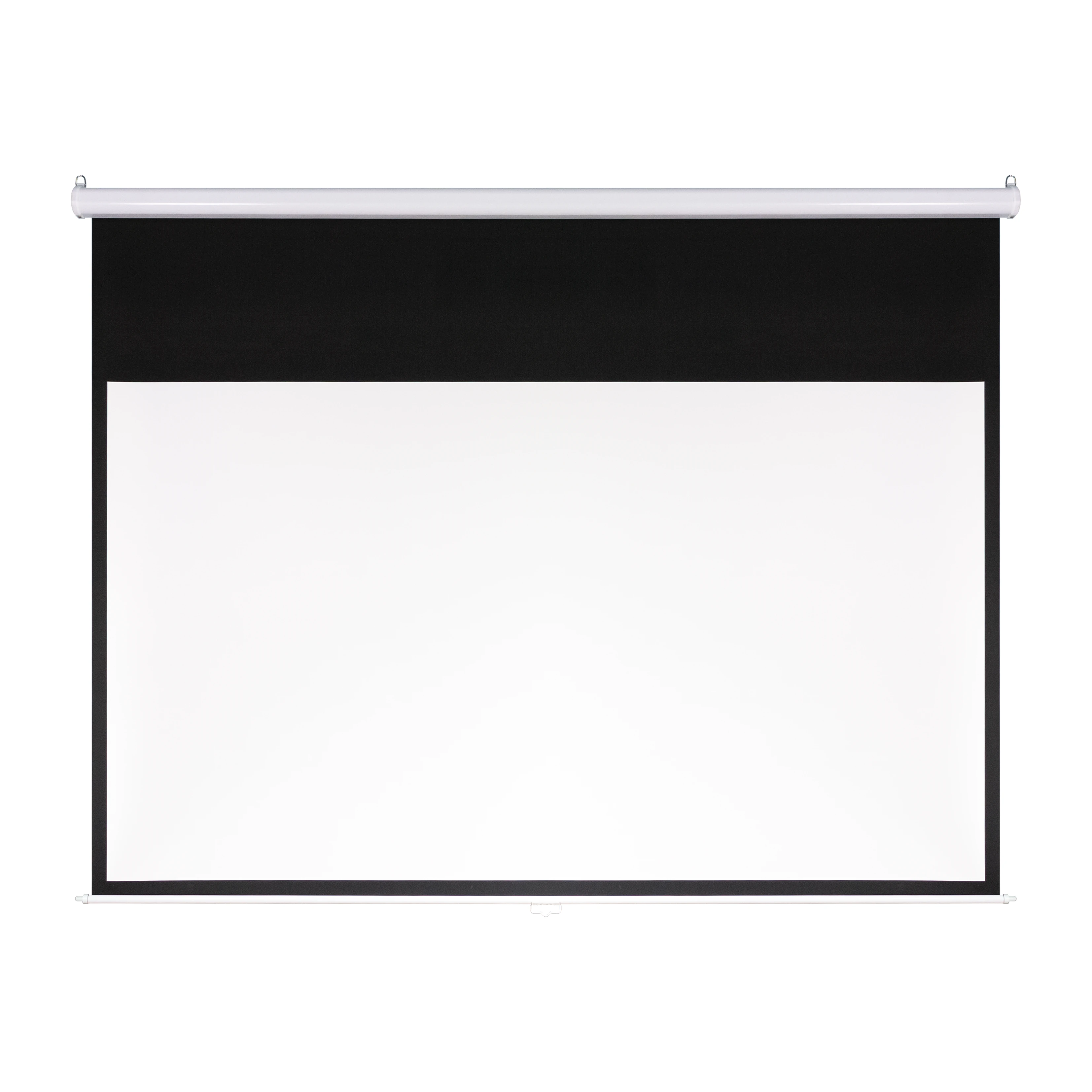
A practical cold-rolled steel housing for schools, training rooms and everyday commercial presentation spaces.
View Classic Model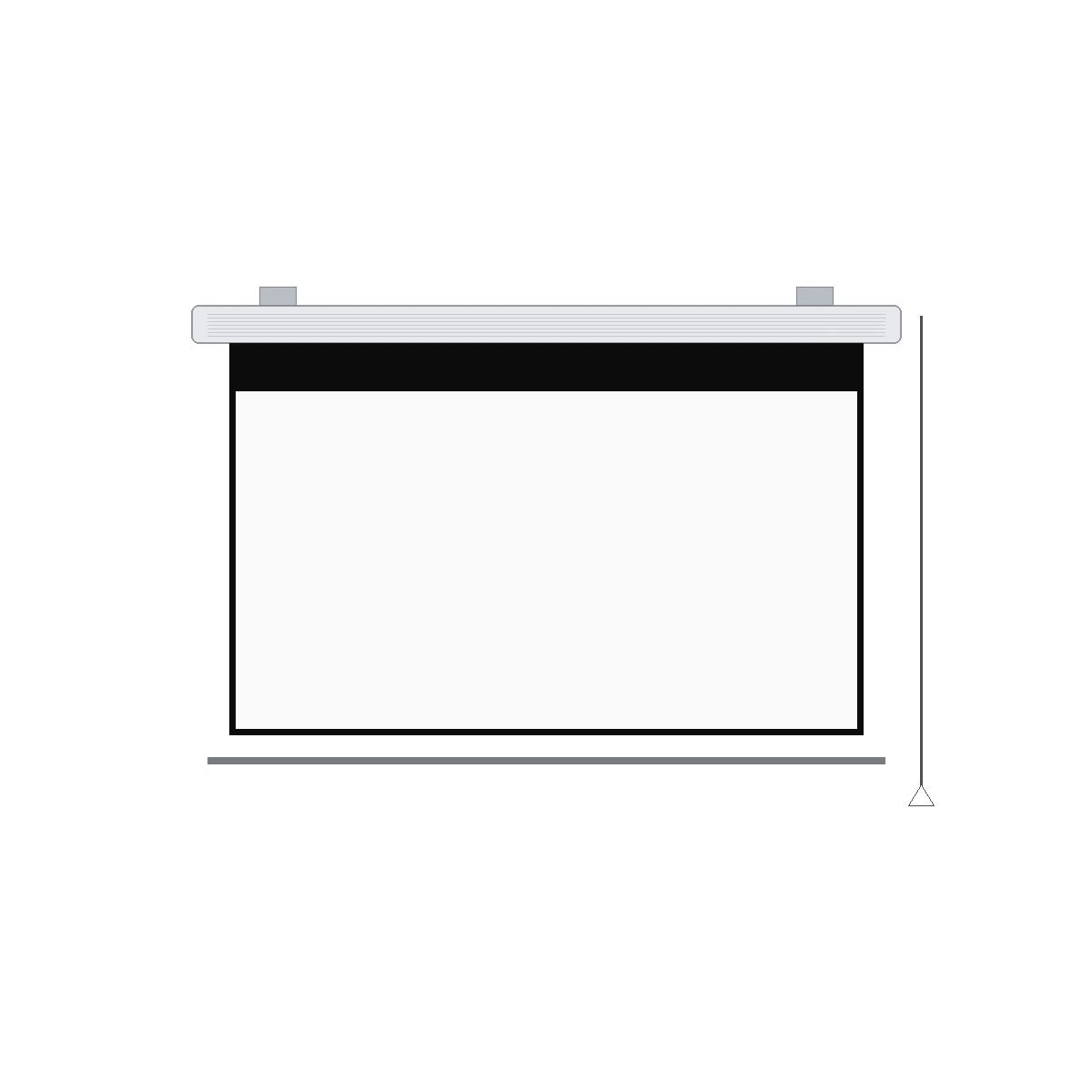
Alternative casing profiles for wall-mounted or ceiling-mounted manual self-lock screen projects.
Compare Housing Models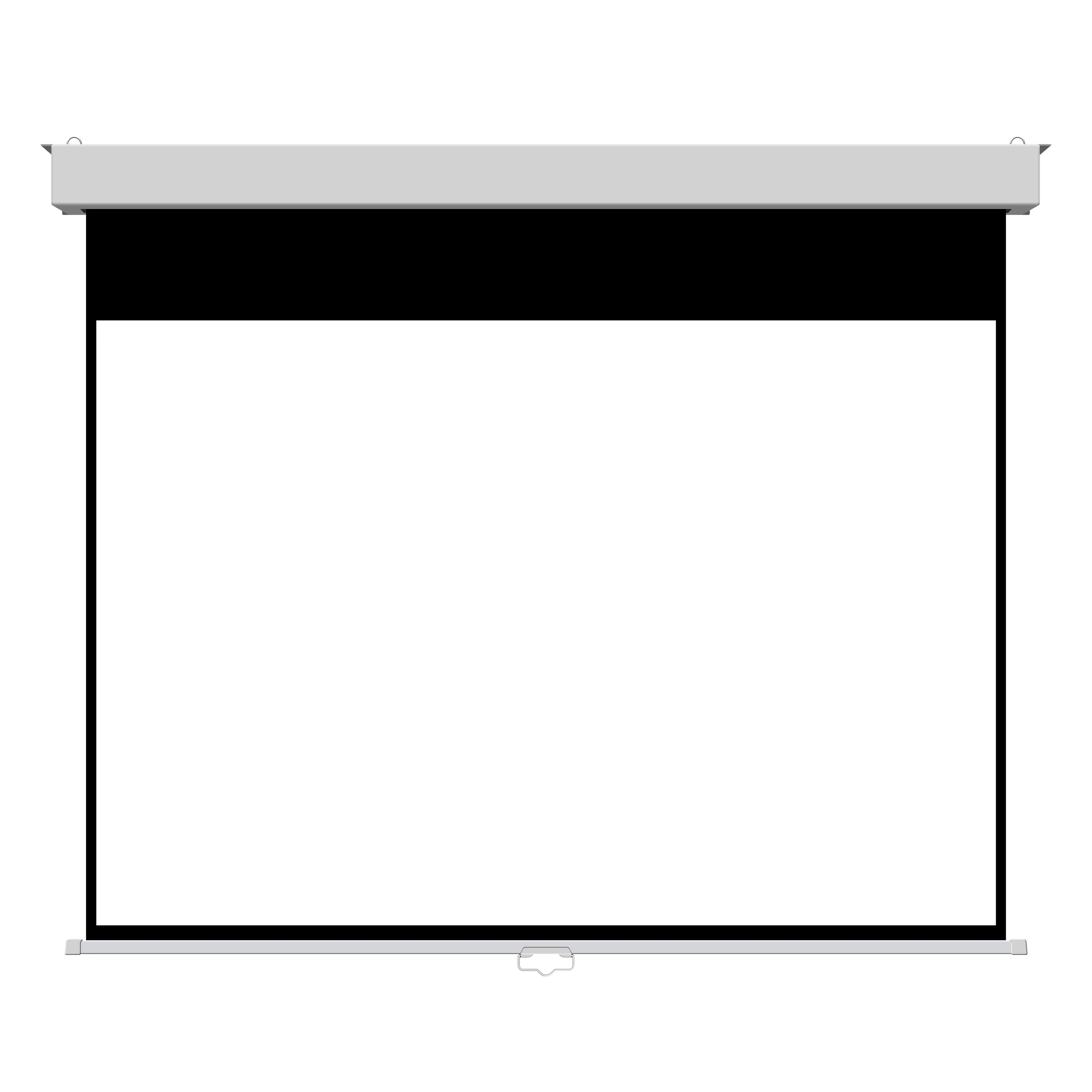
A flat-front housing direction for fixed education and commercial AV installations.
View Square ModelCompare All Manual Self-lock Screen Models

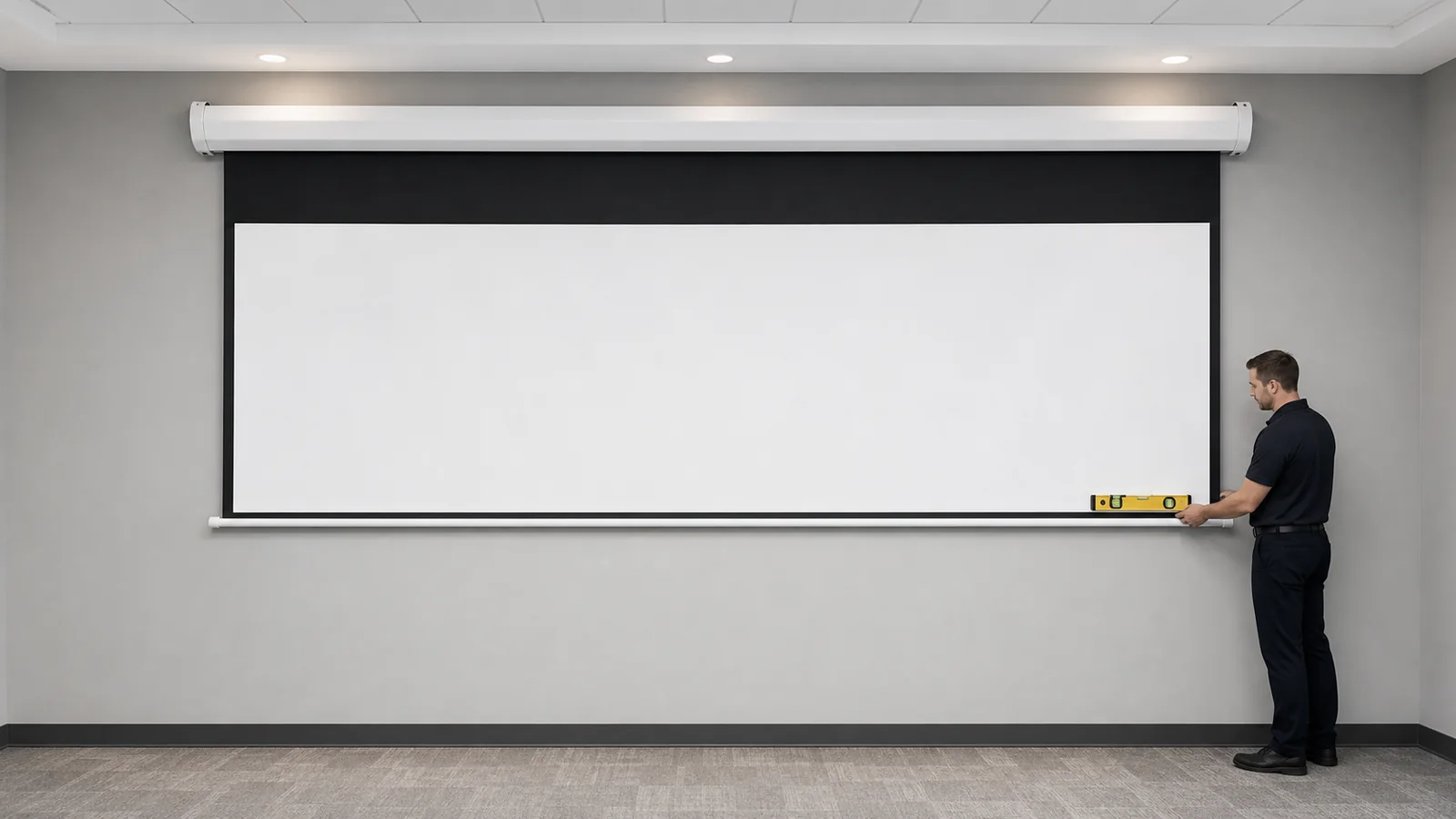
A manual screen is a practical fit when the screen stays in one room, users can reach it safely, and simple deployment matters more than motorized control.
Pull-down or self-locking manual formats are common starting directions for classrooms. Confirm wall position, viewing height, and daily use.
Some manual screen configurations support ceiling installation. Confirm the case, brackets, access, and pull-down clearance for the selected model.
Keep the screen surface clean and dry, avoid abrupt retraction, and leave access for routine inspection of the housing, spring and locking mechanism.
Share room dimensions, viewing distance, mounting position, screen size, aspect ratio, and how often the screen will be deployed.
Tell us where the screen will stay, how often it will be used, and the desired size and mounting position so MGF can recommend a manual screen direction.