Plan an Installation
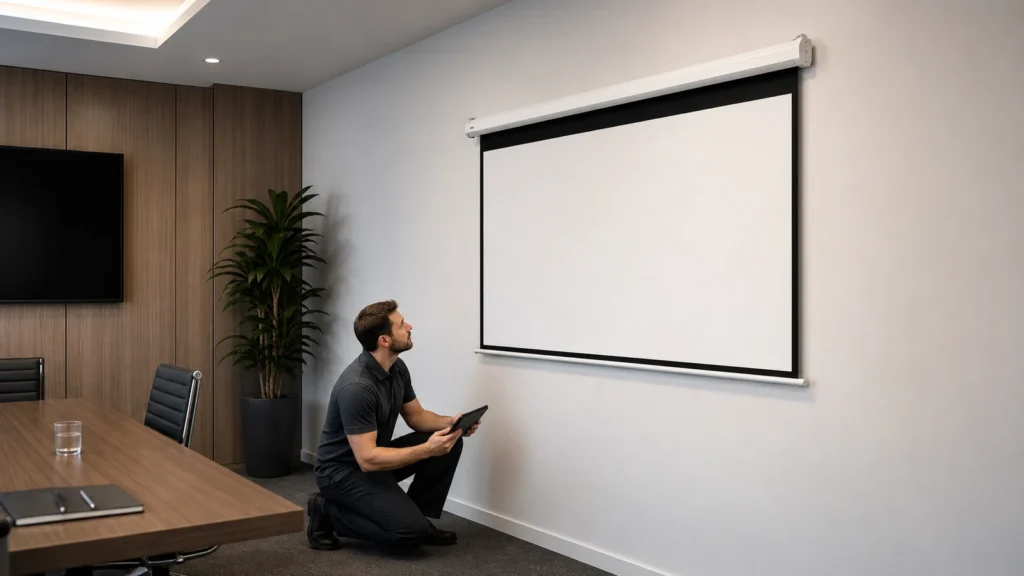
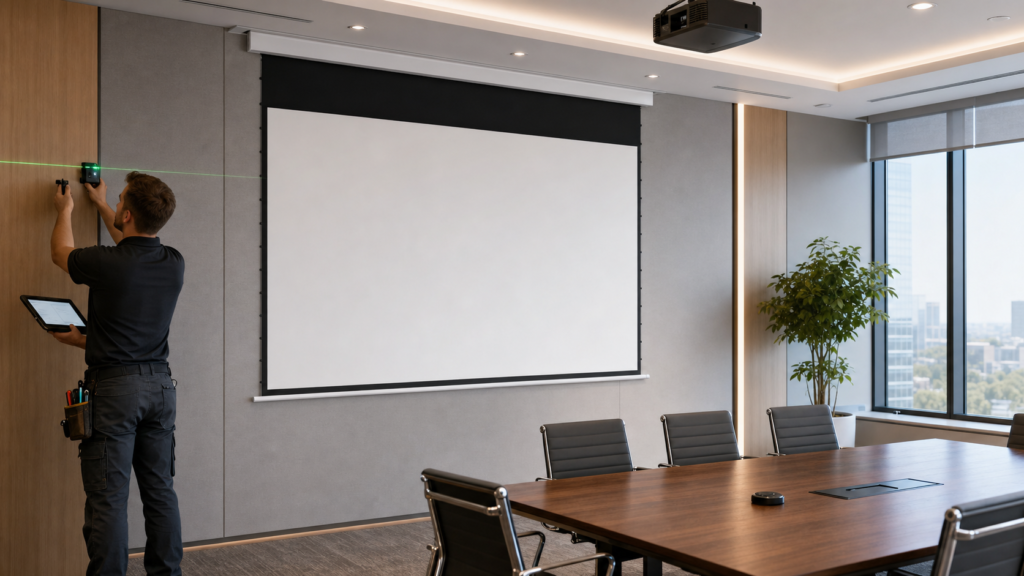
Confirm structure, housing position, access, power and control requirements.
INSTALLATION & TECHNICAL SUPPORT
Plan, install, integrate and commission projection screen systems, or find the safest next step when a screen will not move, stops midway or develops surface waves.
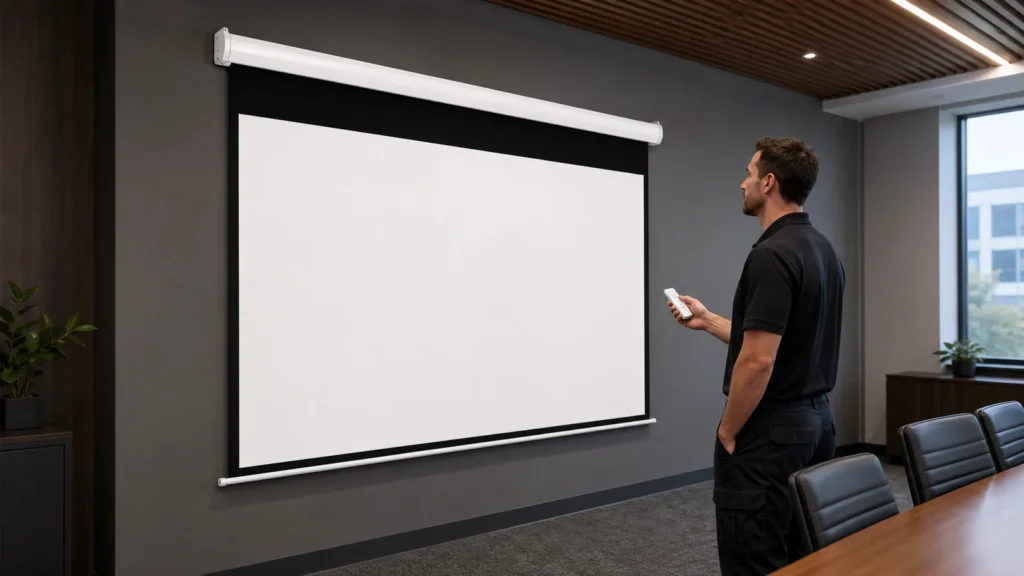
Confirm structure, housing position, access, power and control requirements.
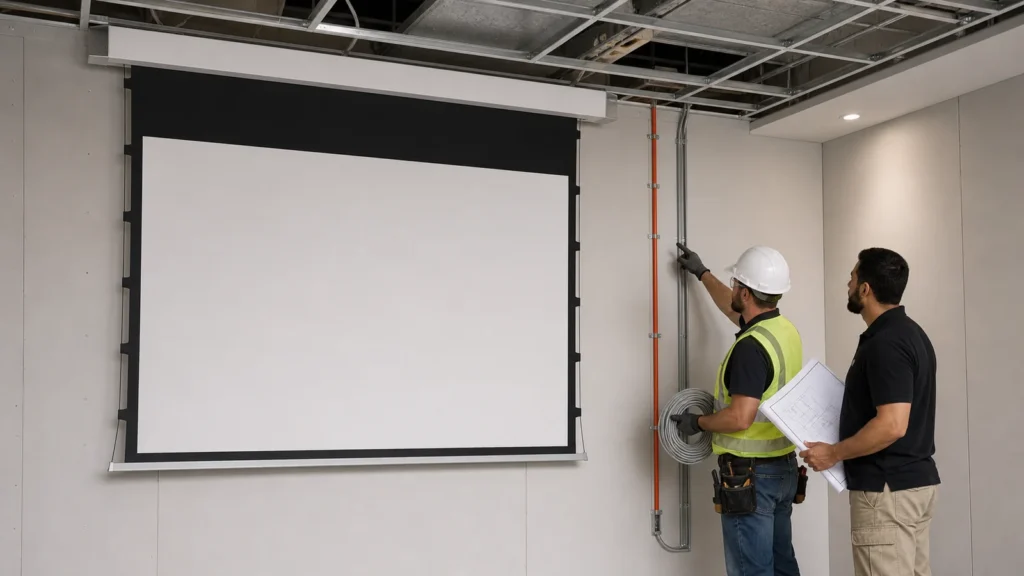
Identify the supplied RF, IR, dry-contact, RS-485 or AV interface.
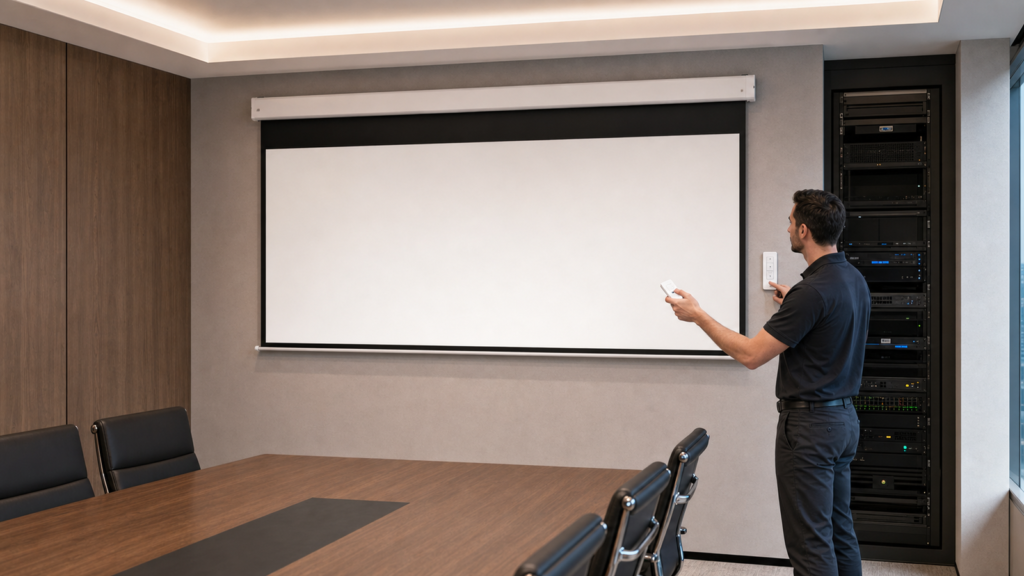
Use the instructions supplied for the exact motor and control system.
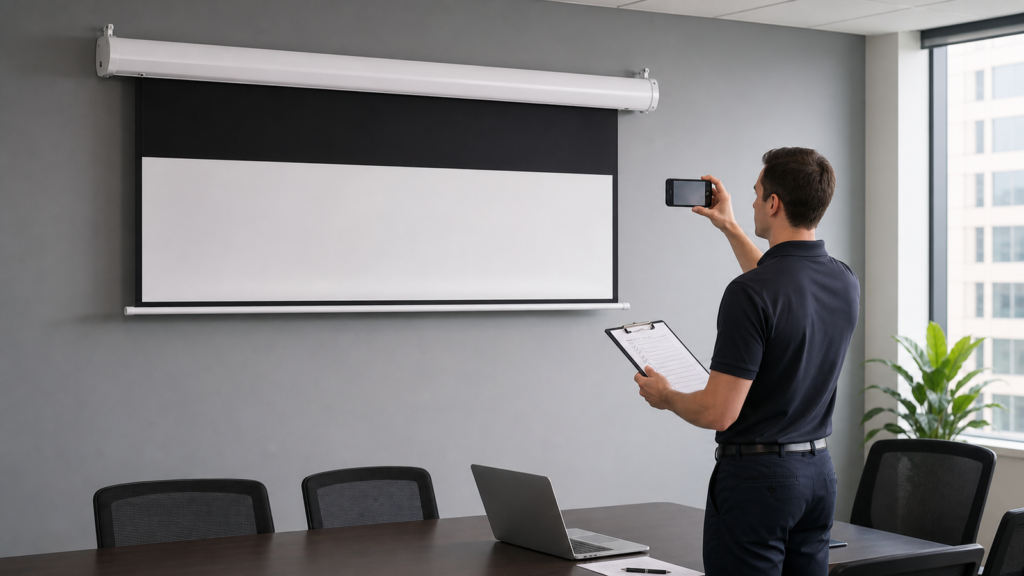
Record the symptom and complete only safe external observations.
Photograph waves, edge curl or uneven retraction without pulling the surface.
| Symptom | Safe first observation | Next destination |
|---|---|---|
| Screen will not lower or retract | Record the screen position, control method, visible response and any motor sound. Stop repeated commands if resistance remains. | Motorized Screen Troubleshooting → |
| Screen stops midway | Look for obstruction, uneven travel or unusual sound. Stop if resistance remains. | Troubleshooting & Commissioning → |
| Remote or wall control does not respond | Identify the supported control interface for the supplied model. | Motorized Screen Control Guide → |
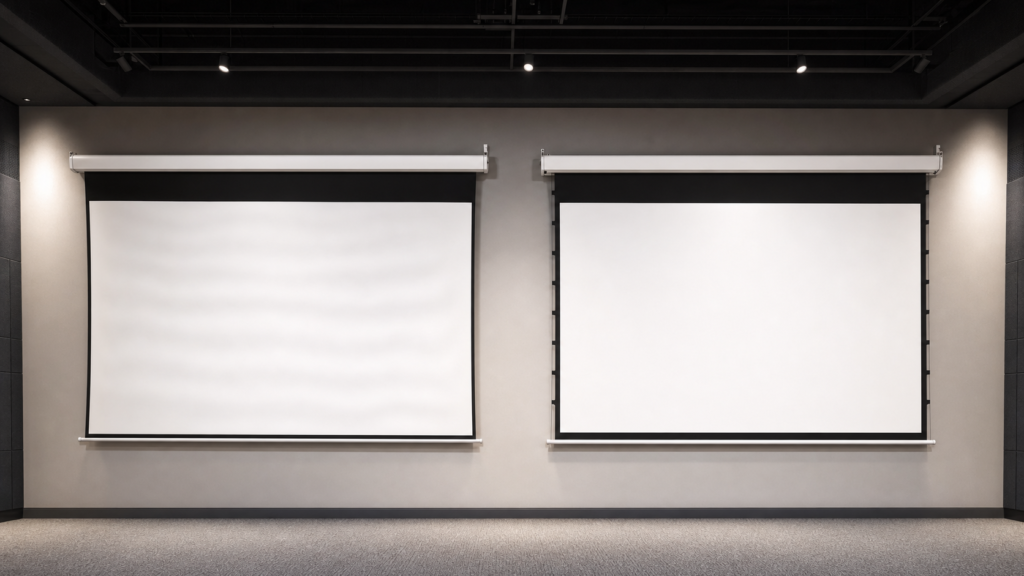
| Fabric shows waves or edge curl | Photograph the surface and edges. Do not pull, heat or stretch. | Screen Waves & Tab Tension Guide → |
Product, image size, structure and service access
Housing position, level, support and clear travel
Power and selected control interface
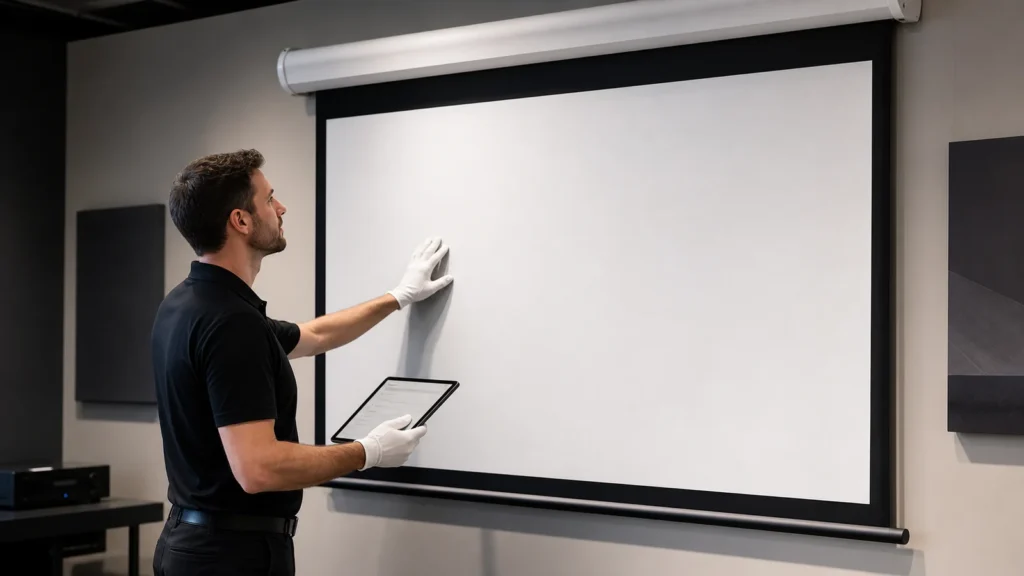
Travel, limits, controls and surface checks
Approved settings, documents and support records
Practical guidance for planning, specification and project-level confirmation.
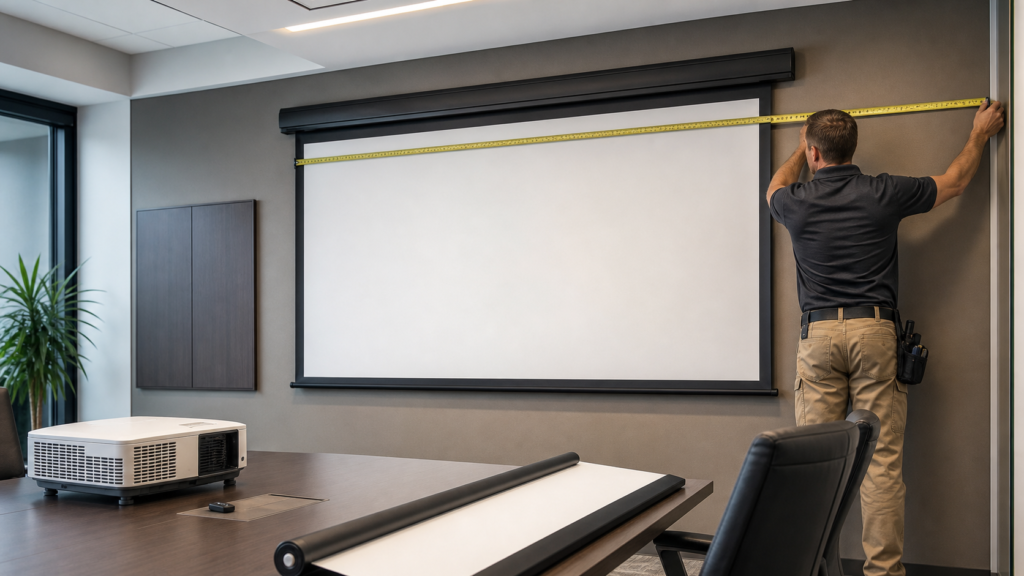
Installation & Troubleshooting
Installation & Troubleshooting
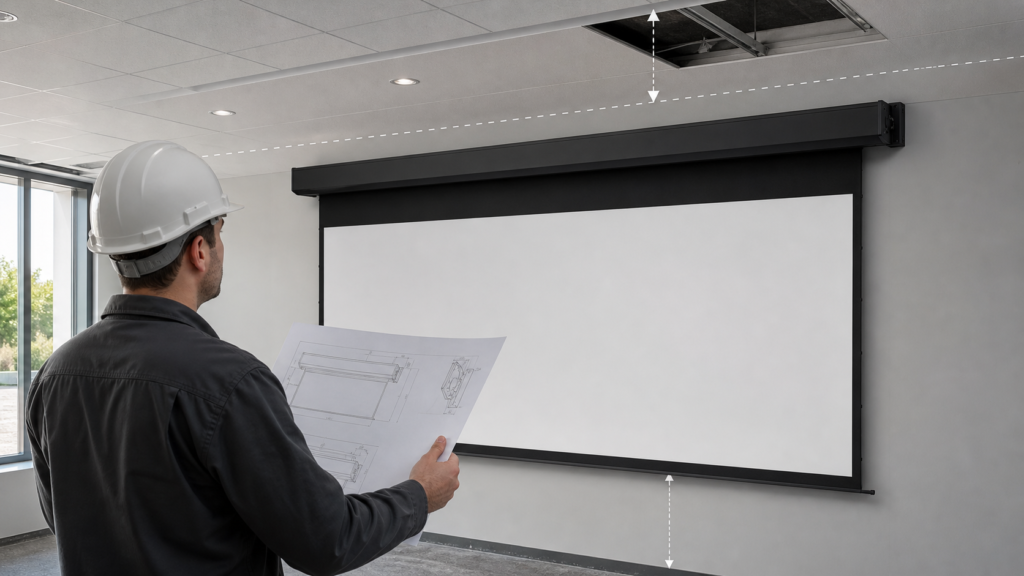
Installation & Troubleshooting
Installation & Troubleshooting
Installation & Troubleshooting
Installation & Troubleshooting
Installation & Troubleshooting
Installation & Troubleshooting
Installation & Troubleshooting
Installation & Troubleshooting
Installation & Troubleshooting