Use, frequency and audience
SCREEN SELECTION GUIDES
How to Choose the Right Projection Screen
Work through the room, projector, image size, screen structure, material and installation conditions in the right order—then turn an initial requirement into a screen specification ready for confirmation.
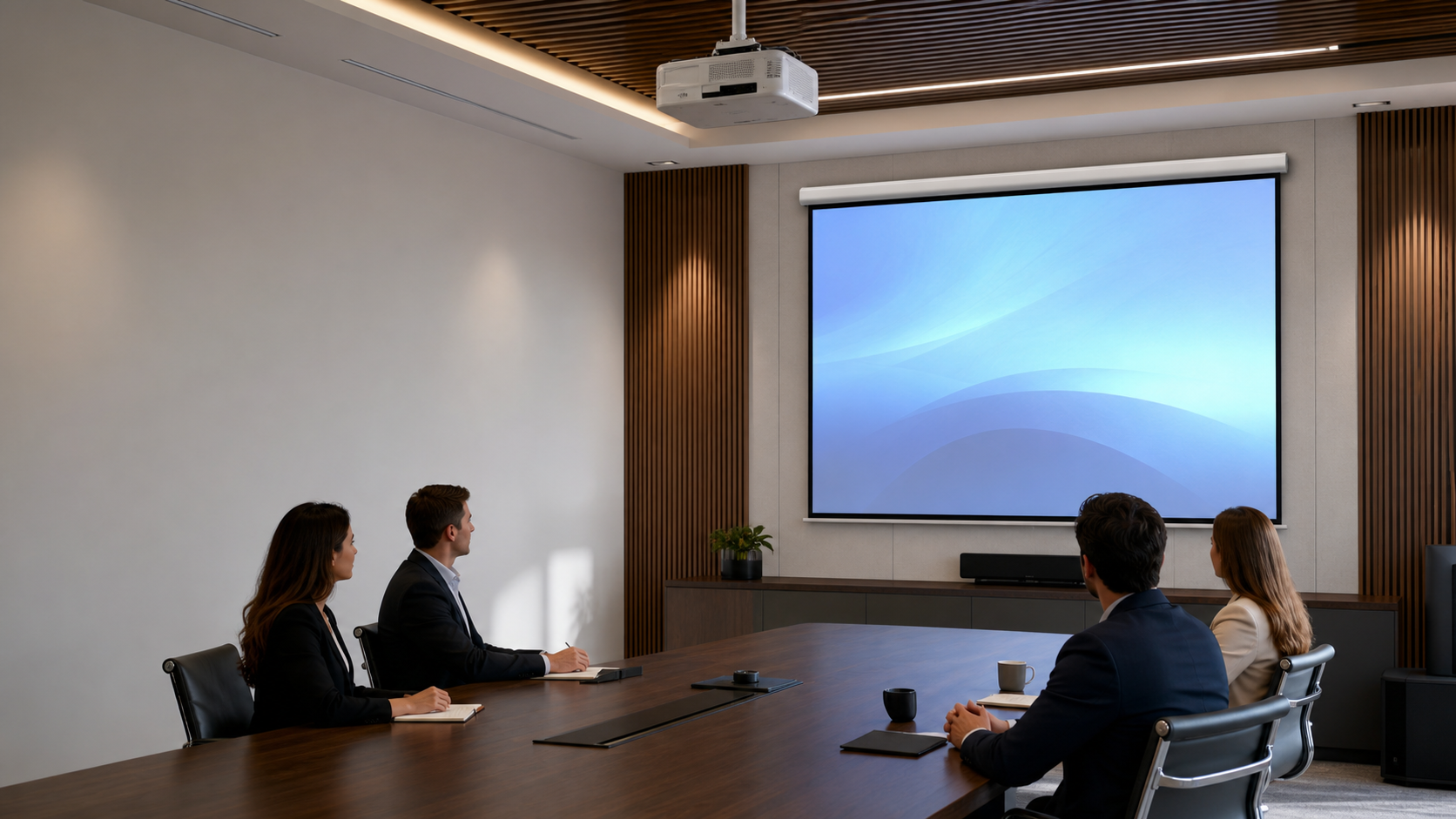
Model, lens and throw geometry
Visible size and aspect ratio
Structure, control and access
Build Your Screen Specification in Six Steps
Use this sequence to narrow the screen direction before comparing individual models.
Room & Application
Use, audience, frequency and ambient light
Projector & Throw Geometry
Model, lens, mounting position and throw distance
Image Size & Aspect Ratio
Content format, visible area and seating
Screen Structure
Fixed, motorized, manual, floor-rising or portable
Surface & Flatness
Material, projector geometry and viewing coverage
Installation, Control & Service
Mounting, power, controls and access
Screen requirement ready for model-level confirmationDocument the specification and verify it against the selected product.
Choose a Screen Direction by Project Constraint
Permanent wall installation
Starting directionFixed FrameHidden when not in use
Starting directionMotorized / In-CeilingNo wall or ceiling mounting
Starting directionFloor-RisingMobile or temporary setup
Starting directionPortable / Fast-FoldHigher flatness priority
Starting directionTab-TensionedSimple operation without power
Starting directionManualCompare the Main Projection Screen Directions
| Screen direction | Best starting condition | Confirm before ordering |
|---|---|---|
| Fixed Frame | Permanent image-focused installation | Wall structure, image size, material and speaker layout |
| Motorized | Retractable screen for recurring use | Power, control, limits and service access |
| Manual | Simple retractable installation | Operating height, mounting and user handling |
| Floor-Rising | No suitable wall or ceiling position | Floor space, stability, clearance and storage |
| Tab-Tensioned | Retractable screen with higher flatness priority | Material, projector geometry and maintenance |
| Portable / Fast-Fold | Events and temporary installations | Transport route, setup crew and projection direction |
Screen Selection Guide Library
Practical guidance for planning, specification and project-level confirmation.
Screen Selection
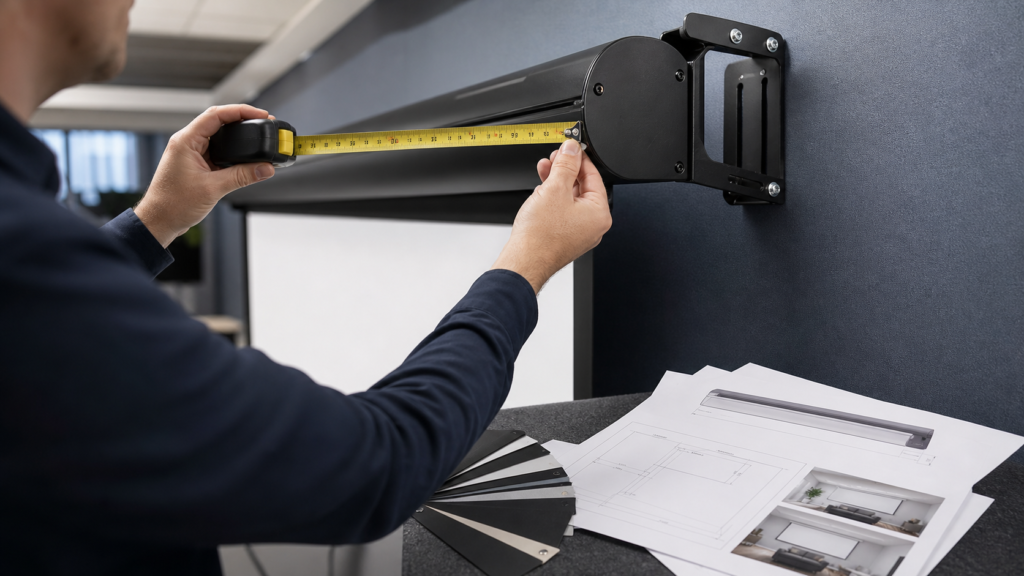
Projection Screen Replacement vs New Installation Guide
A practical decision framework for upgrading an existing projection screen without carrying old installation assumptions into a new project.Read the guide
Screen Selection
Projection Screen Viewing Distance and Image Height Guide
A room-planning method for choosing visible image dimensions before ordering a projection screen.Read the guide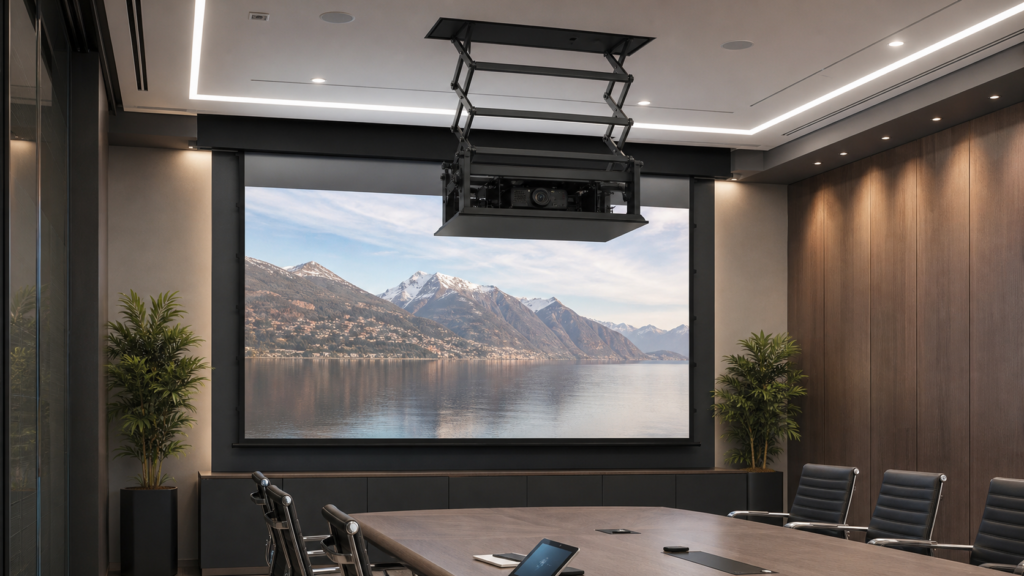
Screen Selection
SX Projector Lift Planning Guide for Concealed AV Installations
A project checklist for coordinating an SX projector lift with a concealed motorized projection screen installation.Read the guide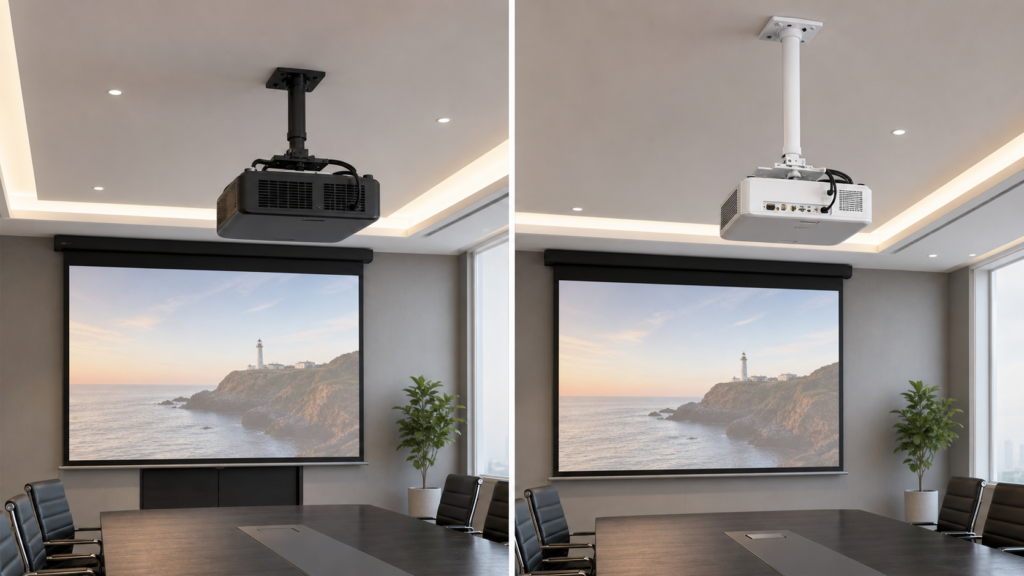
Screen Selection
AST vs PM Projector Mounts: A Project Specification Guide
A model-safe checklist for comparing AST and PM projector mounting hardware in projection screen projects.Read the guide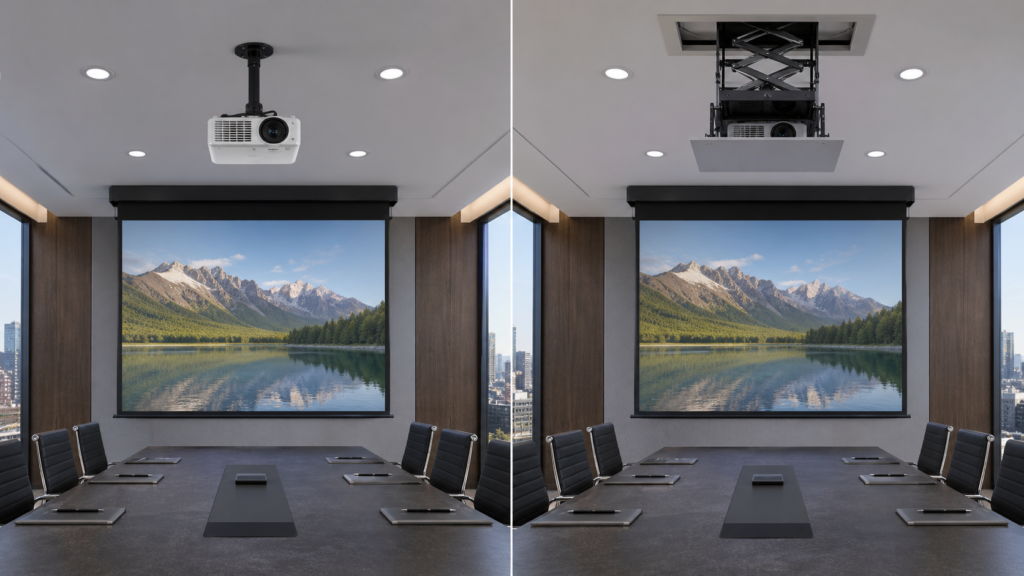
Screen Selection
Projector Mount vs Projector Lift: Which Installation Hardware Do You Need?
A practical hardware comparison for AV integrators coordinating a projector with a motorized projection screen.Read the guide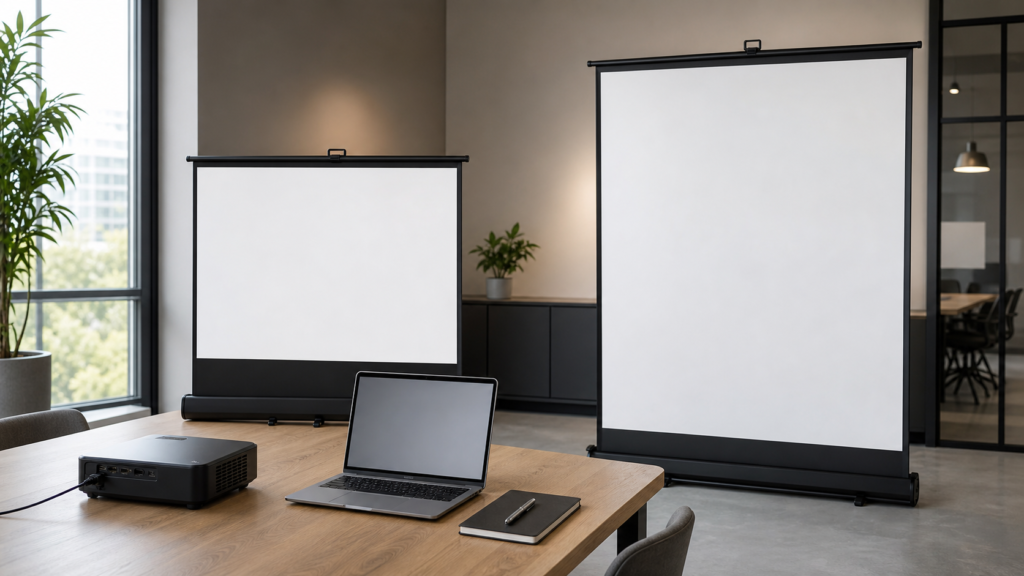
Screen Selection
Tabletop vs Floor Pull-Up Projection Screens for Mobile Presentations
How to choose a compact tabletop or floor pull-up projection screen for mobile presentations and flexible rooms.Read the guide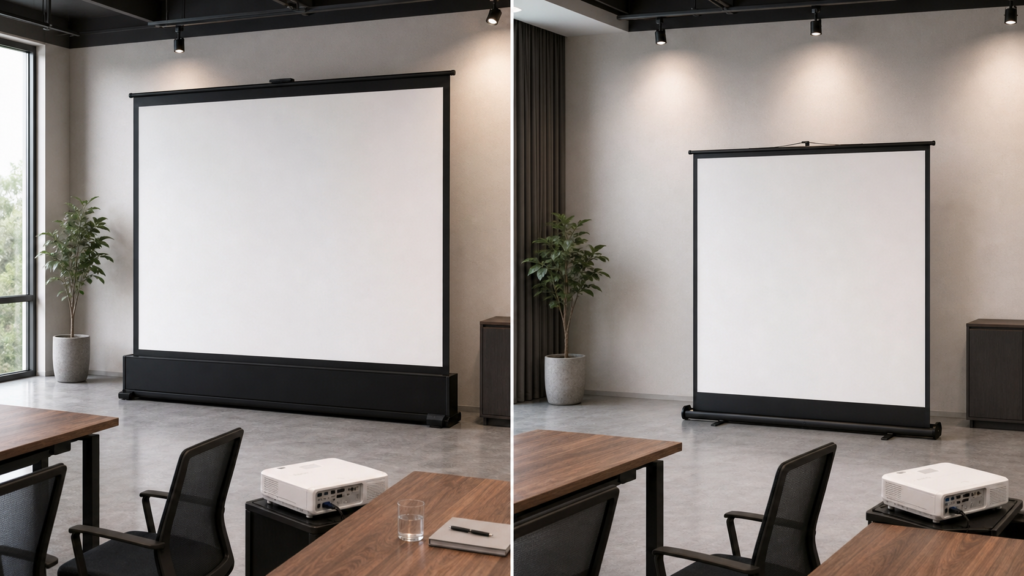
Screen Selection
Floor-Rising vs Manual Floor Pull-Up Projection Screens
How to choose between motorized floor-rising and manual floor pull-up screens for flexible presentation, cinema and commercial spaces.Read the guide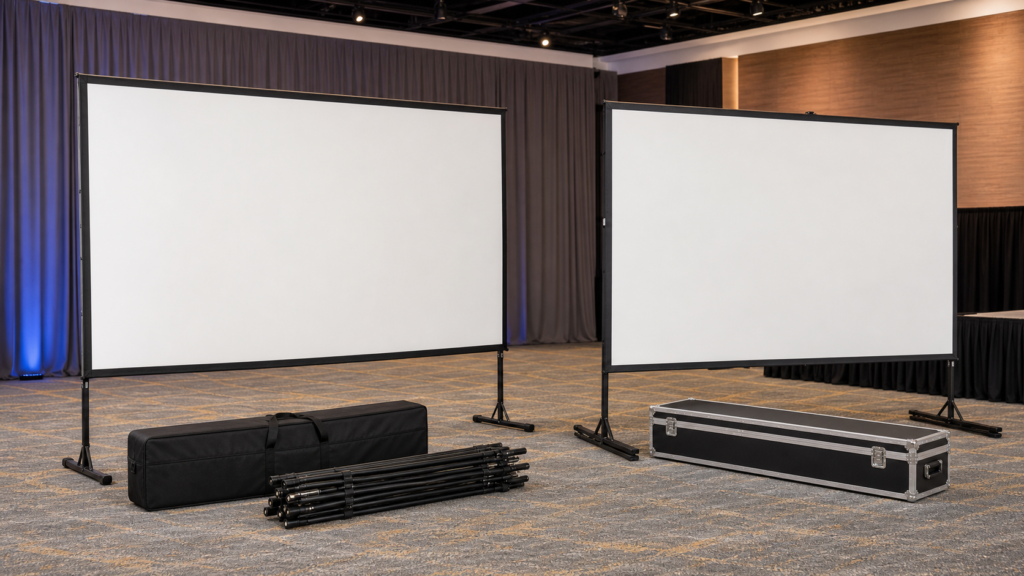
Screen Selection
Portable Folding vs Fast-Fold Projection Screens
A practical comparison for event, training and roadshow buyers choosing a portable folding projection screen system.Read the guide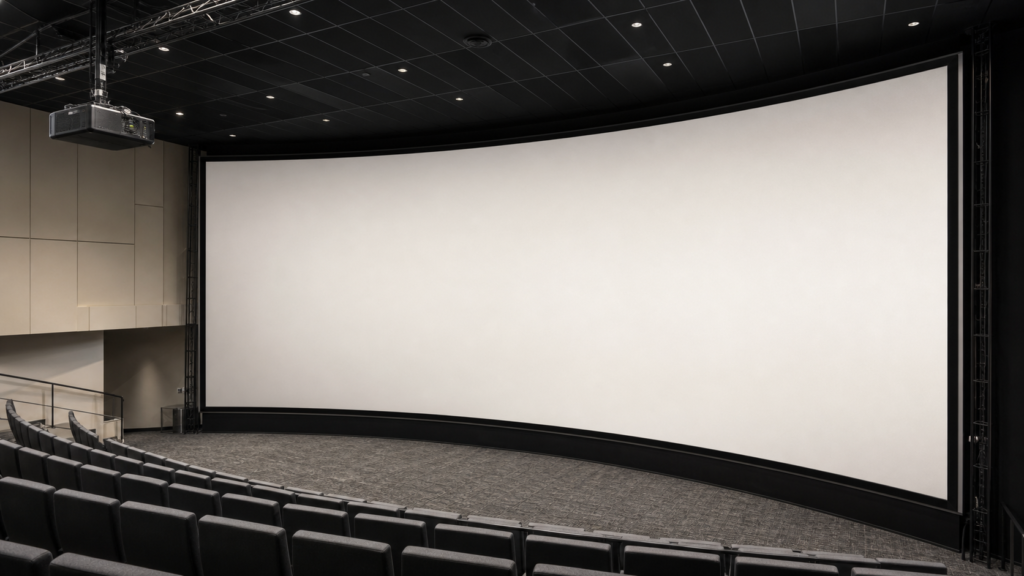
Screen Selection
Curved Fixed Frame Projection Screen Guide for Large Venues
A project planning guide for large curved fixed frame screens where geometry, sightlines and engineering coordination matter.Read the guide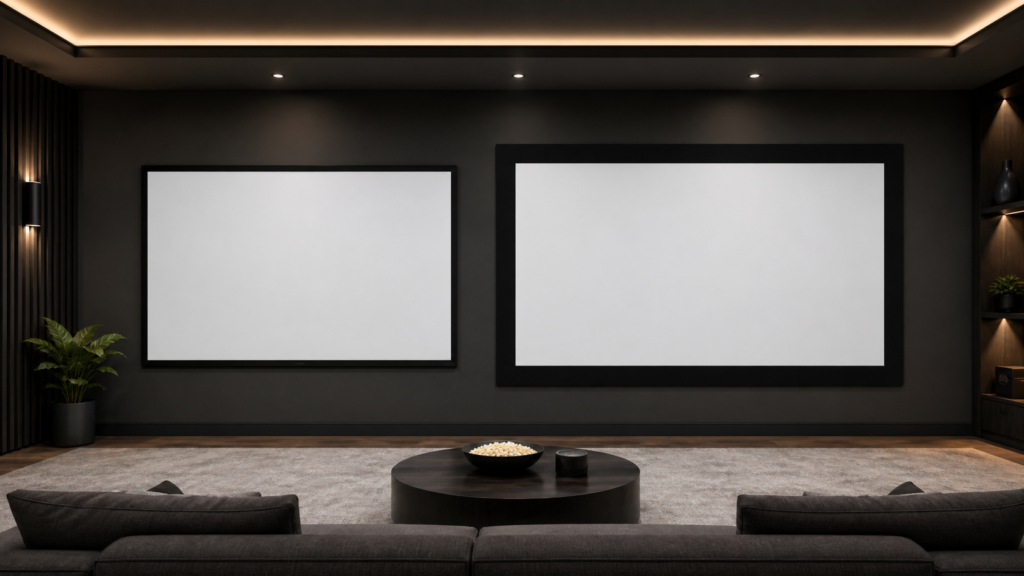
Screen Selection
65mm vs 87mm Fixed Frame Screen Borders
A project-focused guide to choosing fixed frame border width without confusing frame size with visible image size.Read the guide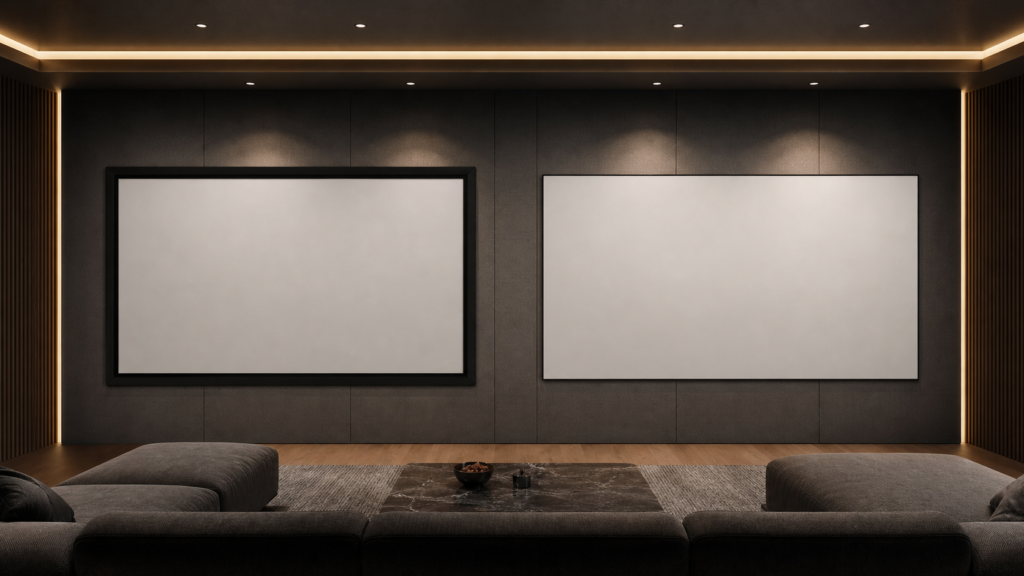
Screen Selection
Full-Screen vs 10mm Narrow-Bezel Fixed Frame Screens
How to choose between a full-screen fixed frame and an ultra-narrow bezel design without overlooking the image plane, wall and material requirements.Read the guide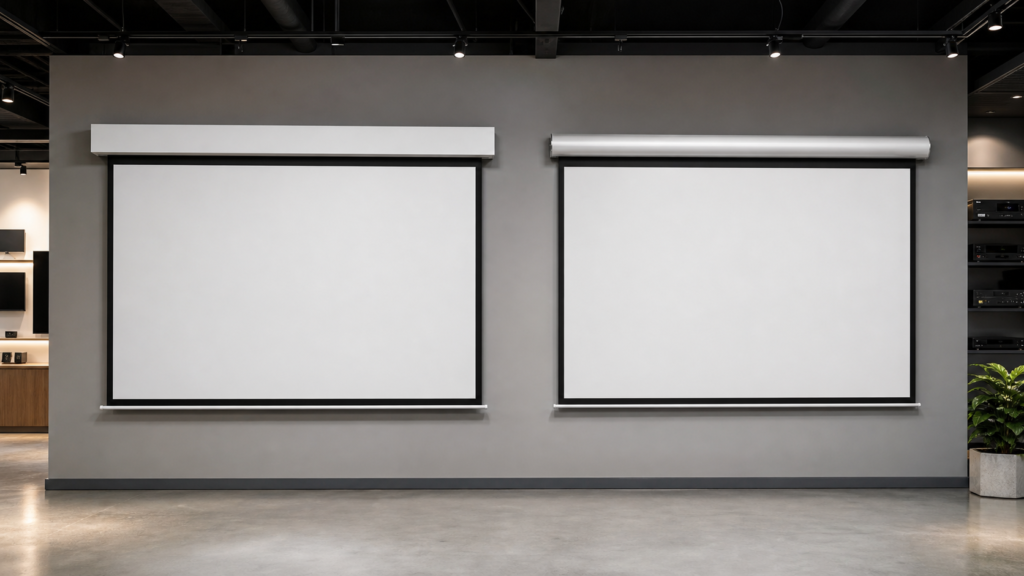
Screen Selection
Square Housing vs Aluminum Casing Motorized Screens
A practical comparison for buyers choosing between square and aluminum casing motorized projection screen structures.Read the guide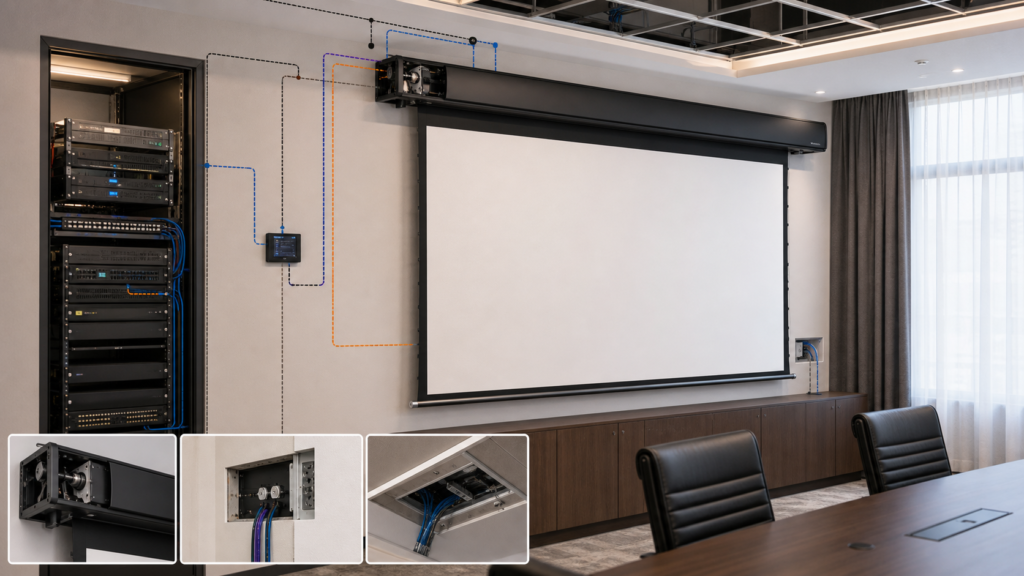
Screen Selection
95mm Round Housing Motorized Screen Guide
A model-safe selection workflow for projects considering a round housing motorized projection screen.Read the guide
Screen Selection
80mm Aluminum Housing Motorized Screen Guide
How to evaluate an 80mm aluminum housing motorized projection screen without choosing by casing size alone.Read the guide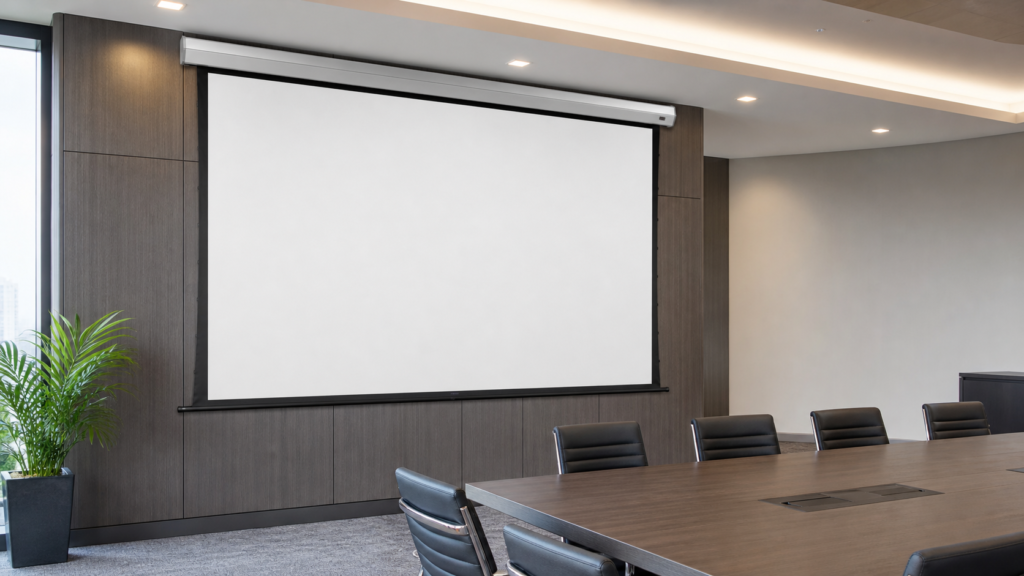
Screen Selection
Low-Voltage Motorized Projection Screen Guide
A practical guide for AV buyers and integrators comparing low-voltage motorized screen requirements, control, installation and project documentation.Read the guide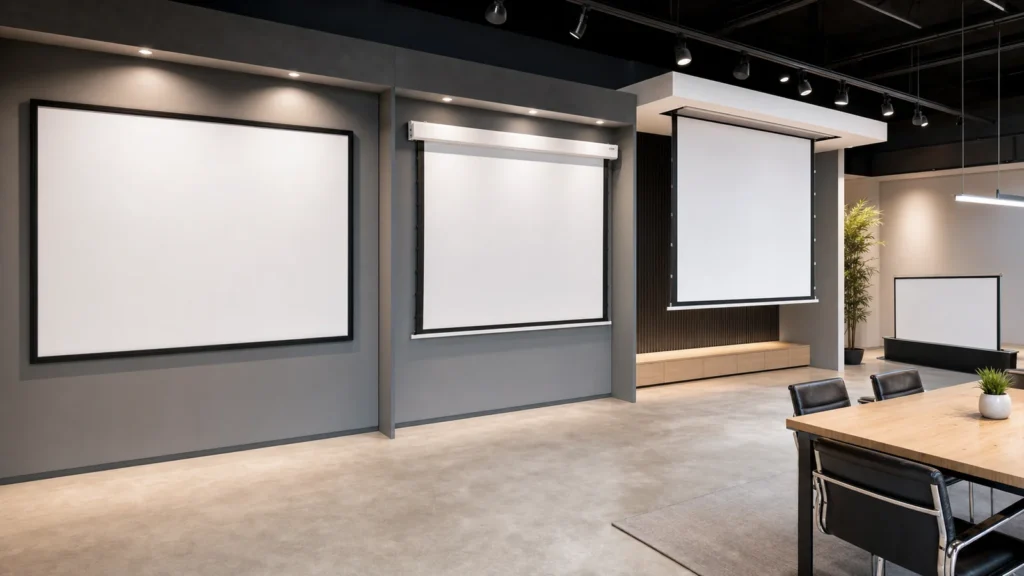
Screen Selection
Projection Screen Installation Methods Compared
Compare six common projection screen installation approaches and identify the building, electrical and service checks required before ordering.Read the guide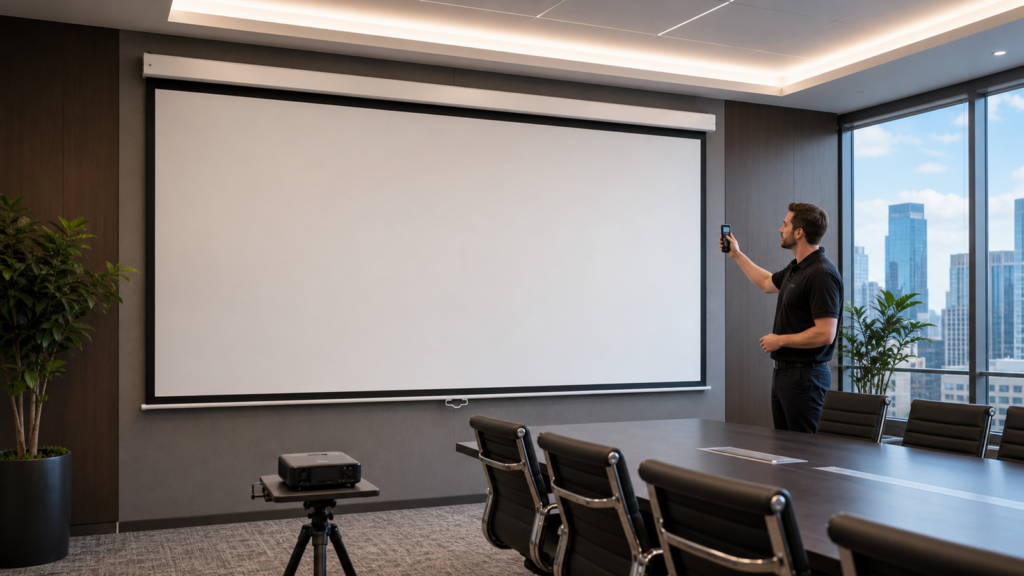
Screen Selection
Projector Brightness, Throw Ratio and Screen Pairing Guide
A verification method for pairing projectors with projection screens—throw geometry, brightness against screen area and room light, and the checks to run before ordering either.Read the guide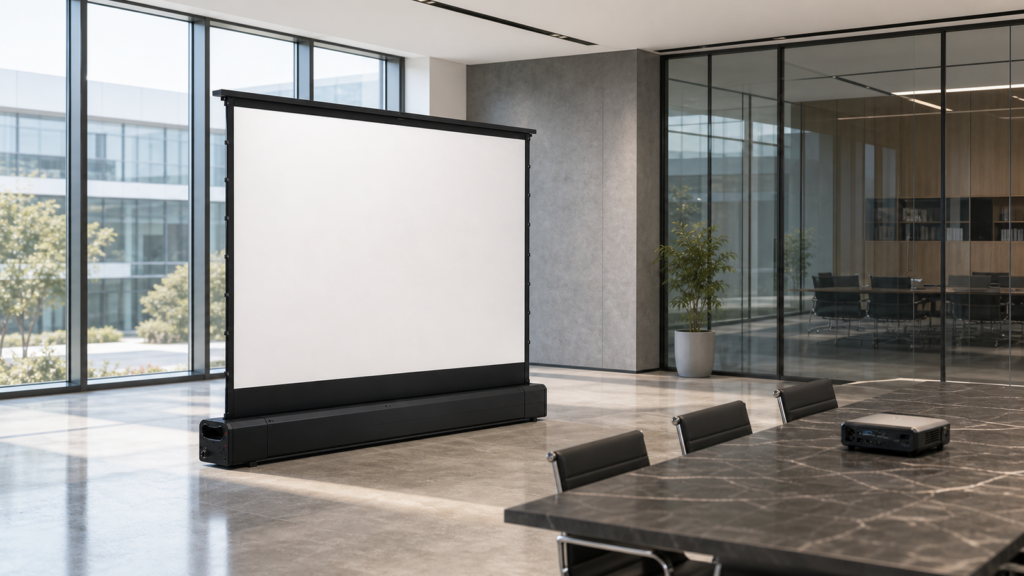
Screen Selection
Floor-Rising Projection Screen Guide: When to Choose It and How to Specify
A selection guide for floor-rising projection screens covering the rooms they solve, how they compare with ceiling and portable options, and what to confirm before ordering.Read the guide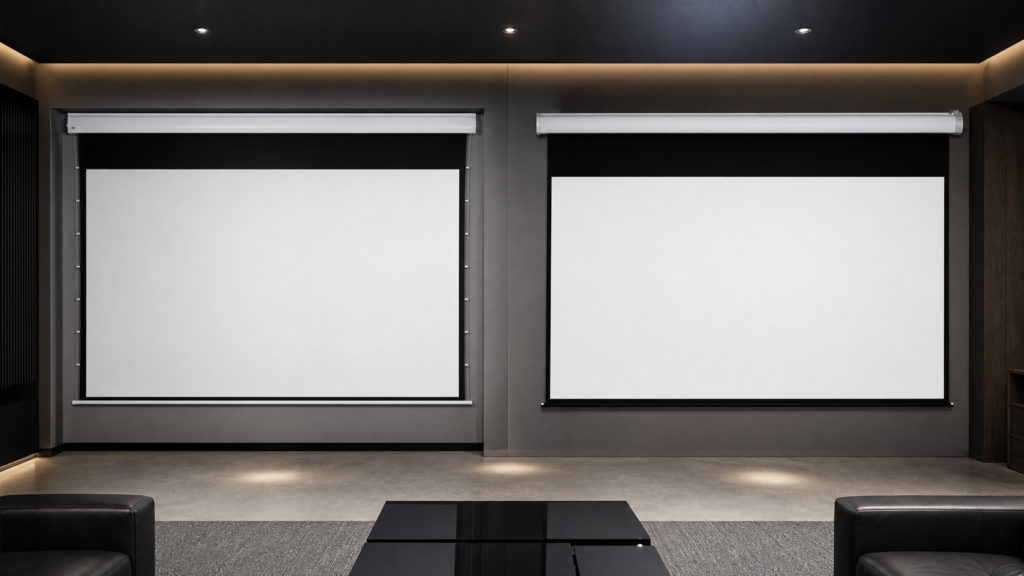
Screen Selection
Tab-Tensioned vs Non-Tensioned Motorized Screens: Which Should You Choose?
Learn when side tensioning is worth the added cost and complexity—and when a standard motorized screen is the more practical choice.Read the guide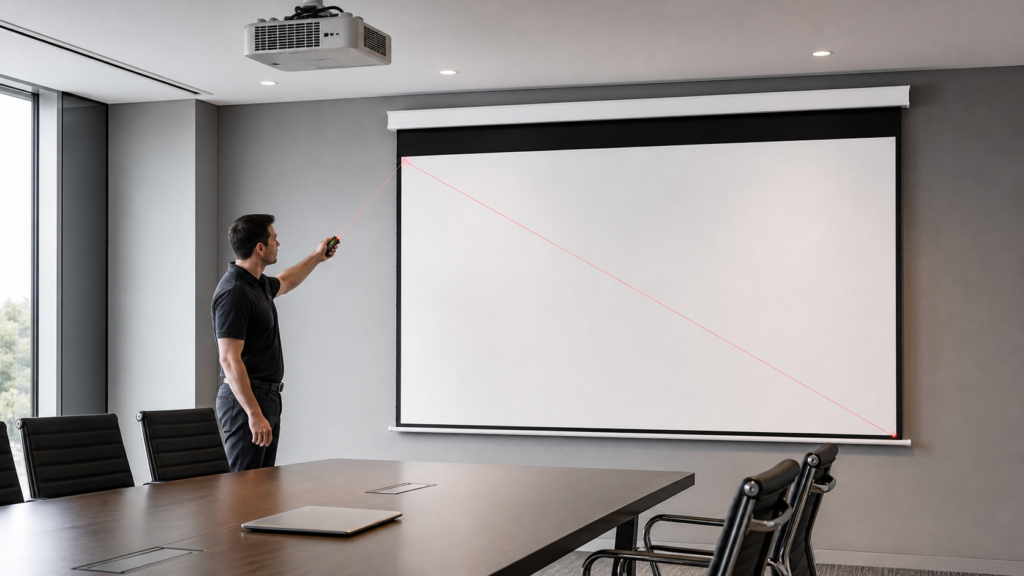
Screen Selection
Projection Screen Size and Aspect Ratio Guide for AV Projects
A step-by-step method for choosing visible image dimensions, aspect ratio and screen format for commercial AV, education and home-cinema projects.Read the guide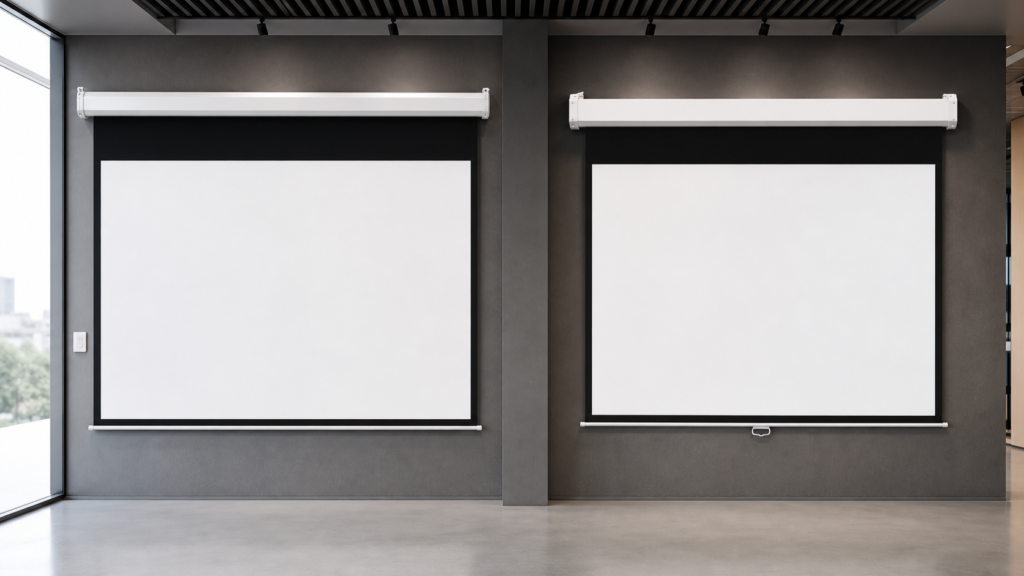
Screen Selection
Motorized vs Manual Projection Screens: Which Is Better for Commercial Projects?
A practical comparison of electric and manual projection screens for meeting rooms, classrooms, training spaces and commercial AV projects.Read the guideFrequently asked questions
What information should I prepare before choosing a screen?
Prepare the application, projector model and lens, throw distance, target image size, aspect ratio, ambient light, seating area, installation position and preferred control method.
Should I choose a fixed frame, motorized or portable screen?
Choose by installation and operating conditions. Fixed-frame screens suit permanent installations, motorized screens suit retractable recurring-use spaces, and portable screens suit temporary projects.
How do I determine screen size and aspect ratio?
Start with content format, projector capability, available space and audience viewing area. Confirm the image plan before selecting a product model.
When should I consider a tab-tensioned screen?
Tab tension is a starting direction when a retractable installation has a higher flatness priority. Material, size, projector geometry and maintenance still require model-level confirmation.
Can a screen be selected from room dimensions alone?
No. Projector geometry, image size, material, mounting, control, service access and use conditions must also be reviewed.