
RoundPro Luxe Electric Tab-Tension Projection Screen
Bring retractable projection to living rooms, meeting rooms and classrooms. RoundPro Luxe pairs a rounded housing with side tab-tension support for a fixed indoor screen that rolls away after use. Select the image format and projection surface to suit your room, then match the installation and motor configuration to your project.
- Rounded Housing
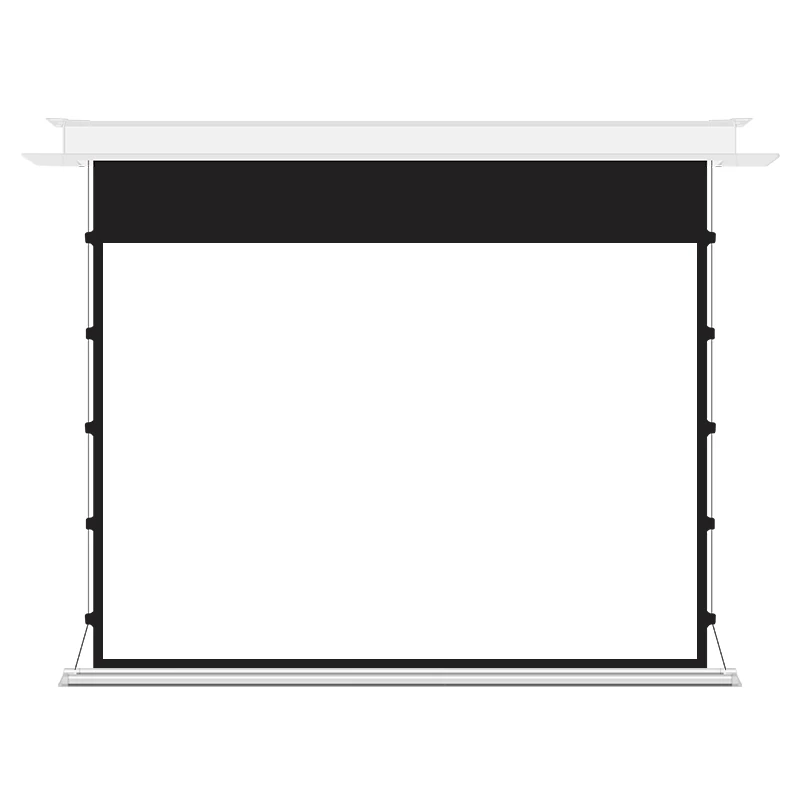
- Side Tab-Tension Support
- A Surface Choice for Your Setup
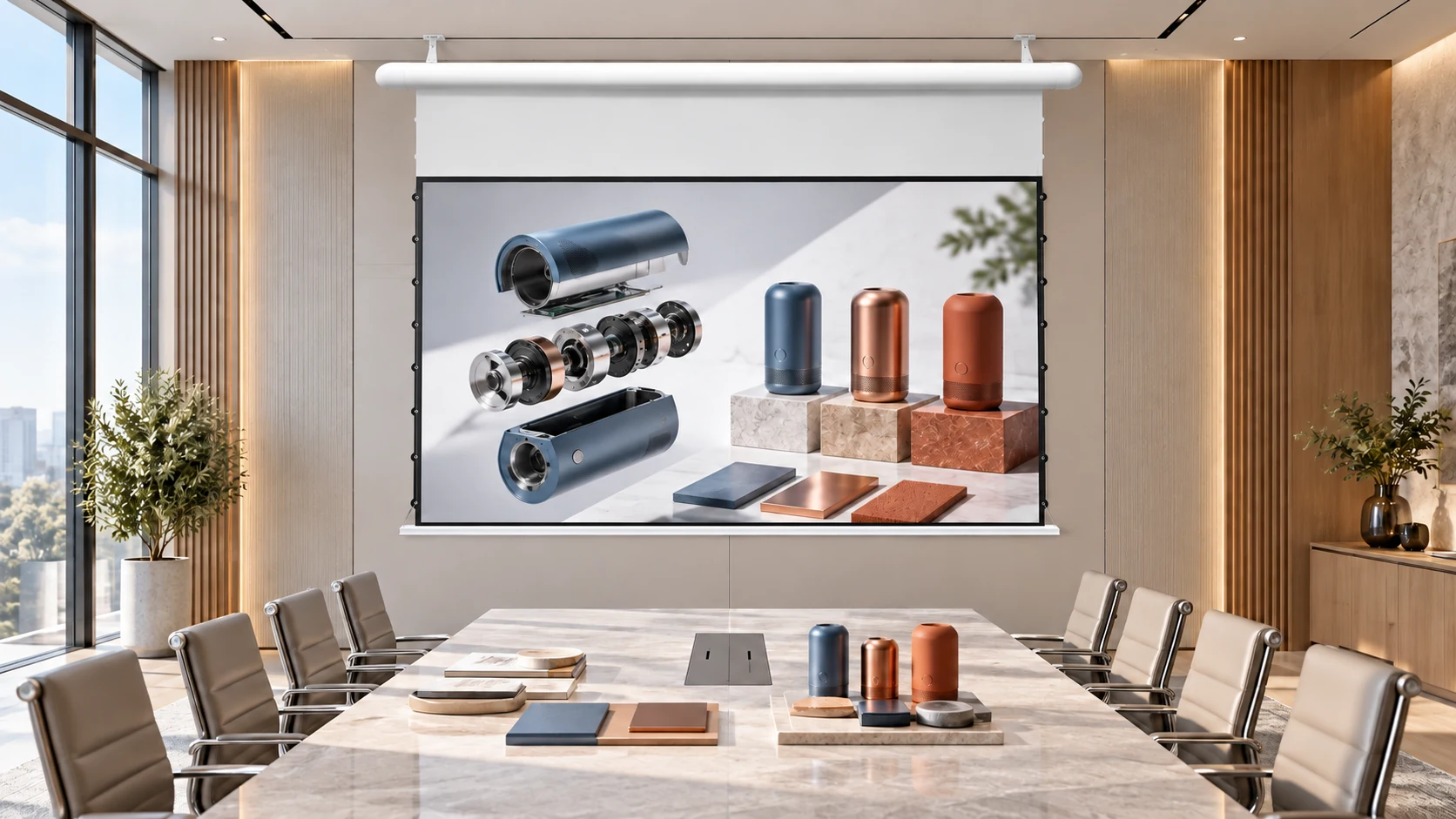
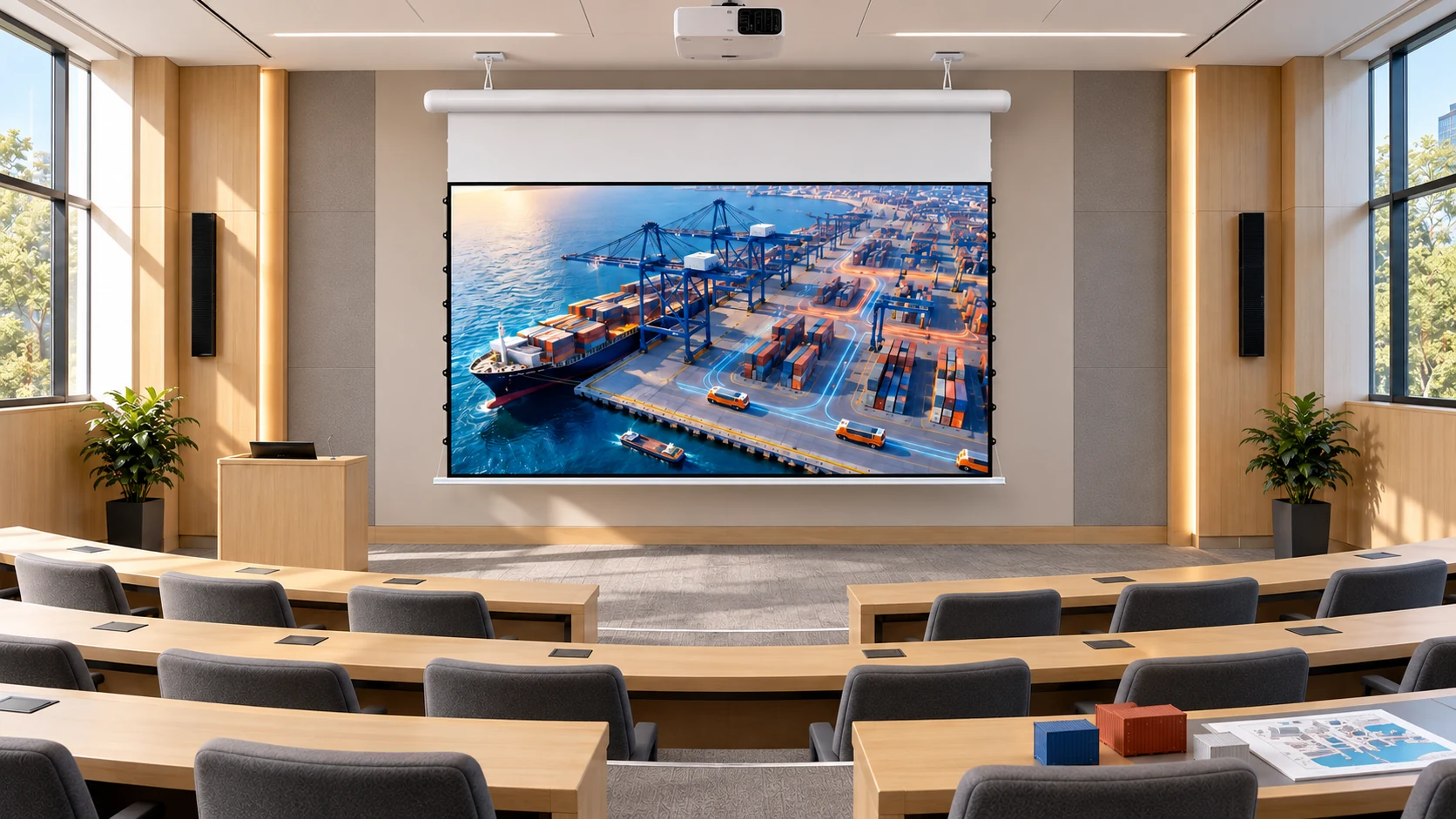
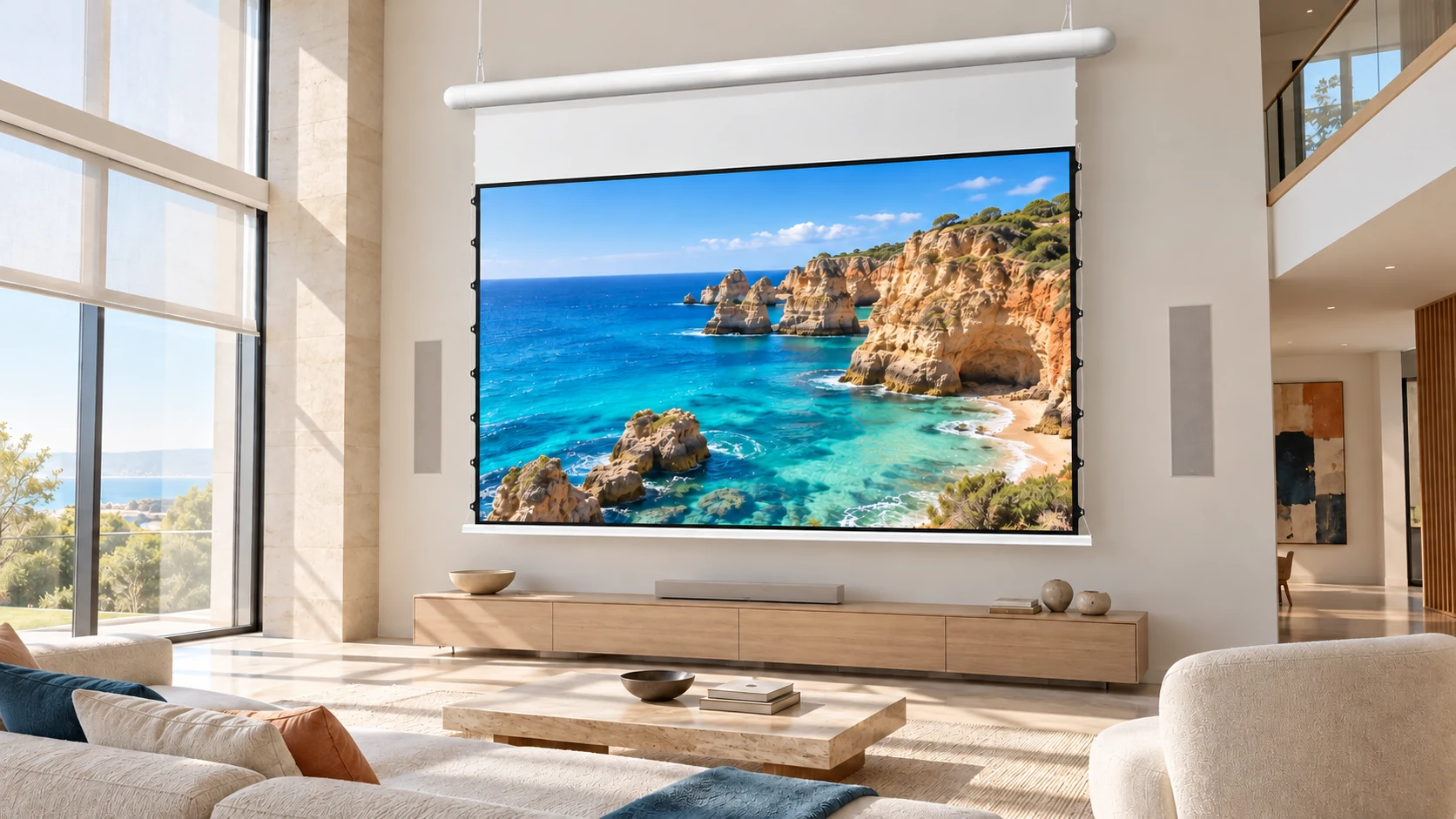
Best-fit Application Scenarios
Use a fixed indoor screen for presentations and home viewing, with the installation matched to the room.
Features & Benefits
Rounded Housing
The rounded casing gives the installation a softer visual profile. Its dimensions and mounting position can be coordinated with the room layout before ordering.
Side Tab-Tension Support
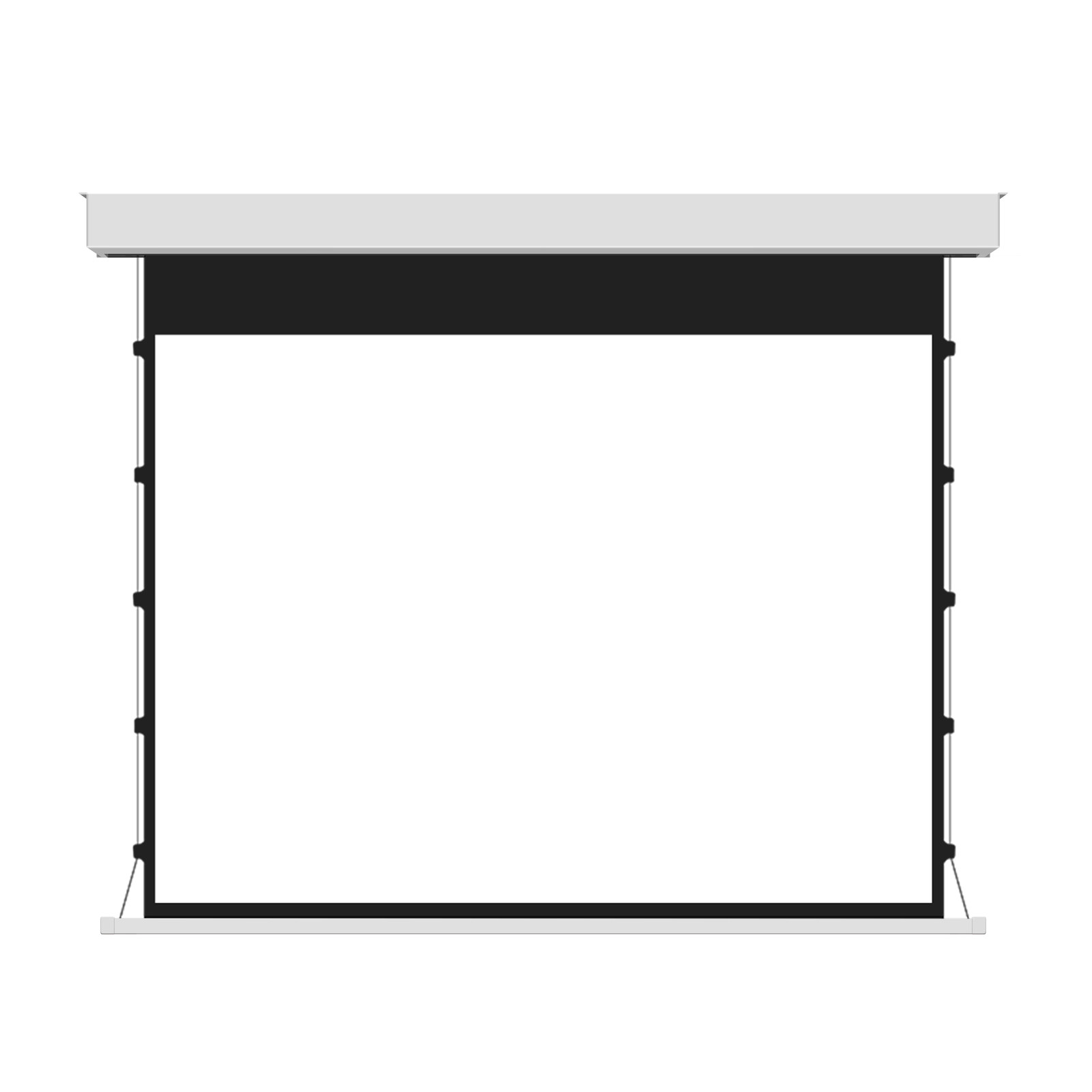
Cables and tabs along the sides support the screen surface when deployed. This structure is part of the screen mechanism; projector compatibility depends on the selected surface and projection setup.
A Surface Choice for Your Setup
Compare matte white PVC, matte grey PVC, silver-grey PVC and two Photon PET options. Use the material code to connect the sample you review with the screen you order.
RoundPro Luxe — Technical Summary
Review the selected screen size, material and installation configuration together. Use the approved model drawing for mounting dimensions and the configuration-specific wiring information for power and controls. Side tension describes the screen structure, not the control interface.
| Product Category | Electric Tab-Tension Projection Screen |
|---|---|
| Series | RoundPro Luxe Screens |
| Aspect Ratios | 1:1, 4:3, 16:9 |
| Size Range | 72", 84", 92", 100", 110", 120" |
| Screen Surfaces | FWB Matte White PVC; FGB Matte Grey PVC; FGG Silver Grey PVC; PTB Grey Photon PET; PTC White Photon PET |
| Installation | Fixed indoor ceiling installation |
| Motor options | Synchronous or tubular motor, depending on the selected configuration |
| Power Support | Electrical and plug configuration specified for the destination and selected motor |
| Use Cases | Living room, meeting room, classroom |
| Procurement Confirmation | Include size, format, material code, projector model, mounting arrangement, controls, quantity and destination. |
Select the code listed in the RoundPro Luxe model sheet. Confirm the sample and projector compatibility for the selected configuration.

FWB — PVC Front Projection Matte White

FGB — PVC Front Projection Matte Grey
FGG — PVC Front Projection Silver Grey

PTB — Grey Photon PET

PTC — White Photon PET
Product Details

Rounded Housing Side View

Right-Side Tab-Tension Detail

Power Connector Detail

Mounting Bracket Detail

End Cap and Housing Joint

Rear Housing Detail
Product Highlights & Material Comparison
Explore the screen configuration and compare the available projection surfaces for your project.
Plan Your Screen Configuration
| Your project requirement | Information to include |
|---|---|
| Image area | Diagonal size, aspect ratio and preferred viewing height |
| Projection setup | Projector model, mounting position and room lighting |
| Screen surface | Preferred material code or a request for sample selection |
| Installation | Intended mounting arrangement, available space and a room photo or drawing |
| Operation | Preferred controls, destination and electrical requirements |
The quotation should identify the motor, operating controls and included accessories together. Side tension cables describe the screen structure and do not identify the control system.
Compare Screen Materials
Compare the listed gain, viewing angle and surface features. Ask us to confirm the material for your projector and room before ordering.
| Screen material | Gain | Viewing angle | 4K | High contrast | ALR | Washable |
|---|---|---|---|---|---|---|
| FWB — PVC Front Projection Matte White | 1.05 | 165° | Yes | No | No | Yes |
| FGB — PVC Front Projection Matte Grey | 0.85 | 165° | Yes | Yes | Yes | Yes |
| FGG — PVC Front Projection Silver Grey | 1.5 | 120° | Yes | Yes | Yes | Yes |
| PTB — Grey Photon PET | 0.9 | 160° | Yes | Yes | Yes | Yes |
| PTC — White Photon PET | 1.8 | 178° | Yes | Yes | No | Yes |
ALR means ambient light rejection. Values apply to the listed surface and model configuration. Confirm projector compatibility and cleaning instructions with MGF.
Sizes, installation & controls
| Product Category | Tab-tension Projection Screens |
|---|---|
| Size Range | 72", 84", 92", 100", 110", 120" |
| Aspect Ratios | 1:1, 4:3, 16:9 |
| Screen Surfaces | FWB, FGB, FGG, PTB and PTC |
| Installation | Fixed indoor ceiling installation |
| Control Method | Specify remote or wired controls separately from the motor. Side cables provide surface tension. |
| Power Support | Synchronous or tubular motor; electrical and plug configuration specified for the destination |
Choose a Material for This Screen
Compare FWB, FGB, FGG, PTB and PTC samples with your projector and room lighting. Include the material code in your inquiry; the current selection does not specify a factory default.
Installation & Control
Installation
- Plan the installation around the selected housing length, fixing positions and access to the motor and electrical connections. Use the approved model drawing to establish mounting dimensions and the screen's deployed position.
Control Methods
- Operating method specified separately from the motor
- Include remote or wired-control requirements in the inquiry
- Side tension cables support the surface; they are not a control system
Downloads
Frequently Asked Questions
What makes RoundPro Luxe different from a standard electric screen?
RoundPro Luxe combines a rounded housing with side cables and tabs that support the deployed surface. These are the main structural features to consider alongside the image format, material and installation requirements.
Can the screen be moved between rooms?
It is designed for fixed indoor installation. For a screen that needs to move between locations, choose a product designed for portable use.
Which sizes and formats can I order?
The range includes 72, 84, 92, 100, 110 and 120-inch options, with 1:1, 4:3 and 16:9 formats. The quotation identifies the available combination for your selected surface and configuration.
Does the tab-tension structure make every surface suitable for a UST projector?
No. Ultra-short-throw compatibility must be assessed using the exact projector, screen surface, image size and installation geometry.
How do I choose a material?
Send your projector model, lighting conditions and seating layout, together with any preferred material code. Review a sample under your room conditions before approving the surface.
What should I include in a quotation request?
Include the product name, size, format, material preference, mounting arrangement, control requirement, quantity and destination. A room photo or installation drawing helps explain the available space.
Related Products
Request a RoundPro Luxe Quote
Tell us how the screen will be used and where it will be installed. Share the image size, material preference, projector model, quantity and destination to start your configuration review.