Motorized Projection Screen Troubleshooting: Won't Lower, Stops Midway, Won't Retract
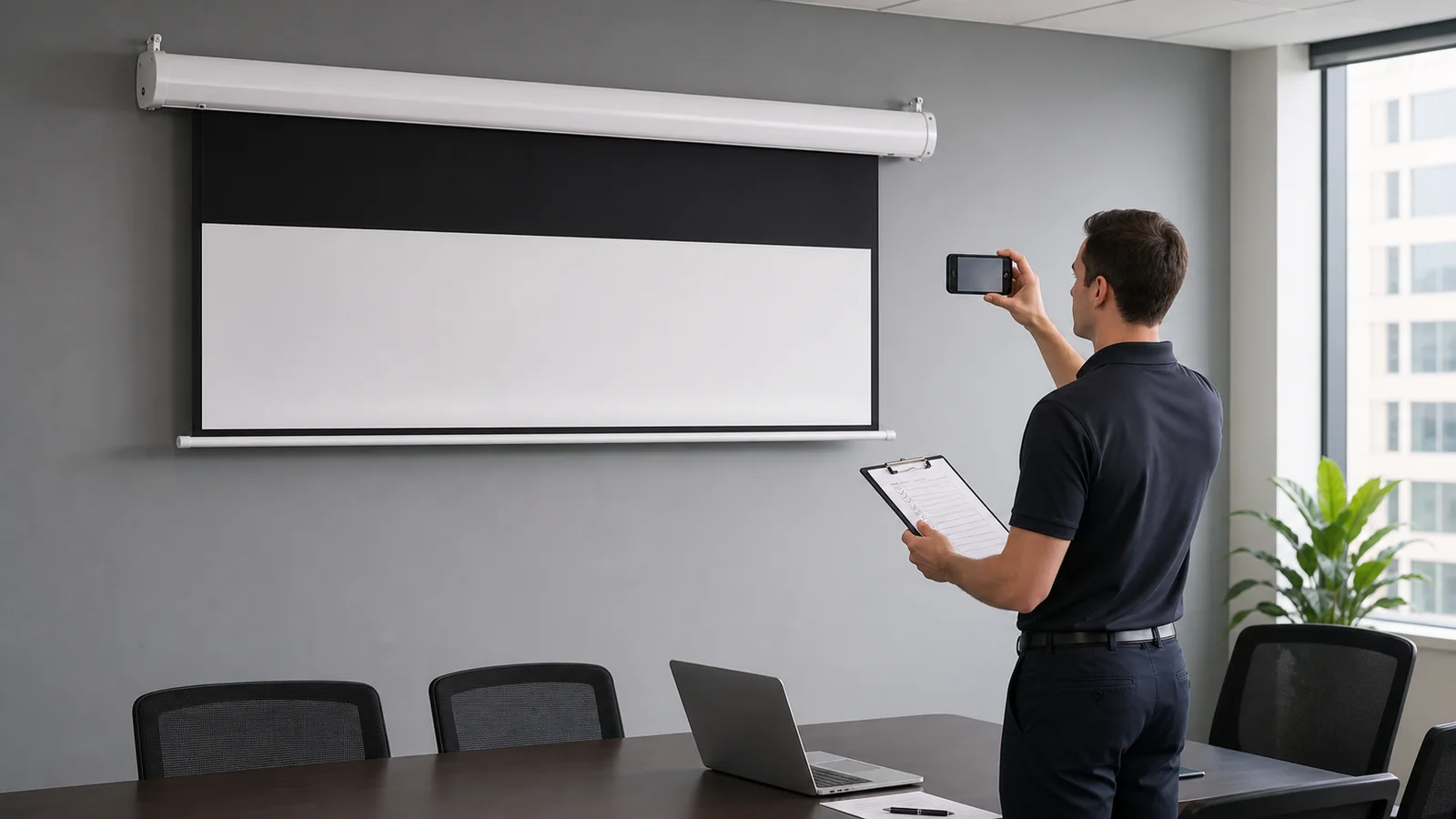
When a motorized projection screen stops responding, the symptom often points to one of four areas: the power supply, the control chain, motor protection behavior, or the mechanical travel path. Safe external checks can narrow the cause without opening the housing, adjusting the motor or pulling the screen material.
This guide gives facility managers, integrators and end users a diagnostic sequence that protects both the product and any warranty, and tells you exactly what evidence to collect before contacting the installer or factory.
One rule above all: do not open the housing, adjust motor limits or apply force to the screen unless the product's own instructions authorize it. Improvised repairs are the most common way a recoverable fault becomes permanent damage.
In This Guide
Match the Symptom First
| Symptom | Most likely area | First safe check |
|---|---|---|
| No response at all | Power or control chain | Confirm power at the screen circuit |
| Remote works intermittently | Control (battery, pairing, interference) | Test from close range with fresh batteries |
| Wall switch works, remote doesn't (or reverse) | The failing control path, not the motor | Note which path works—this localizes the fault |
| Stops midway, resumes later | Possible thermal protection or intermittent control | Stop cycling it; note recent operating cycles and allow it to cool |
| Stops at the wrong height | Limit setting or obstruction | Inspect the travel path; do not adjust limits yet |
| Won't retract fully | Limit setting, alignment or obstruction | Check for contact marks along the path |
| One side lower / uneven travel | Mechanical alignment | Stop operating; document with photos |
| Unusual noise during travel | Mechanical contact or wear | Stop operating; record a video with sound |
If the screen moves unevenly, makes grinding noises or visibly struggles, stop using it. Repeated operation through a mechanical fault multiplies the damage.
Step 1: Verify Power
- Confirm the circuit feeding the screen is live—check the breaker and, where present, any wall outlet or isolation switch the screen uses.
- If the screen shares a switched circuit with the room lighting or projector, confirm that circuit is actually on.
- After any building electrical work, screens on affected circuits commonly appear "dead" for this reason alone.
Do not open junction boxes or the screen housing to probe wiring. If power at the accessible points looks correct and the screen is still dead, the check belongs to an electrician or the installer.
Step 2: Isolate the Control Chain
Motorized screens are usually operated through one or more of: a remote, a wall switch, a trigger from the projector, or a control system. Faults in one path do not mean the screen has failed. Work out which link is broken:
- Try every available control method. If the wall switch moves the screen but the remote does not, the main power and drive path can operate; the fault is more likely within the remote, battery, pairing or receiver path.
- Remote checks: replace batteries, operate from close range, and check whether the remote requires re-pairing after a power interruption (procedures vary by model—use the product's own instructions).
- Trigger checks: if the screen is driven by a projector's 12V trigger, confirm the projector is powering that output. A changed projector setting or a replaced projector is a frequent hidden cause.
- Control system checks: if a control processor operates the screen, test whether a manual method still works. If it does, the fault is on the control side—programming, relay module or wiring—not the screen.
The control methods themselves are explained in our motorized screen control and integration guide.
Step 3: Consider Thermal Protection
Screen motors are duty-cycle limited: they are designed for occasional travel, not continuous cycling. After several consecutive up-down cycles—during commissioning, demonstrations or troubleshooting itself—the motor's thermal protection may pause operation.
A repeatable pattern—stopping after several cycles and returning after a rest—can indicate thermal protection, but it does not prove the diagnosis. If this matches your case:
- allow a cooling period before retesting;
- avoid repeated cycling as a "test", which keeps re-triggering protection;
- if protection triggers under normal, occasional use, document the pattern and contact the supplier.
Step 4: Inspect the Travel Path
With the screen stopped, look—without touching or forcing anything—for:
- furniture, cables, blinds, light fittings or decorations in the screen's path;
- contact marks, scuffs or creases at a consistent height on the screen surface;
- anything that could have entered the housing slot;
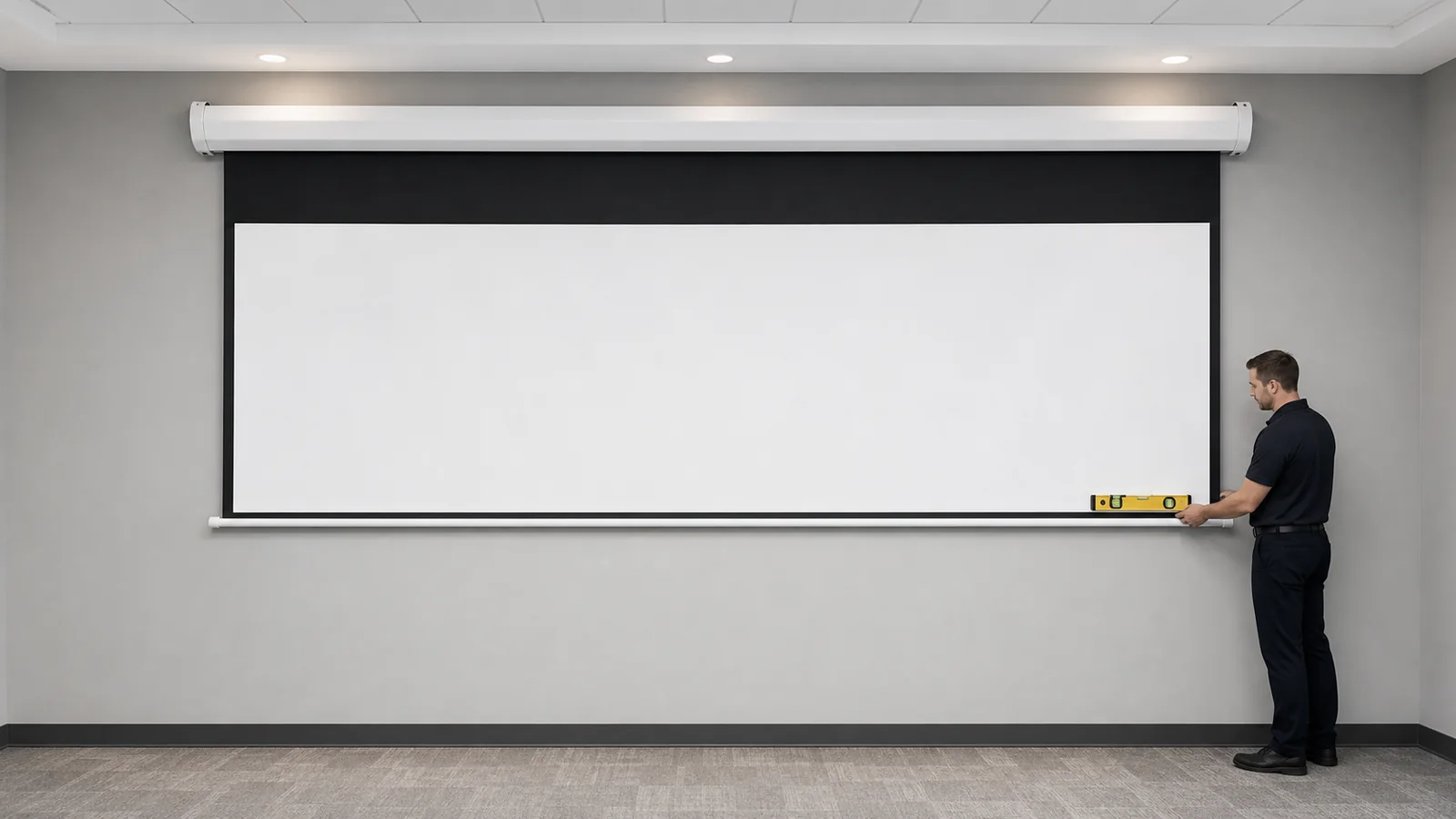
- a bottom bar that sits visibly out of level.
An obstruction can stop travel, shift alignment or crease the material. If travel is uneven or the bottom bar is tilted, do not run the screen again; the mechanical inspection steps in our screen waves and tab tension guide apply, and the next action is documentation, not operation.
About Limit Switches — Read Before Adjusting Anything
Motor limits define where the screen stops at the top and bottom of travel. When a screen stops at the wrong height or fails to retract flush, limits are a plausible cause—but they are not a user-serviceable setting by default:
- adjustment procedures differ completely between motor types (mechanical limit screws, electronic programming sequences, remote-based setup modes);
- a wrong procedure can drive the screen past its intended travel, damaging the material, bottom bar or housing;
- repeated trial-and-error limit changes are one of the most damaging things done to motorized screens in the field.
If you suspect a limit problem: record what height the screen stops at in both directions, photograph the result, and ask the installer or factory for the limit procedure for the exact motor in your order. Adjust only with that document in hand, or have the installer do it.
When to Stop and Contact the Supplier
Contact the installer or factory—before any further operation—when:
- travel is uneven or one side moves differently;
- there is grinding, clicking or straining noise;
- the material shows new creases, tears or contact damage;
- the screen stops at inconsistent heights;
- thermal-style cutouts occur under normal light use;
- any check above points to wiring, motor or mechanical faults.
Information to Send
A complete first message avoids days of back-and-forth:
- product model and order reference;
- screen size, material and installation type (wall, ceiling, recessed);
- installation date and when the symptom started;
- which control methods work and which do not;
- what the screen does, stated precisely ("stops 30 cm before full deployment", not "doesn't work");
- photos of the screen, housing and bottom bar;
- a video of one full operating attempt, with sound;
- any recent events: electrical work, room renovation, projector replacement, impact.
This mirrors the evidence checklist in our screen waves guide and lets the factory separate control, electrical, motor and mechanical causes quickly. For screens supplied by MGF—including the electric projection screen range and tab-tension models—include the order reference so the factory can match the exact motor and control configuration shipped.
Common Troubleshooting Mistakes
- Pulling the screen material or bottom bar to force movement;
- opening the housing "just to look";
- adjusting limits without the model-specific procedure;
- cycling the screen repeatedly to "test" a thermal cutout;
- replacing remotes or modules before isolating which control path failed;
- continuing daily use with uneven travel or unusual noise;
- reporting "it doesn't work" without noting which methods were tried.
FAQ
Why won't my projector screen come down at all?
Most often: no power on the screen's circuit, a failed or unpaired remote, or a broken link in the control chain. Verify power, then test every available control method to localize the fault before assuming the motor has failed.
Why does my electric screen stop halfway and work again later?
That pattern can indicate motor thermal protection after repeated cycles, but an intermittent control or power issue can look similar. Allow a cooling period, avoid rapid repeated operation, and document when it occurs. If it happens under normal occasional use, contact the supplier.
Can I adjust the limit switches myself?
Only with the procedure for your exact motor, supplied by the installer or factory. Procedures vary by motor type, and incorrect adjustment can drive the screen past safe travel and damage it.
The remote stopped working but the wall switch still works. Is the screen faulty?
The screen's main drive and power path can operate, so the fault is more likely in the remote path: battery, pairing or receiver. Check the remote first and ask the supplier for the model-specific re-pairing procedure if needed.
The screen won't retract flush into the housing. Is that a defect?
Not necessarily. Limit settings, an obstruction or alignment can each cause it. Record where it stops, photograph the result and send the evidence to the installer or supplier rather than adjusting anything first.
Get a Diagnosis From the Factory
Send MGF the model, order reference, symptom description, photos and an operating video as listed above. The factory can identify whether the cause is control, electrical, thermal or mechanical, and provide the correct procedure for your motor.
Contact MGF Screens for troubleshooting support.
---