Matte White vs Grey Projection Screens: Which Should You Choose?
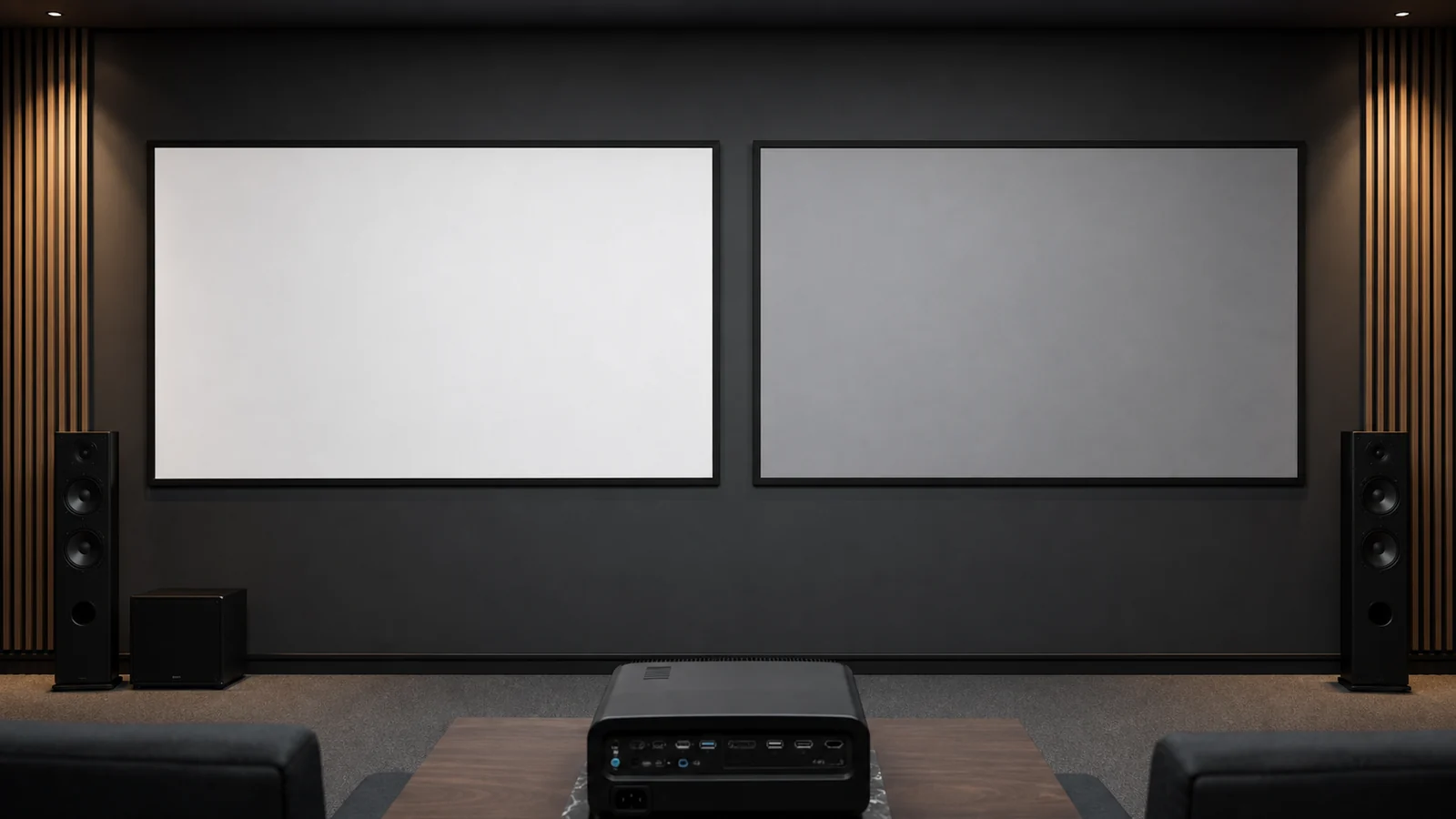
White and grey projection screens do not create different projector images; they change how projected and room light reach the viewer. Matte white is the neutral reference for controlled rooms. Grey surfaces lower the starting reflectance of the screen and can improve perceived black level in selected spaces—but they also ask more from the projector and may use coatings with their own viewing behavior.
Choose from the complete room, not the fabric color in a product photo.
In This Guide
Comparison at a Glance
| Decision factor | Matte white direction | Grey direction |
|---|---|---|
| Controlled dark room | Broadly predictable and color-neutral | May be unnecessary unless black level needs support |
| Some uncontrolled room light | Can look washed if light hits screen | May preserve perceived contrast in selected conditions |
| Limited projector output | Uses available light efficiently | Can reduce image brightness if not compensated |
| Wide seating | Often broad and uniform | Depends on coating and gain behavior |
| Color-critical review | Good baseline when specified accurately | Must be evaluated for neutrality |
| UST or directional application | Use only if compatible | Grey color alone does not mean UST/ALR compatible |
What Matte White Does Well
A diffuse matte white surface spreads light broadly and is usually forgiving of seating position and projector placement. It suits conference rooms, classrooms, controlled theaters and multipurpose spaces where natural color and viewing width matter.
It cannot reject direct room light. If windows or fixtures illuminate the surface, blacks rise because the screen reflects that unwanted light along with the projected image.
What a Grey Surface Changes
A grey base reflects less total light than a comparable white base. That can make dark image areas appear darker relative to the room, especially when the projector has enough output. The same reduction also affects whites, so projector brightness and image size must support the choice.
Some grey products add optical coatings or metallic structures. Their behavior depends on gain, viewing cone, projector angle, hotspotting and sparkle—not “grey” alone. Review our gain and viewing-angle guide before treating grey as a single category.
Grey Is Not Automatically ALR
A plain grey diffuse screen does not selectively reject ambient light; it reduces projected and ambient light together. A directional ALR surface manages light by angle or optical structure. Some ALR surfaces are grey, but the color is not the mechanism.
For directional materials and UST systems, use the ALR, CLR and UST guide and confirm the projector geometry.
Room-Based Selection
Dedicated Dark Theater
Begin with matte white if the projector, room treatment and desired image size work well. Consider grey when measurements or sample viewing show a meaningful black-level benefit without sacrificing desired brightness or color.
Living Room or Bright Multipurpose Space
Control direct light first. Then compare white, grey and any compatible directional surface using the actual projector and seating. A grey screen can help perceived contrast, but it cannot repair sunlight falling on the image.
Meeting Room or Classroom
Readability, wide viewing and adequate brightness usually matter more than deepest black. Matte white often remains practical; grey may suit a controlled layout with sufficient projector output. See the conference room and classroom guide.
How to Approve the Surface
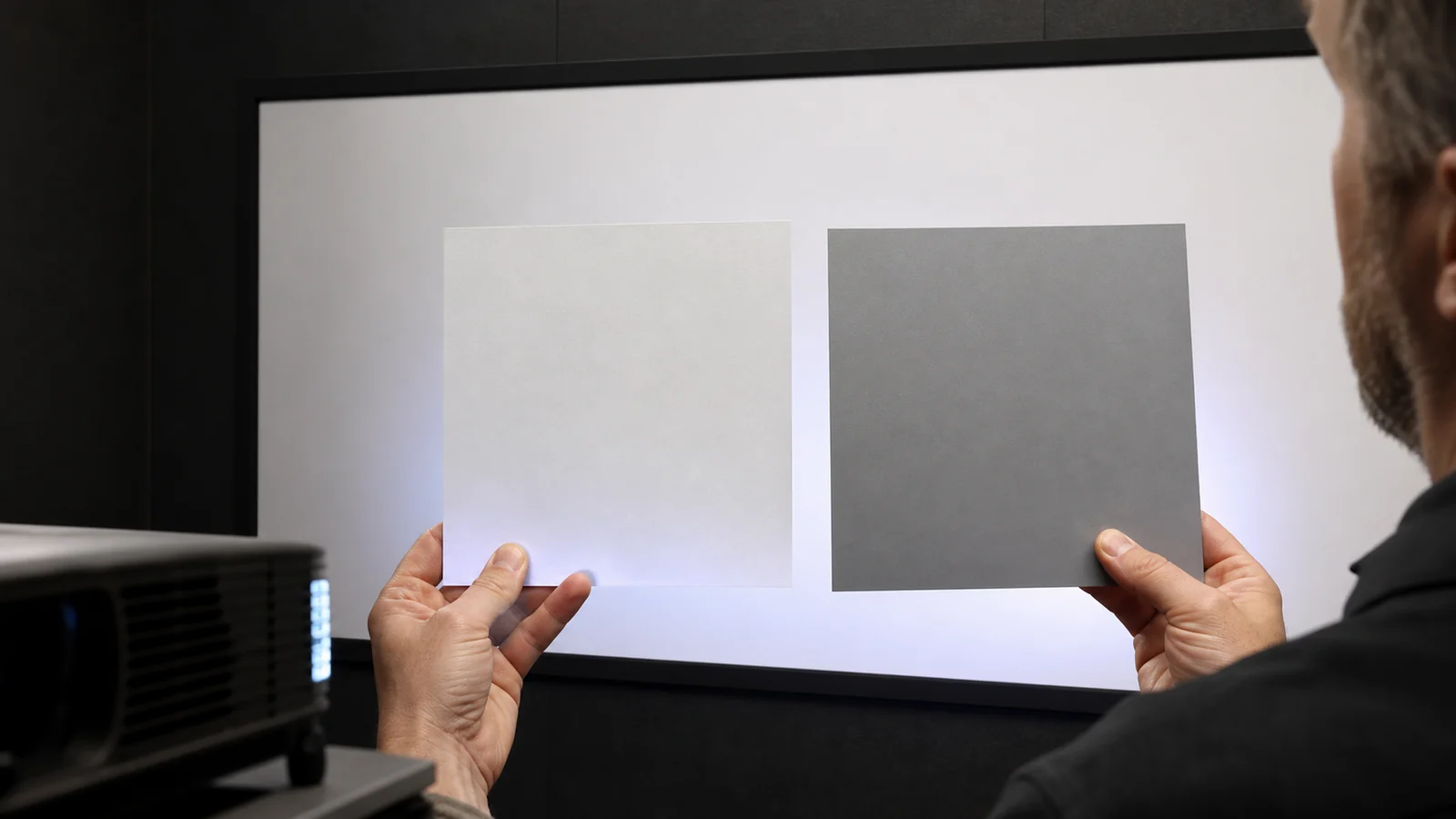
Compare production-representative samples at the planned image size with:
- actual projector and picture mode;
- day and evening room-light conditions;
- center and widest seats;
- dark scenes, skin tones, white fields and small text;
- the proposed fixed or retractable structure;
- observations of color, brightness, black level, uniformity, hotspotting and texture.
Do not compare two samples at different sizes, angles or image settings. Record the approved material code in the order.
MGF product information lists white PVC, white fiberglass, grey fiberglass, grey woven and grey metallic material families across selected products. Availability and performance data must be confirmed for the exact screen structure.
FAQ
Is a grey screen better in a bright room?
It can improve perceived black level when projector output is sufficient, but it reduces projected light too. Control direct light and compare samples in the real geometry.
Does a grey screen improve projector contrast?
It does not change the projector's native contrast. It changes the light reflected toward viewers and may improve perceived black level in the room.
Is every grey screen an ALR screen?
No. A diffuse grey surface and a directional ALR surface behave differently. Confirm optical structure and projector compatibility.
Does matte white have the widest viewing angle?
Many matte white surfaces are broad and uniform, but actual behavior depends on material construction and gain. Use product data and sample viewing.
Can grey material be used on a motorized screen?
Selected grey materials can be used on compatible retractable or tensioned products. Confirm rolling suitability, size and structure before ordering.
Compare Samples in Your Room
Send MGF your projector, image size, room-light conditions, seating and screen type to confirm available white and grey material directions.
Request projection screen material samples.
---