Motorized Projection Screen Noise and Uneven Retraction Troubleshooting
---
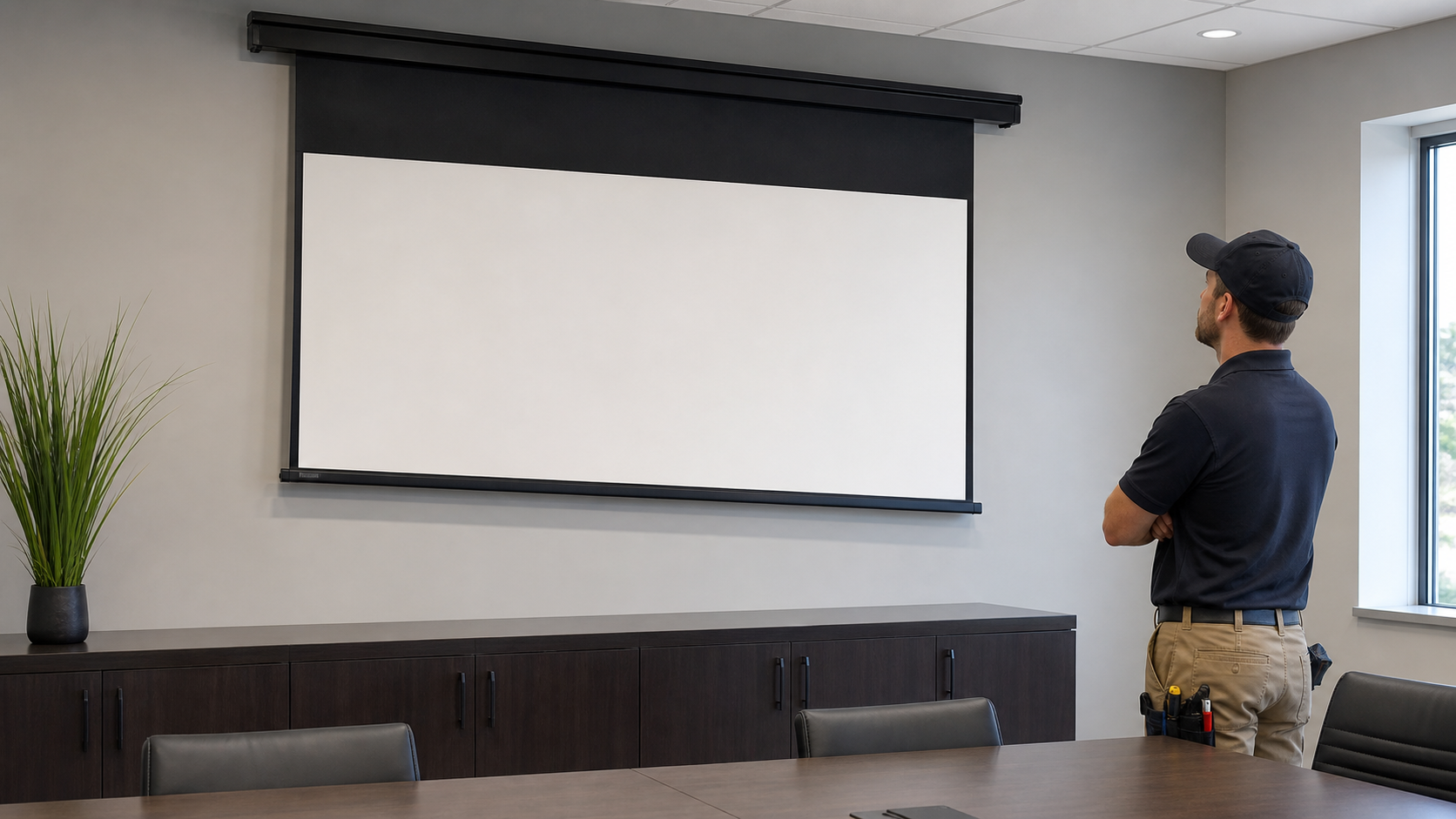
Noise and uneven retraction are symptoms, not a single fault. The cause may be power, control, motor limits, housing level, mounting pressure, fabric alignment, bottom-bar interference or an obstruction. A safe diagnosis starts with evidence and stops operation when continued movement could damage the surface or mechanism.
In This Guide
Quick Answer
First record when the noise occurs, whether the screen is level, whether the bottom bar tilts and whether the symptom appears during extension, stopping or retraction. Check external power, controls, visible obstructions, housing level and installation pressure without opening electrical or mechanical parts unless the approved service procedure allows it. If the fabric rubs, folds, stops midway or the bottom bar is visibly tilted, stop cycling and contact the supplier with photos, video and the model reference.
MGF’s motorized screen troubleshooting guide covers broader symptoms. This page narrows the workflow to noise and uneven roll-up, with control integration as a related reference.
Who This Guide Is For
This guide is for AV integrators, distributors, contractors and project buyers who need a documented selection and project-planning path for this topic before requesting a quotation.
Symptom–Cause–Action Table
| Symptom | Possible cause | External check | Next action |
|---|---|---|---|
| Humming or clicking | Power, controller, motor or mounting vibration | Note timing and control command | Stop if abnormal; provide evidence |
| Bottom bar tilts | Housing level, side tension, fabric alignment or obstruction | View from front and side | Do not force; inspect installation |
| Fabric rubs one side | Housing pressure, bracket position or guide issue | Check clearance with power isolated as required | Installer or technical review |
| Stops during retraction | Limit, resistance, obstruction or control conflict | Check path and command sequence | Use approved limit procedure only |
| Uneven roll-up | Fabric tracking, roller alignment or tension | Observe first movement and final position | Stop cycling and document |
The table is a triage framework, not a diagnosis of a particular MGF model.
1. Capture Evidence Before Resetting Anything
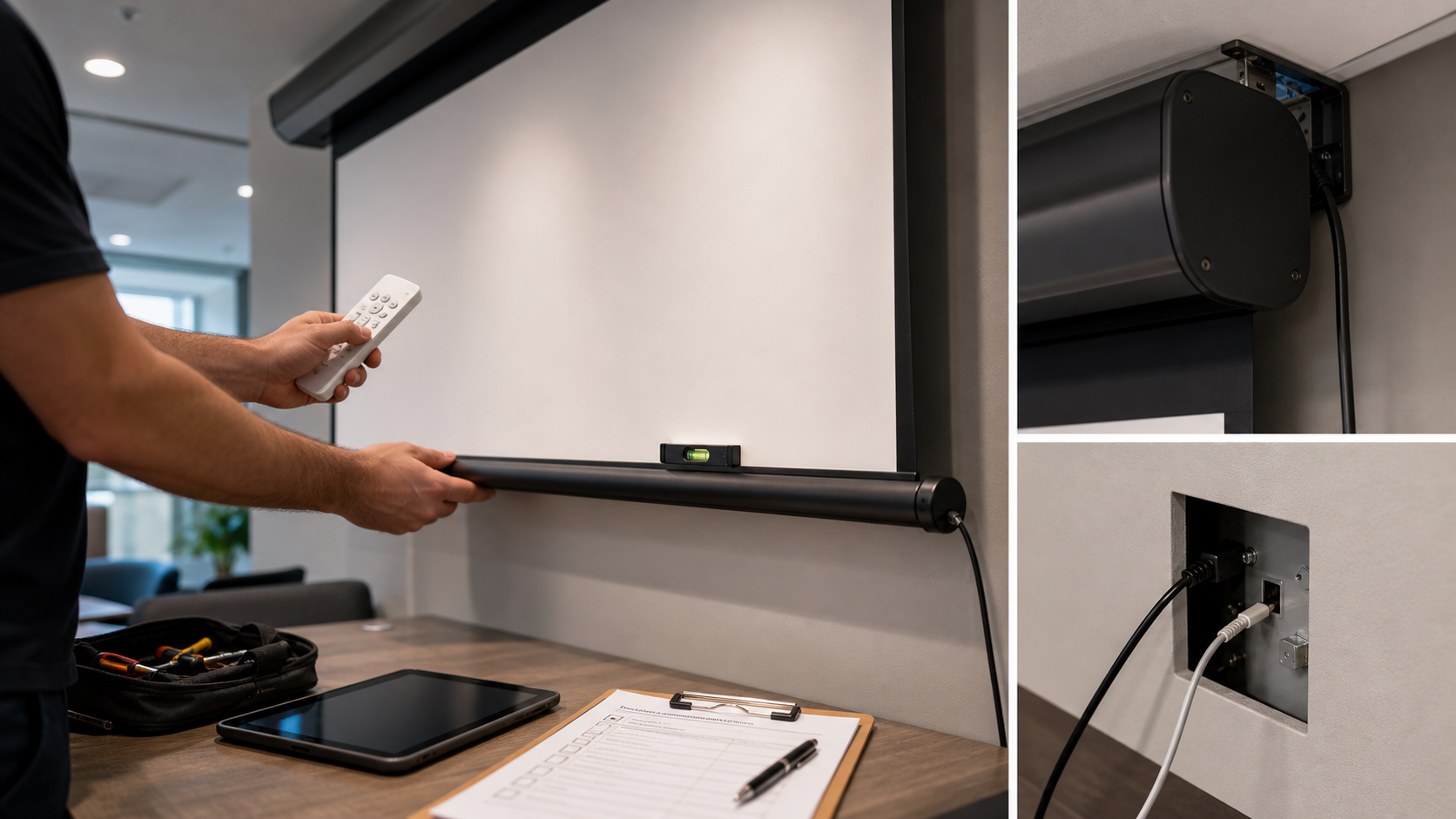
Record model or configuration code, room, installation date, screen position, control method, projector or ceiling conditions and the exact symptom. Film one short sequence from the front and side if safe. Note whether the screen is new, recently moved, exposed to heat or humidity, or changed after a ceiling or wall repair.
Do not erase evidence by repeatedly pressing the remote or changing limits at random. A changed limit can hide the original installation or mechanical condition.
Keep a phone recording separate from a noise measurement
Describe whether the sound occurs at start, during travel or near the end, and whether movement changes at the same time. Preserve the overall view, recording position, model and recent history. A phone recording can support a review but does not establish a calibrated noise level. Do not remove covers, lubricate components or perform an internal adjustment from a general online suggestion; obtain model-specific guidance.
2. Check the External Environment
Inspect the fabric path, bottom bar, casing ends, nearby joinery, ceiling tiles, lighting and furniture. Look for anything touching the fabric or bar. Confirm that the screen housing is not twisted by an uneven bracket or compressed by a tight opening. For recessed screens, verify that the trim and service opening do not press against the casing.
If the screen is visibly tilted, do not pull the fabric by hand. If a foreign object is present, isolate operation according to the project procedure and arrange a qualified inspection.
3. Separate Control Symptoms From Mechanical Symptoms
Test the agreed local control first, then the remote or integration command if applicable. If the screen reacts differently to two control methods, record the sequence and stop making changes. A controller conflict or incorrect command can look like a motor fault.
If the motor runs but the fabric does not move, or if the motor stops while resistance is visible, use the approved product procedure. Do not assume a standard remote, dry contact, trigger or serial method applies to every controller.
4. Consider Flatness and Tension
Waves, edge curl or uneven retraction may be related to installation level, fabric storage, temperature, material behavior, roller alignment or tensioning. A tab-tensioned screen can be the appropriate direction for projects that need a flatter image, but it is not a universal cure for a twisted housing or wrong installation.
Compare the tab-tensioned versus non-tensioned guide with the exact product family. For replacement parts or a new screen, send the original material and structure record to MGF rather than choosing by appearance alone.
5. When to Stop Operation
Stop cycling when the fabric rubs, creases, the bottom bar tilts, the screen stops repeatedly, a burning smell appears, the housing moves, or noise increases. Keep people away from the moving path and arrange technical review. Do not open electrical covers or bypass safety components without the supplied service instructions and qualified personnel.
Information for a Technical Request
Include model, visible image size, material, installation type, control method, purchase reference, symptom video, photos of both housing ends, room temperature or moisture concerns if relevant, and a description of what changed before the fault. This lets MGF distinguish product configuration, installation and control causes.
MGF Product Direction
MGF can compare suitable product directions once the project brief confirms visible image size, aspect ratio, projector geometry, material direction, mounting condition, control requirements, quantity and destination market. The final quotation should identify the exact model, compatible material, drawing and approval information rather than treating a generic guide as a product specification.
Project / OEM Checklist
- visible image width, height and aspect ratio;
- projector model, lens position and image geometry;
- room or venue use, seating and ambient-light condition;
- proposed material, structure, mounting and service access;
- power, control and installation responsibility where relevant;
- required quantity, destination market, drawing revision and approval owner.
Continue Your Project Planning
- Installation & Troubleshooting Guides
- Electric Projection Screens
- Conference Room Applications
- Factory & Production
- Motorized Screen Troubleshooting Guide
- Contact MGF Screens
FAQ
Is a noisy motor always failing?
No. Noise can come from mounting vibration, housing contact, control behavior, resistance or the motor. The timing and physical symptoms matter.
Can I adjust the limits to fix uneven retraction?
Only with the exact model procedure and authorization. Limits cannot correct a twisted housing, obstruction or fabric-tracking problem.
Should I lubricate the screen?
Do not apply lubricant unless the product manual or technical support explicitly requires it. An incorrect product can contaminate the fabric or alter the mechanism.
When should the screen be replaced?
Assess the cause, material condition, repair path, project downtime and compatibility. Use the replacement guide when the fault is persistent or the installed system no longer fits the room.
Request a Troubleshooting Review
Send the evidence package to MGF through the Contact page. Include the product reference and do not continue operating a screen that is visibly misaligned or damaged.