A 92-inch manual pull-up screen for a 12-person mobile workshop
A portable training display for changing venues, with no permanent screen mounting.
Project Overview
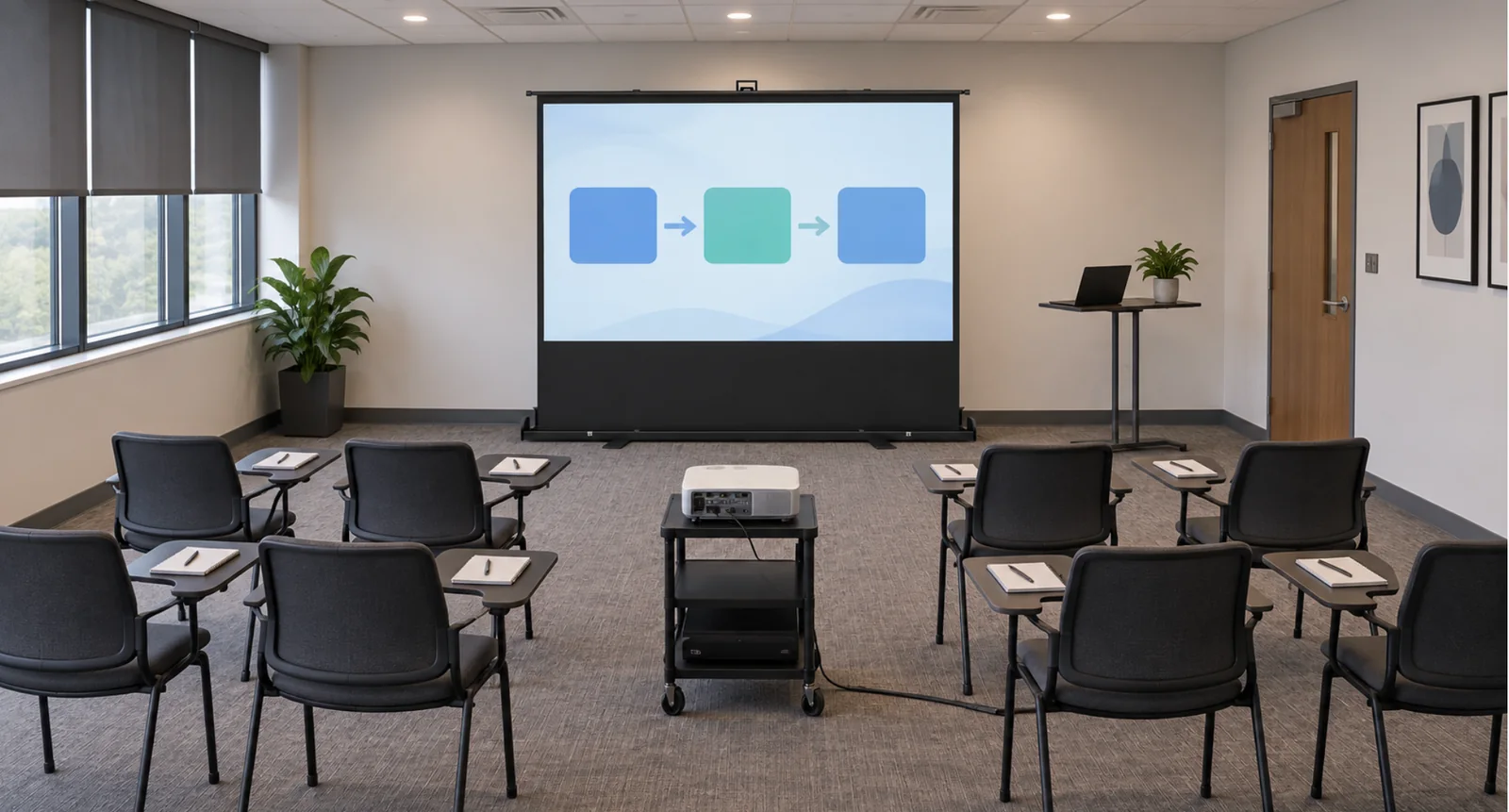
This 12-person mobile workshop uses a 92-inch MGF Manual Floor Pull-Up Screen with MWE White PVC material. The freestanding display supports software demonstrations, process diagrams and presentation slides without permanent wall or ceiling mounting.
Education and classroom screen solutions
- 12 people
- Mobile workshop
- 92 in
- Screen size
- Manual
- Screen operation
- MWE
- White PVC surface
Customer Challenges
Three requirements shape the temporary training setup.
- 01
Work in changing venues
The training team needed a display with its own support instead of relying on a suitable wall or permission for permanent fixtures.
- 02
Share detailed training content
Software demonstrations and process diagrams needed a common display for the workshop participants.
- 03
Pack the screen between sessions
The equipment needed to be put away and transported as the team moved between venues.
How the MGF Solution Works
A freestanding pull-up screen
The integrated floor housing supports the screen during a session without wall or ceiling fixtures.
Manual screen deployment
The screen pulls up from the housing for use and closes back into it after the workshop.
A portable display for training
The 92-inch viewing surface is paired with a portable projector for demonstrations and slides.
View project configuration and installation guidance
| Screen | MGF Manual Floor Pull-Up Projection Screen, 92-inch. |
|---|---|
| Surface | MWE White PVC material. |
| Operation | Manual deployment from an integrated floor housing. |
| Screen power | No electrical supply required for screen deployment. |
| Application | 12-person workshop with software demonstrations, process diagrams and slides. |
| Projection | Portable projector used with the freestanding display. |
For similar projects
Review content and image format
For another workshop, match the screen format to the projector output and presentation material. Enlarge small interface elements and check essential labels from the rear seats.
Reserve a clear projection path
Show the projector support, occupied chairs and movement routes together. Keep the beam clear of seated participants and route cables away from circulation.
Confirm deployment and transport dimensions
Check the selected model’s image height, support footprint, packed dimensions and weight against the venue and transport arrangements.
Project Outcomes
How the screen configuration supports the room’s use.
No permanent screen mounting
The integrated support lets the training team set up the display without fixed wall or ceiling fittings.
A shared workshop display
The 92-inch screen provides a common presentation surface for the twelve-person training group.
A screen that packs away
The manual screen retracts into its floor housing between sessions and venues.
Workshop setup and transport planning
A display that packs into its floor housing
The 12-person workshop uses a 92-inch manual floor pull-up screen with MWE White PVC material. It deploys without a screen power supply or permanent mounting, then closes into its housing between venues. The portable projector and presentation equipment still require power.
For another travelling training team
Check the chosen model’s packed dimensions, weight and support footprint against the vehicle and each venue. Plan the projector support and cable routes with occupied seats, and use enlarged software views for detailed training content.
Plan Your Mobile Workshop
Share your seating layout, projector, training content, lighting and transport limits.
Related Products
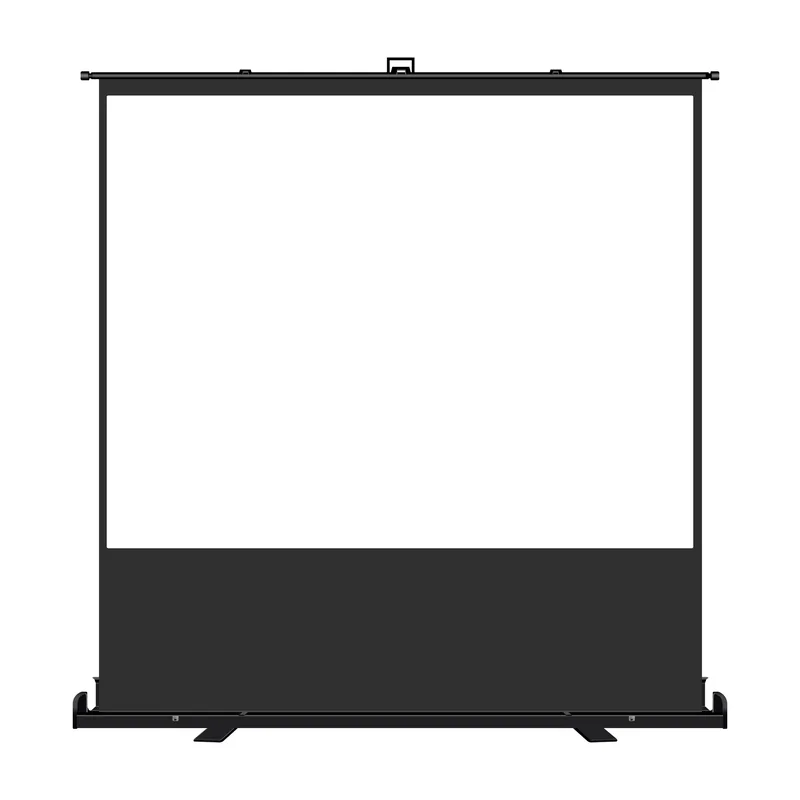
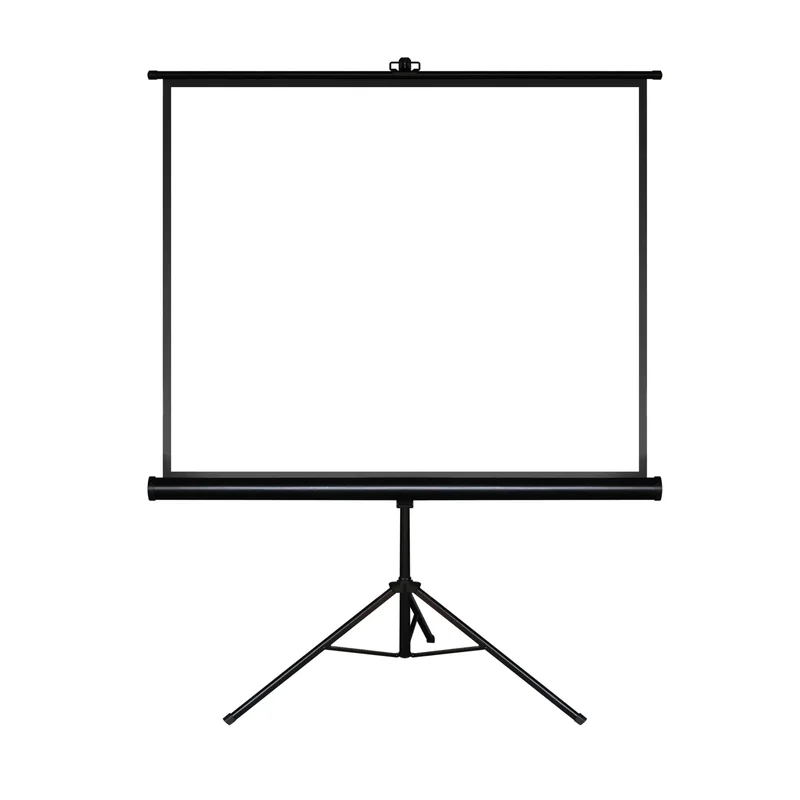
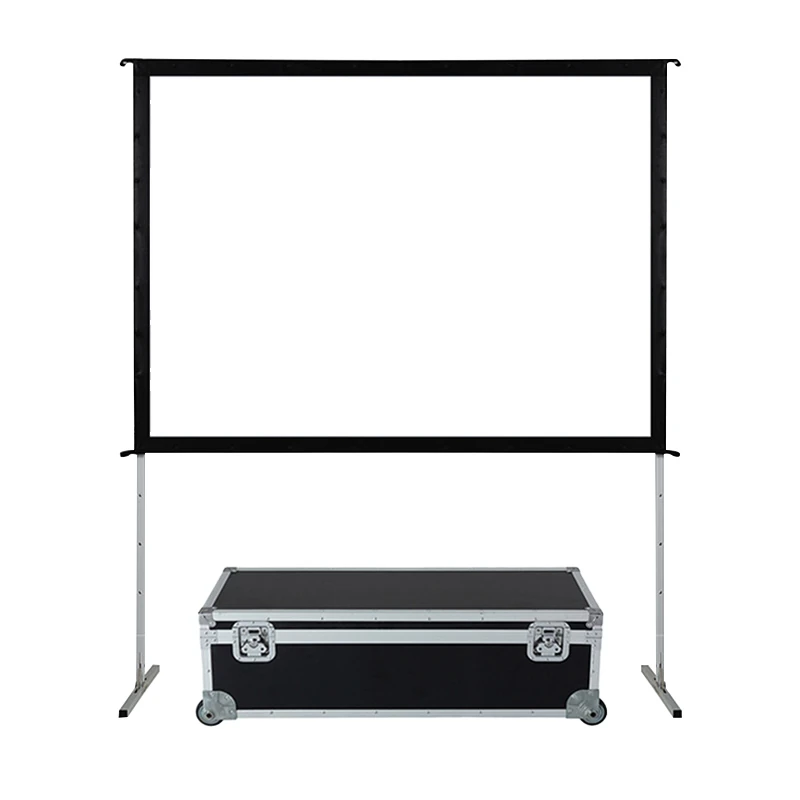
Review each screen’s size, surface and support footprint for the intended venue.
FAQ
What screen was used in this workshop?
The project uses a 92-inch MGF Manual Floor Pull-Up Screen with MWE White PVC material. For a new order, confirm the required aspect ratio, deployed height and packed dimensions with MGF.
Does the screen need electricity?
Manual deployment does not require an electrical supply. The projector and presentation equipment still need their own power arrangement.
How should small software text be presented?
Use enlarged interface elements or focused views of the relevant panels. Check essential labels from the rear seats with the actual projector and lighting.
What should I send for a similar workshop?
Send the seating layout, projector model, training content, lighting, required image height and transport limits. Include the projector support and circulation routes.