Commercial Display Projection Screen Guide for Retail and Showrooms
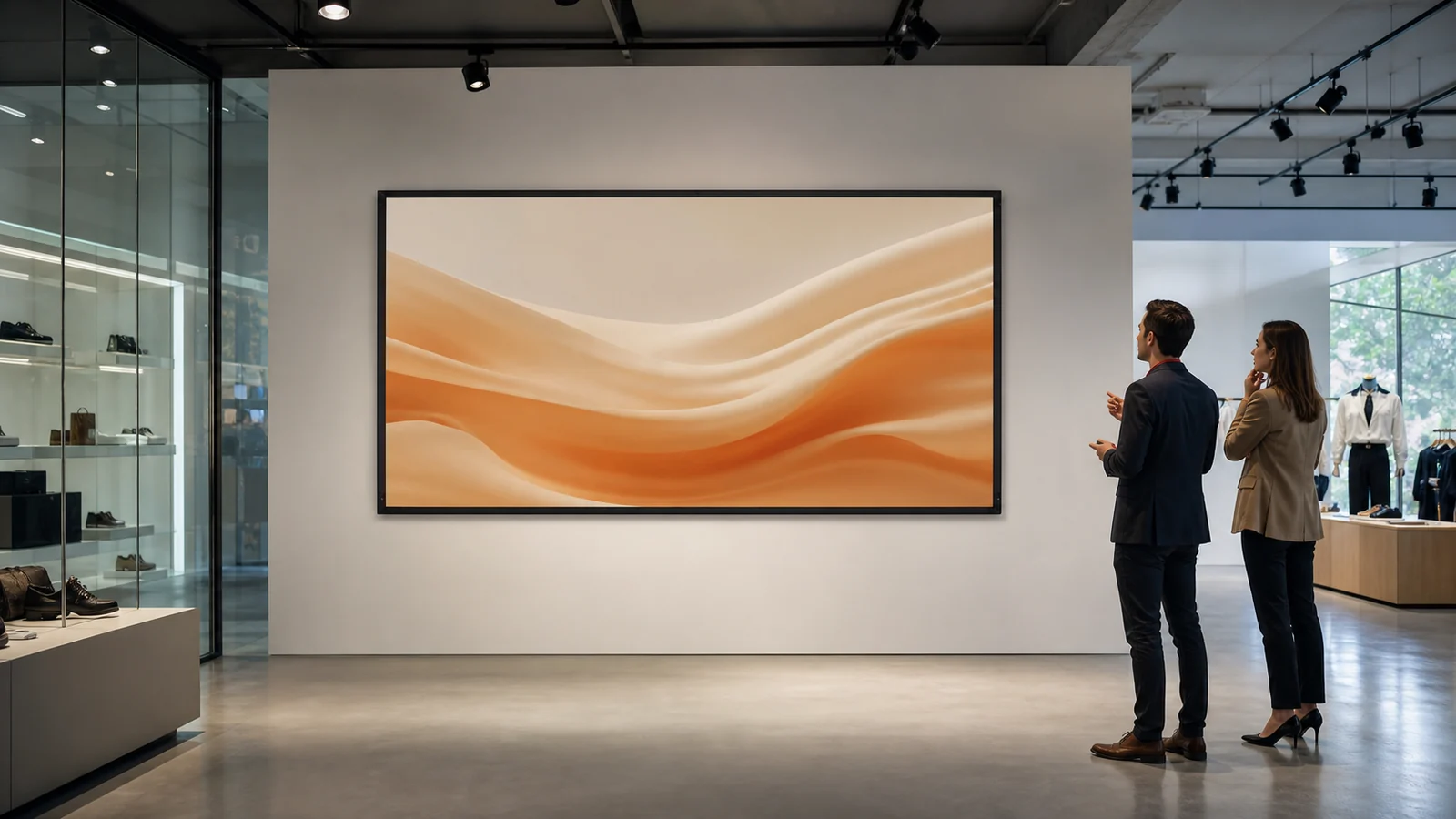
A commercial display projection screen is not simply a larger meeting-room screen. Retail stores, brand showrooms, visitor centers and exhibition spaces introduce longer operating hours, changing ambient light, public sightlines and stricter expectations for visual integration. A screen that looks convincing in a dark demonstration can disappoint once ceiling lights, windows and off-axis viewers enter the room.
This guide gives AV integrators, designers and project buyers a practical sequence for matching the screen type, surface, projector and installation to a commercial display environment.
In This Guide
Start With the Display Job
Define what the projection must do before choosing a product.
| Application | Priority | Usually suitable screen direction | Main risk to check |
|---|---|---|---|
| Brand showroom | Image quality and architectural integration | Fixed frame, tab-tension or concealed motorized | Ambient light and finish coordination |
| Retail demonstration area | Flexible content and daily usability | Fixed frame or motorized | Sightlines, controls and operating hours |
| Museum or visitor center | Stable geometry and serviceability | Fixed frame or engineered motorized | Access, maintenance and content format |
| Exhibition booth | Mobility and rapid setup | Portable folding or floor-rising | Transport, setup footprint and venue rules |
| Multipurpose commercial space | Screen hidden when unused | Motorized, in-ceiling or floor-rising | Rough-in, access and control integration |
Permanent branding content favors a stable, tensioned image plane. A temporary campaign or roadshow may value speed and mobility more than architectural concealment. Write the use case in one sentence and make every later choice answer it.
Step 1: Audit Ambient Light
Record the direction and timing of light rather than describing the room only as “bright.” Note windows, track lights, skylights, illuminated shelves and reflections from pale floors or glass.
The first response should be light control: reposition fixtures, shade windows and prevent direct light from striking the screen. A specialized ambient-light-rejecting surface can help with light from defined directions, but it cannot repair poor projector placement or direct illumination. The trade-offs are explained in our ALR vs matte white guide and screen gain guide.
Step 2: Choose the Screen Type
Fixed Frame
Choose fixed frame when the screen can remain visible and image flatness is the priority. It suits branded showrooms, experience centers and long-term displays. A narrow-bezel design can integrate cleanly with modern interiors, but wall space is permanently committed.
Motorized or In-Ceiling
Choose a retractable screen when the wall serves another purpose or the screen must disappear after a presentation. Confirm power, control cabling, ceiling support and service access before finishes close. Standard and tab-tensioned motorized screens should be compared by the required flatness, material compatibility and maintenance plan—not appearance alone.
Floor-Rising
A floor-rising screen can solve glass walls, leased spaces and rooms where ceiling mounting is restricted. The base still needs a protected footprint, stable floor and safe circulation route. See the floor-rising selection guide.
Portable Folding
For exhibitions and pop-up activations, portable folding screens exchange permanent integration for transportability and repeatable setup. Confirm flight-case dimensions, crew, front-versus-rear projection and booth depth using our event screen guide.
Step 3: Match the Surface to Projector and Light
Do not specify “ALR” as a complete requirement. Confirm:
- projector type and lens position;
- dominant light direction;
- audience width and viewing height;
- screen structure and whether the material must roll;
- sample performance in the intended geometry.
Matte white remains a strong choice where light is controlled and the audience is wide. Grey or ALR-oriented materials may improve perceived contrast in selected bright environments but can narrow placement tolerances. UST-specific surfaces must be paired with the correct ultra-short-throw geometry and should not be treated as universal ALR surfaces.
Step 4: Verify Size, Sightlines and Throw Geometry
Commercial viewers may stand, walk or approach from the side. Check the lowest visible image edge against counters and people, then the highest edge against comfortable viewing angles. Verify projector throw ratio, lens offset and mounting zone against the actual image width—the workflow in our projector and screen pairing guide.
Test real content. Fine product copy and interface demonstrations demand a different image size from atmospheric video. If visitors cannot read the smallest intended content from the farthest decision point, the display has not been sized yet.
Step 5: Plan Daily Operation and Service
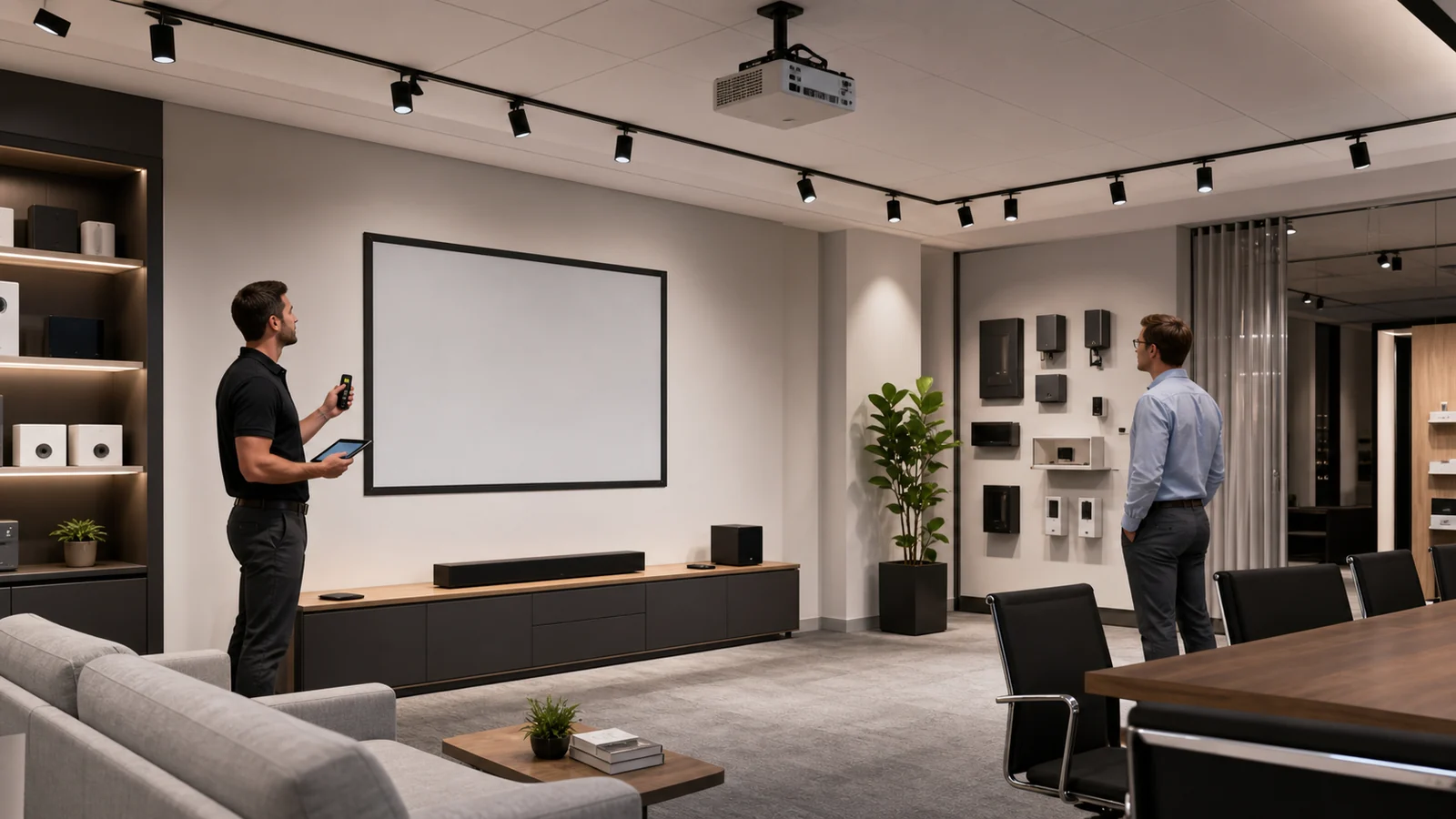
Commercial installations should work for staff who did not design them. Define startup, shutdown and fault recovery. For motorized screens, choose the control method before first fix and confirm the available interface for the ordered model. Keep access to the screen housing, projector filters and control modules.
Also document:
- expected operating schedule and who starts the system;
- cleaning restrictions for the selected surface;
- safe shutdown during maintenance or store changes;
- spare remote or local control access;
- responsible service contact and model documentation.
Commercial Display Specification Checklist
Send suppliers a brief containing:
- room and application;
- visible image size and aspect ratio;
- projector model, lens and mounting position;
- light sources and operating hours;
- fixed, retractable, floor-rising or portable direction;
- preferred surface and requested sample;
- installation and control method;
- destination market, quantity and project schedule.
MGF product information includes fixed-frame, electric, tab-tension, floor-rising and portable screen families for commercial projects. Available materials, controls and configurations vary by model and order; confirm the final combination in the quotation.
FAQ
What screen type is best for a retail showroom?
A fixed frame suits a permanent display and prioritizes flatness. A motorized or floor-rising screen suits a multipurpose space where the image surface must disappear. The room function should decide before the product style.
Do bright retail spaces always need an ALR screen?
No. First prevent direct light from reaching the screen and verify projector brightness and geometry. ALR can help in compatible conditions, but its light direction and viewing-cone requirements must match the room.
Can a UST projector use any projection screen?
It can produce an image on many surfaces, but UST geometry makes surface flatness and angular behavior more sensitive. Use a material explicitly confirmed for the projector direction and screen structure.
Is a motorized screen suitable for daily commercial operation?
It can be, provided the selected model, motor, control method, duty expectations and service access are confirmed for the project. Do not assume every model has the same operating specification.
What should be tested before approval?
Test the actual projector, representative content, planned light conditions, main and side viewing positions, screen sample and control workflow whenever project risk justifies it.
Plan a Commercial Display Screen
Send MGF your room drawings, light conditions, projector model, target image size, installation preference and quantity. MGF can help identify suitable product families and confirm available surface and control options for the inquiry.
Submit your commercial display requirements.
---