Rear Projection Screen Material Guide for Events and Installations
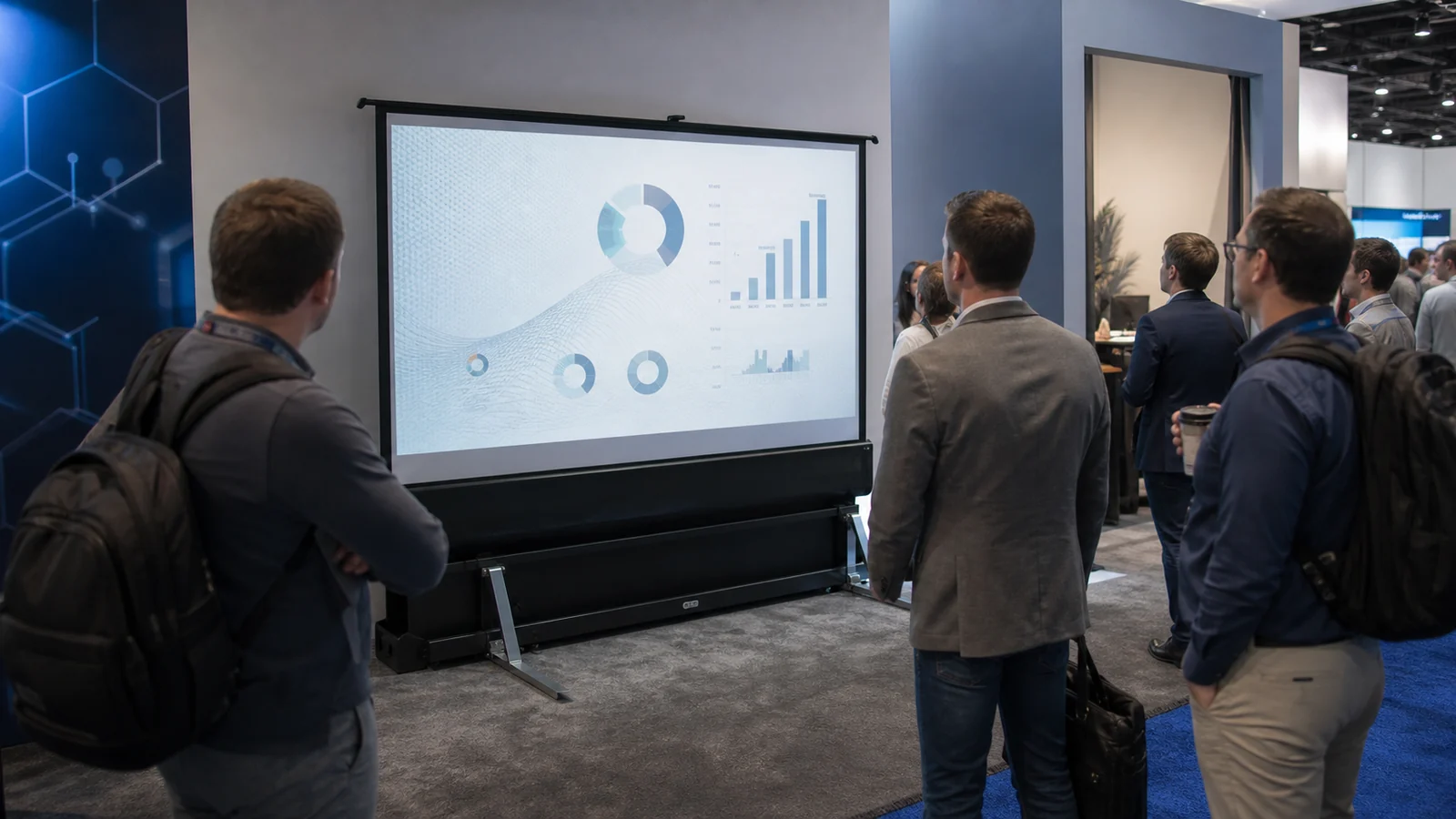
How rear projection works: the projector sits behind a translucent screen and sends light through the material toward the audience. This keeps the public beam path and equipment away from the audience, while backstage depth, projector alignment, hotspot control and light behind the screen still need to be planned.
In This Guide
Front vs Rear Projection
Swipe to compare columns.
| Factor | Front projection | Rear projection |
|---|---|---|
| Equipment | In front of screen | Behind screen |
| Shadows | Audience can cross beam | Public beam path is protected |
| Space | Less backstage depth | Requires protected throw space |
| Surface | Reflective front surface | Transmissive rear surface |
| Hotspot risk | Depends on gain and geometry | Projector source can become visible through material |
| Event workflow | Projector may affect audience area | Backstage zone must be controlled |
Rear projection is not automatically brighter or better. It is chosen when layout, safety, aesthetics or production workflow justify the depth.
Calculate the Backstage Envelope
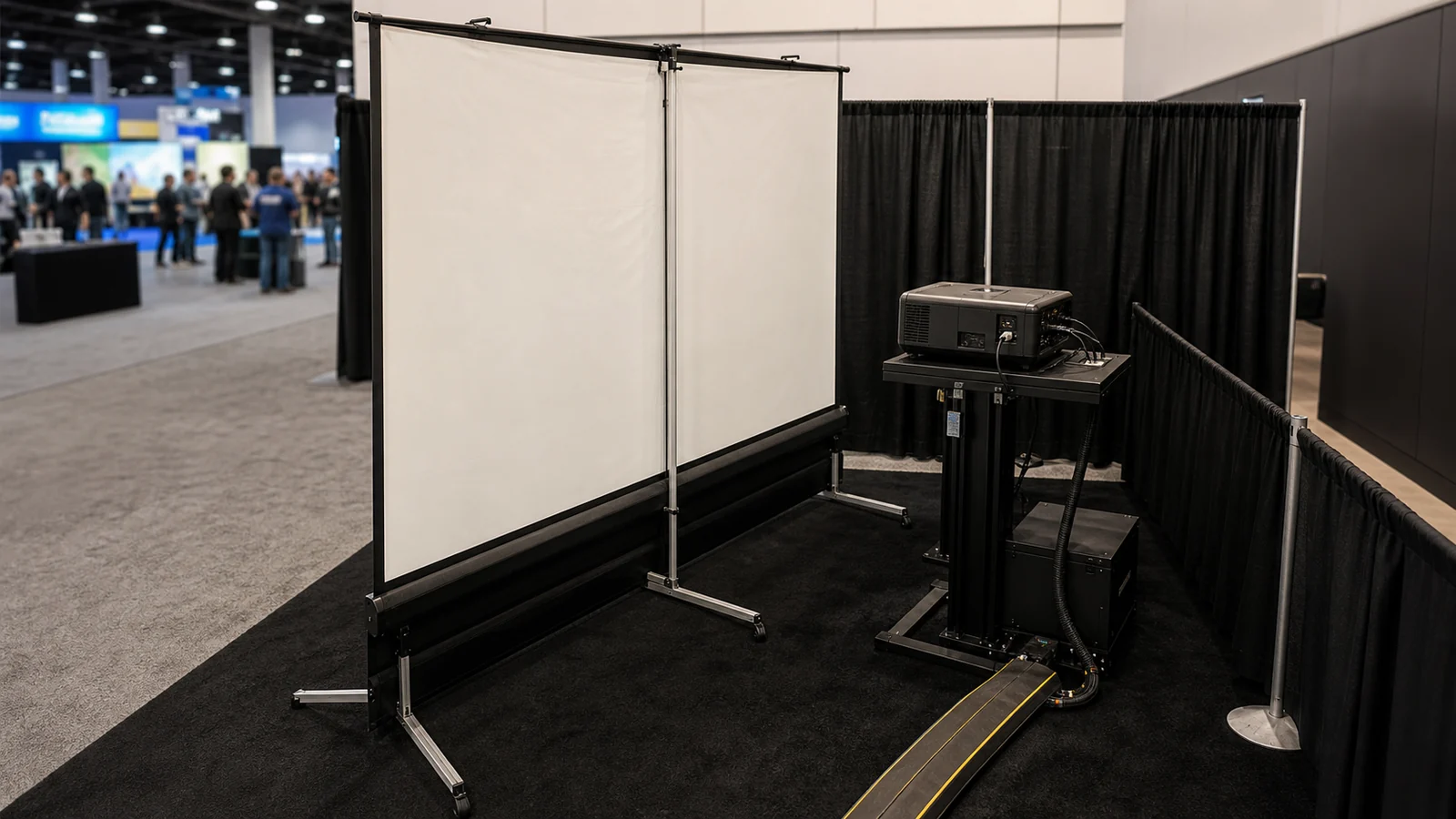
Confirm visible image width, projector throw ratio, lens position and required service space. The physical zone includes projector body, lens clearance, ventilation, operator access and protected cabling—not throw distance alone.
Short-throw or folded optical systems can reduce depth, but they introduce their own geometry and lens requirements. Verify using the actual projector data and the workflow in our projector pairing guide.
Understand the Surface Trade-Off
Rear-projection material transmits light toward the audience. Evaluate:
- brightness and color neutrality;
- hotspot visibility from center and side seats;
- viewing width and vertical position;
- surface texture or seams;
- black level under front and backstage light;
- compatibility with frame tension, folding and transport.
Do not apply one universal gain or viewing-angle figure to all rear materials. Request the exact material data and sample.
Control Light on Both Sides
Front ambient light can wash out the image, while backstage work lights can show through the surface. Create a dark controlled zone behind the screen and prevent fixtures from pointing toward it. Mask projector spill and keep reflective objects away from the visible area.
For exhibitions, test under venue lighting rather than a dark warehouse. For outdoor use, remember that rear projection does not overcome daylight and the backstage enclosure must also satisfy weather and safety requirements.
Screen Structure and Event Handling
Rear material is common on compatible portable folding/fast-fold frames because the surface can be attached under tension and exchanged with a front surface. Confirm material orientation, attachment points, fold method and clean handling.
Use gloves where the supplier instructs, keep the viewing area off the floor and inspect the surface before packing. A crease, dirty snap or pressure mark can become visible under transmitted light.
MGF lists RGG Rear Projection Fabric for selected portable folding screen configurations. Confirm the exact frame and visible size, attachment pattern, surface orientation and packing method. A compatible frame does not establish that every front and rear surface is interchangeable. Confirm current supply format and sample availability for the quoted configuration.
Check the Layout Before Choosing Rear Projection
Keep the configuration provisional until image size, lens-to-screen distance, projector body, ventilation and access all fit the protected backstage zone. If the depth cannot be reserved, or backstage light cannot be controlled, compare front projection before approving the layout.
In MGF’s delivered exhibition project, a 120-inch folding screen with RGG rear-projection material was used in a 36 m² booth. Its documented 2.13 m lens-to-screen distance belongs to that projector and layout; it is not a universal clearance for a 120-inch screen.
Approval Checklist
Test the actual projector and sample with representative content from center and side positions. Check hotspotting at full image, dark backstage conditions, venue front lighting, image uniformity and the complete setup/teardown sequence. Record projector position, sample code and orientation in the approval.
Related Planning Resources
FAQ
Can any white fabric be used for rear projection?
No. Rear projection needs a material designed to transmit and diffuse projected light. Ordinary front surfaces may be too opaque or behave unevenly.
How much space is needed behind a rear screen?
It depends on image width, projector throw ratio, lens and access. Calculate the complete backstage envelope from the selected projector.
Does rear projection prevent shadows?
It removes the public beam path in front of the screen, but backstage crew and equipment can still block the projector. Protect that zone.
Can rear projection be used outdoors?
It can be used in a suitable engineered event system after dark, but it does not defeat daylight and requires weather, wind, power and enclosure planning.
Can one folding frame use front and rear surfaces?
Some systems support interchangeable compatible surfaces. Confirm attachment pattern, visible size and frame configuration for the exact product.
Request a Rear-Projection Configuration Review
Send MGF your image size, projector, available depth, venue light, audience layout and screen structure to confirm rear-projection options.