Amount and direction of light
SCREEN MATERIAL DECISION GUIDE
How to Choose Projector Screen Material
Start with matte white for controlled light, compare an ALR-compatible surface when light direction and projector geometry justify it, and review acoustically transparent material when speakers sit behind the image. Confirm the selected surface with the projector, seating layout and screen structure.
Ready to shortlist a product? Compare material names, codes and compatible screen models, then request confirmation of the sample and supply options for your project.
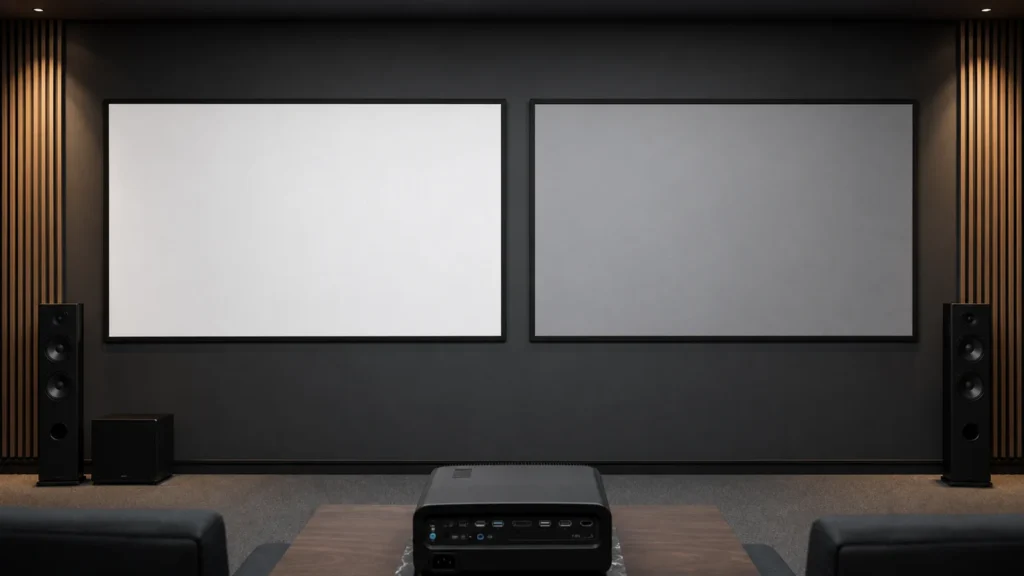
Standard, short, UST or rear
Center and off-axis seating
Speaker position and image area
Compare Screen Materials by Project Conditions
There is no single screen surface for every room. Treat each result as a starting direction for model-level confirmation.
| Project condition | Matte White | Grey Screen | ALR-Compatible | Acoustically Transparent | Rear Projection |
|---|---|---|---|---|---|
| Room light | Controlled | Controlled to moderate | Directional light requires compatibility review | Controlled to moderate | Controlled front and rear zones |
| Projector geometry | Front projection | Front projection | Confirm throw type and light direction | Front projection | Rear projection |
| Viewing coverage | Wide seating starting point | Confirm off-axis coverage | Confirm full seating area | Confirm image and audio needs | Confirm installation geometry |
| Audio layout | Speakers outside image | Speakers outside image | Speakers outside image | Speakers behind screen | Confirm rear clearance |
| Key watch-out | Ambient reflections | Brightness balance | Projector and light compatibility | Acoustic and image trade-off | Space behind the screen |
Understand the Trade-offs Before You Specify
Room Light
Consider both the amount and direction of ambient light.
Projector Geometry
Standard, short, UST and rear layouts can require different surfaces.
Viewing Coverage
Review center and off-axis seating across the full audience area.
Audio Layout
Include acoustic requirements when speakers sit behind the image.
Choose the Screen Structure and Surface Together
A material family helps you shortlist options, but the order needs to identify a specific surface and a compatible screen model. Check both before comparing quotations or approving a sample.
What to Check in a Material Specification
| Information | Why it matters for your project |
|---|---|
| Material name and code | Identifies the surface being reviewed and reduces confusion between similar family names |
| Compatible projector geometry | Helps distinguish standard-throw, short-throw, ultra-short-throw and rear-projection requirements |
| Gain and viewing information | Supports a review of brightness distribution and seating coverage; one headline value does not describe the whole room |
| Compatible screen structures and sizes | Confirms whether the surface can be supplied in the proposed fixed or retractable screen configuration |
| Orientation and installation requirements | Identifies any directional surface or mounting conditions that affect performance |
| Acoustic requirements | Establishes whether speakers will be behind the image and whether an acoustically transparent surface needs evaluation |
| Care and handling instructions | Defines the approved cleaning and handling method for the selected surface |
Match the Material Code to the Screen Configuration
Confirm the material as part of a named screen configuration. A surface listed for one model or image size should not be assumed available for another, even when both products belong to the same screen family.
Check the exact material code, screen model, image dimensions, projector geometry and installation orientation together. Distinguish the standard surface from optional materials, and confirm whether the request concerns a complete screen, a replacement surface or a sample.
Review Listed Screen Materials · Request a Material and Model Review
A Practical Route from Material Choice to Order
- Define the room. Record the projector model, image size, seating positions, light direction and speaker layout.
- Shortlist the surface and structure together. Ask which material codes can be supplied in the screen model and size you need.
- Review and confirm. Where samples are available, compare them under the intended conditions. Record the approved material code and screen configuration in the order documents.
A small material sample can help assess surface appearance and optical behavior. It cannot prove the flatness, motor operation or installation fit of a complete screen.
Choose the Guide for Your Next Decision
- ALR vs matte white: compare directional light management with a white-surface reference.
- Matte white vs grey: evaluate surface color alongside brightness, seating and room light.
- Tab-tensioned vs non-tensioned screens: compare retractable screen structures after defining the room.
- Electric screen configurations: move from material research to a model review.
Screen Materials Guide Library
Practical guidance for planning, specification and project-level confirmation.
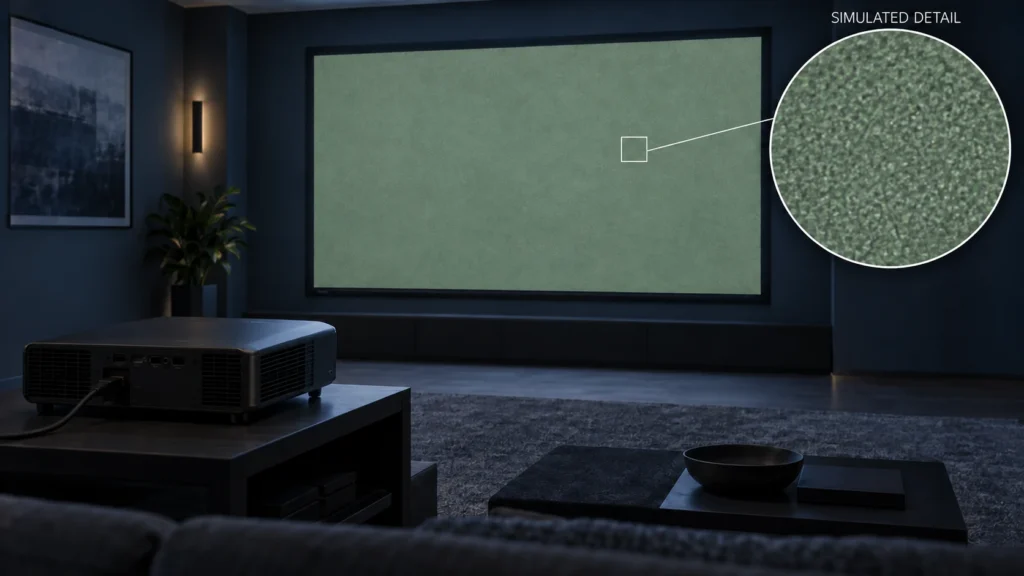
Screen Materials
Laser Speckle and Projector Screen Choice: What to Test
Record laser-projector image symptoms, material codes, viewing conditions and sample observations before deciding whether a different screen is appropriate.Read the guide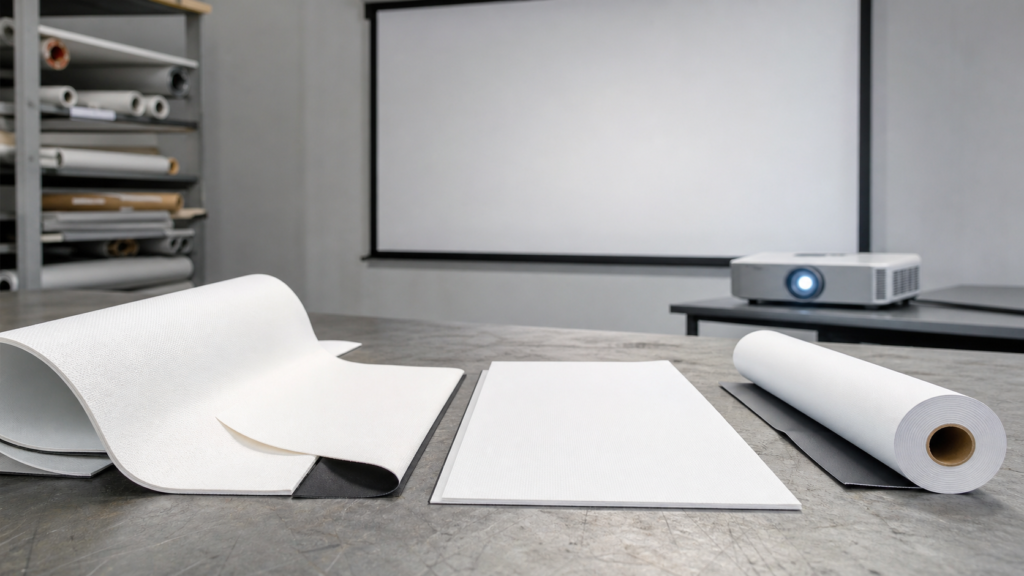
Screen Materials
Matte White vs Fiberglass vs PVC Projection Screen Fabrics
A buyer’s framework for comparing common projection fabrics without confusing material family names with guaranteed performance.Read the guide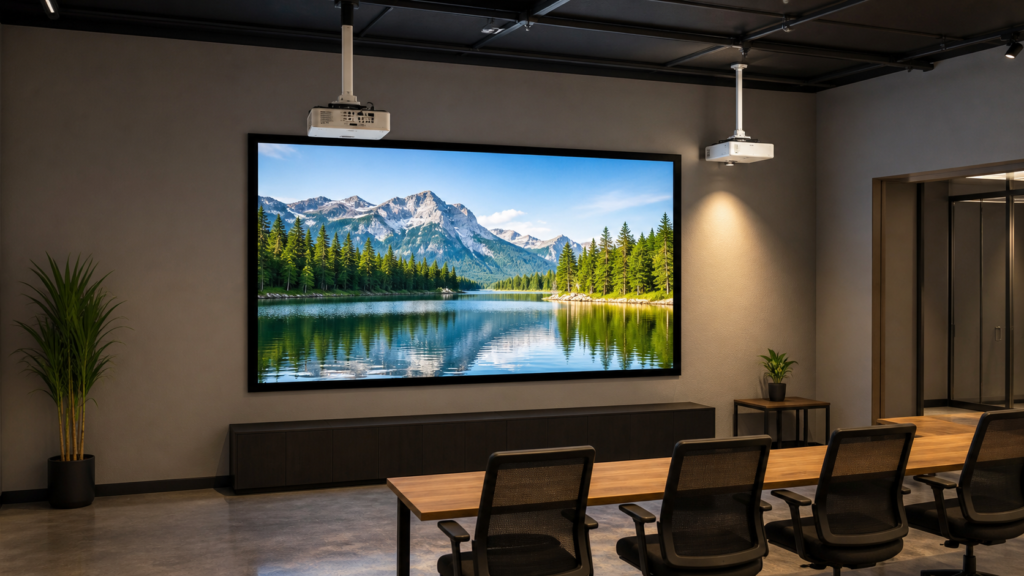
Screen Materials
Short-Throw vs Standard-Throw Projection Screen Material
A practical guide to matching projection material with throw geometry before the screen or projector is ordered.Read the guide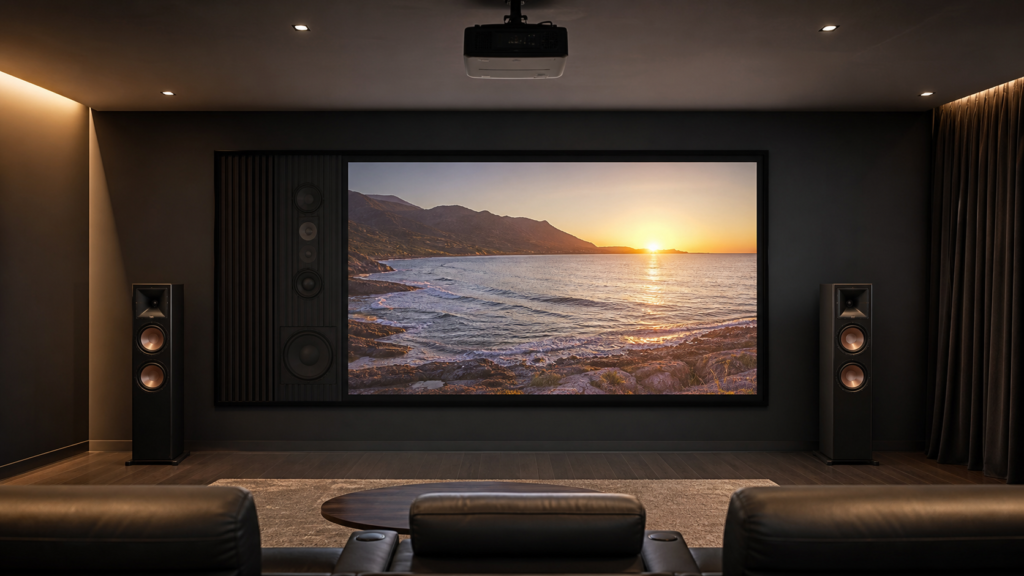
Screen Materials
Acoustic Transparent vs Standard Fixed Frame Projection Screens
A project-focused guide to choosing between an acoustic transparent surface and a standard fixed frame screen.Read the guide
Screen Materials
Rear Projection Screen Material Guide for Events and Installations
A geometry-first guide to rear projection surfaces for events, exhibitions and installations where equipment must stay behind the image.Read the guideScreen Materials
Matte White vs Grey Projection Screens: Which Surface Should You Choose?
A room-based comparison of white and grey screen surfaces without treating color alone as a guarantee of contrast or ambient-light rejection.Read the guide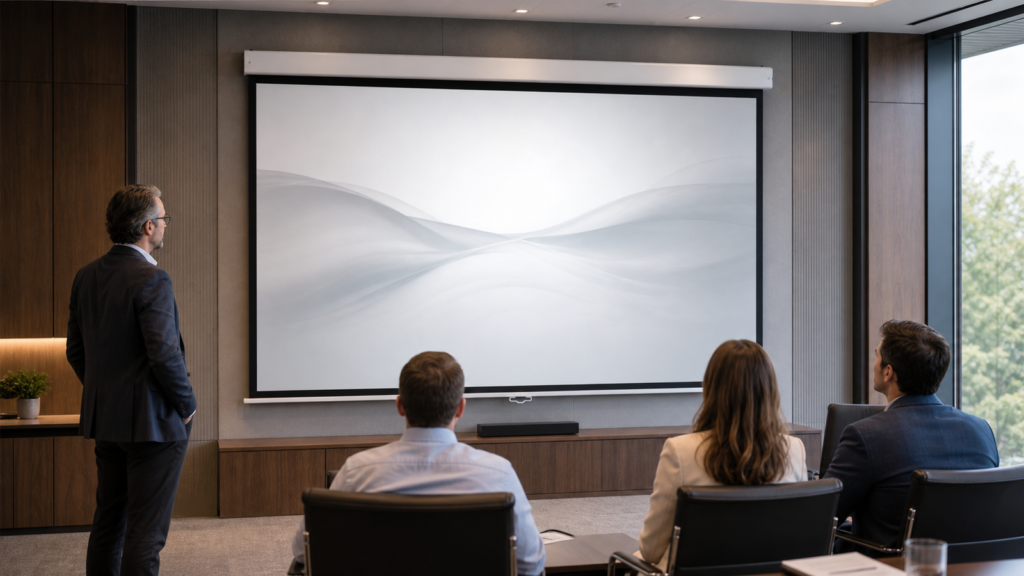
Screen Materials
Projection Screen Gain and Viewing Angle Explained
A plain-language explanation of screen gain, viewing angle and hotspotting—and a room-based method for choosing the right surface behavior for your project.Read the guide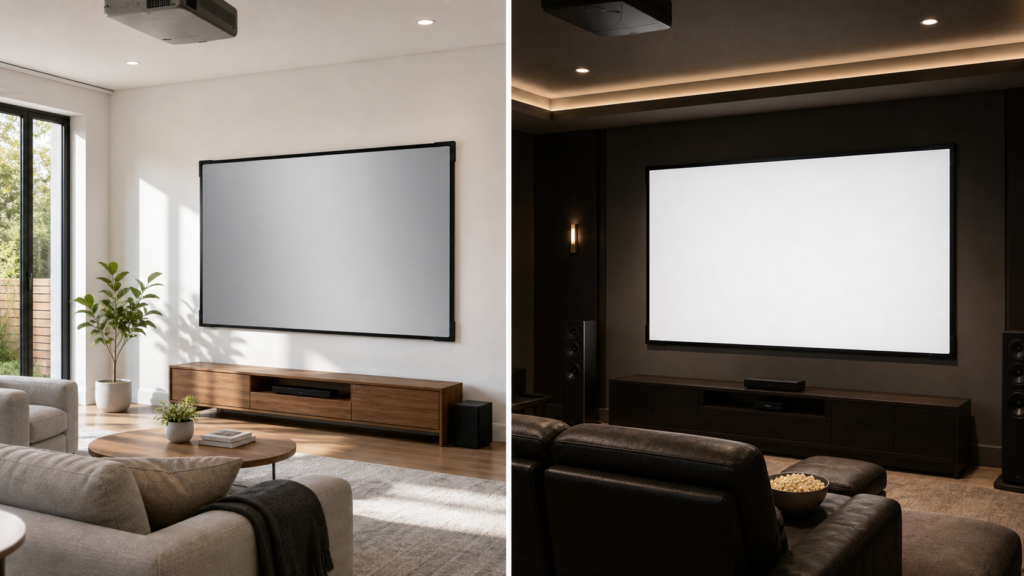
Screen Materials
ALR vs Matte White Projection Screens: Which Material Fits Your Room?
A practical comparison of ambient-light-rejecting and white projection surfaces for home theaters, meeting rooms and professional AV projects.Read the guide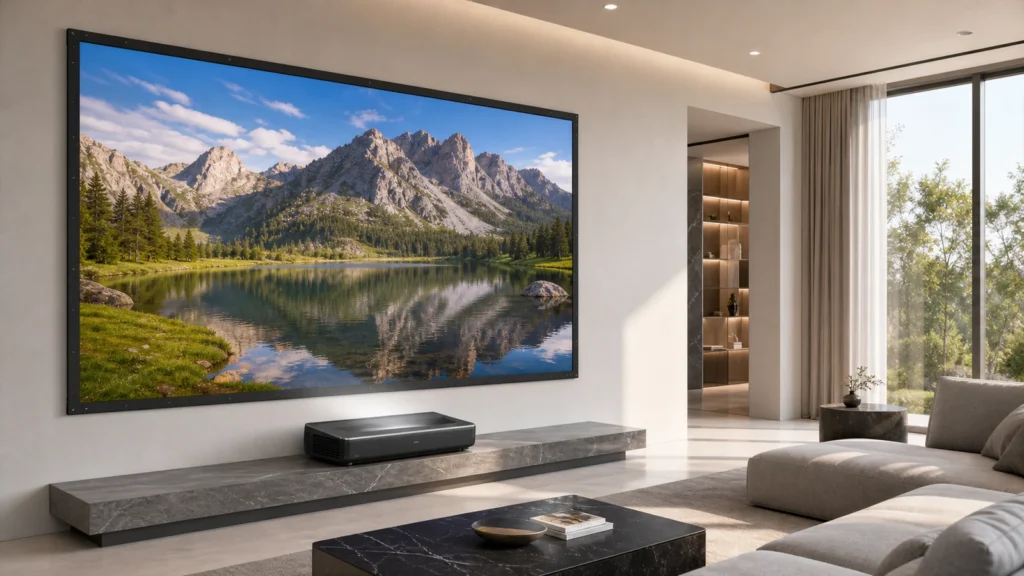
Screen Materials
ALR vs CLR vs UST Projection Screens: What Is the Difference?
A geometry-first explanation of ambient-light-rejecting, ceiling-light-rejecting and UST-oriented screen materials—and why the terms are not interchangeable.Read the guide
Screen Materials
Acoustic Transparent Projection Screen Guide for Home Theaters
A practical guide to placing speakers behind a projection screen while managing image texture, moiré, brightness, speaker distance and installation structure.Read the guideFAQ
What is the best projection screen material?
There is no universal best material. The right starting direction depends on the projector, ambient light, viewing positions, screen size and installation layout.
Is higher gain always better?
No. Gain must be considered together with brightness distribution, viewing coverage, projector output and the room environment.
When should I consider an ALR-compatible surface?
Consider it when ambient light affects perceived contrast and the projector position, light direction and seating layout are compatible with the selected surface.
How does seating position affect material selection?
Some surfaces distribute reflected light differently across the room. Wide or off-axis seating can change the balance between perceived brightness, contrast and coverage.
What information does MGF need for a recommendation?
Provide the projector model, throw type, screen size, room light, seating layout, speaker position and whether the system uses front or rear projection.