How to Compare Projection Screen Factory Quotations
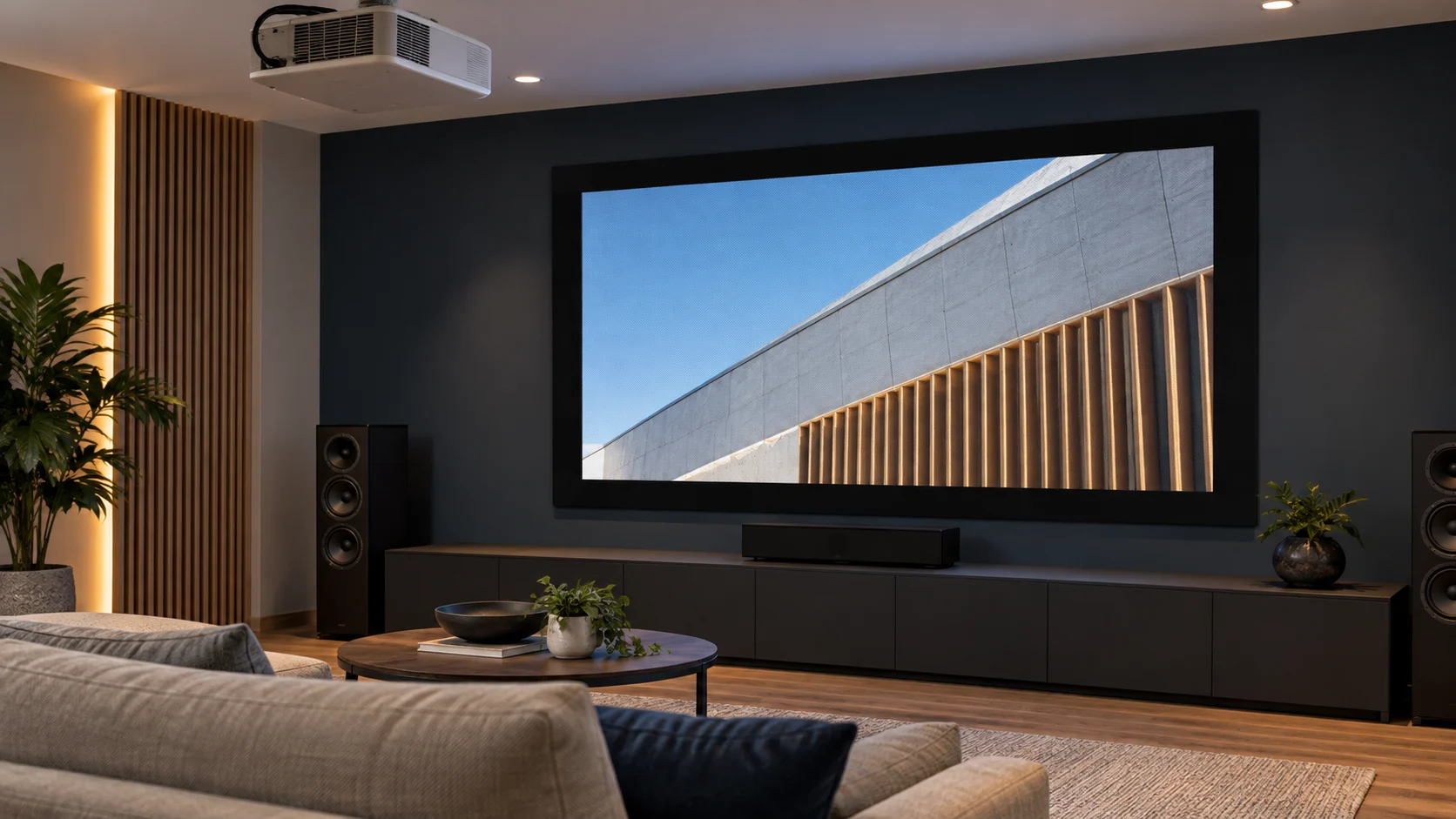
A normalized comparison method for buyers reviewing projection screen configuration, evidence, one-time charges, QC, packaging and delivery assumptions.
In This Guide
Quick answer
The lowest projection screen quotation is not automatically the best offer. Factory quotes often describe different materials, motors, housings, controls, packaging, customization or delivery scopes. Buyers should normalize every quote against the same RFQ, list exclusions, verify evidence and compare total project risk before selecting a supplier.
Use one row per model and configuration. A quote comparison sheet should make differences visible before anyone ranks unit price.
Quote normalization table
| Dimension | Confirm in every quote | Why it matters |
|---|---|---|
| Product | Model, screen type and size | Prevents different products being compared |
| Image | Visible width/height, ratio, border and drop | Defines the delivered image |
| Material | Material family, sample and compatibility | Changes optical behavior |
| Structure | Housing/frame, brackets and finish | Affects installation and cost |
| Operation | Motor, limits and control method | Defines integration scope |
| Branding | Labels, manual, carton and accessories | Creates setup and recurring costs |
| QC | Inspection stages and acceptance criteria | Defines quality evidence |
| Packing | Carton, pallet, crate and protection | Changes freight and damage risk |
| Commercials | Incoterm, destination and validity | Makes total cost comparable |
1. Freeze a comparable RFQ
Send every factory the same product list, image dimensions, material direction, quantity, destination market, packaging scope and delivery requirement. Use the OEM RFQ guide to structure the request.
Avoid phrases such as “120-inch electric screen, mixed.” State each model and configuration separately so every supplier quotes the same scope.
Carry each design revision into the normalized quotation
Download quotation alignment sheet (CSV). Enter actual project evidence and decisions; blank fields do not indicate approval.
| Existing example changes from revision A to B | Result column needed in the revised offers |
|---|---|
| Handheld operation → room-panel sequence | Identify supported interface/controller, added programming/commissioning scope and any excluded building work |
| Exposed housing → concealed installation | Identify revised housing/access/support work, drawing version, packaging and lead-time impact |
| Wider image or different surface | Identify the complete revised product and sample/optical validation needed; do not carry forward an unreviewed earlier approval |
These are extensions of the hypothetical scope examples below, not actual customer quotations. Keep the old and revised offer references, explicitly accept or reject each change and compare totals only after the scope is aligned.
The RFQ guide establishes the request before quotation. This sheet compares responses after receipt. For a Standard Fixed Frame proposal, match profiles, joints, prepared surface, attachment parts, mounting scope and packing to the actual parts list rather than assuming another same-size frame includes them.
Attach the common RFQ, both scopes, exclusions and current change/drawing revisions. Request a Comparable Quotation.
Expand the Supply Scope Before Ranking Price
A comparable quote describes the complete configuration and the work around it. “One screen set” can conceal different controls, accessories, documents, installation and delivery responsibilities. Establish the requested baseline first, then identify alternatives as separate proposals rather than silent substitutions.
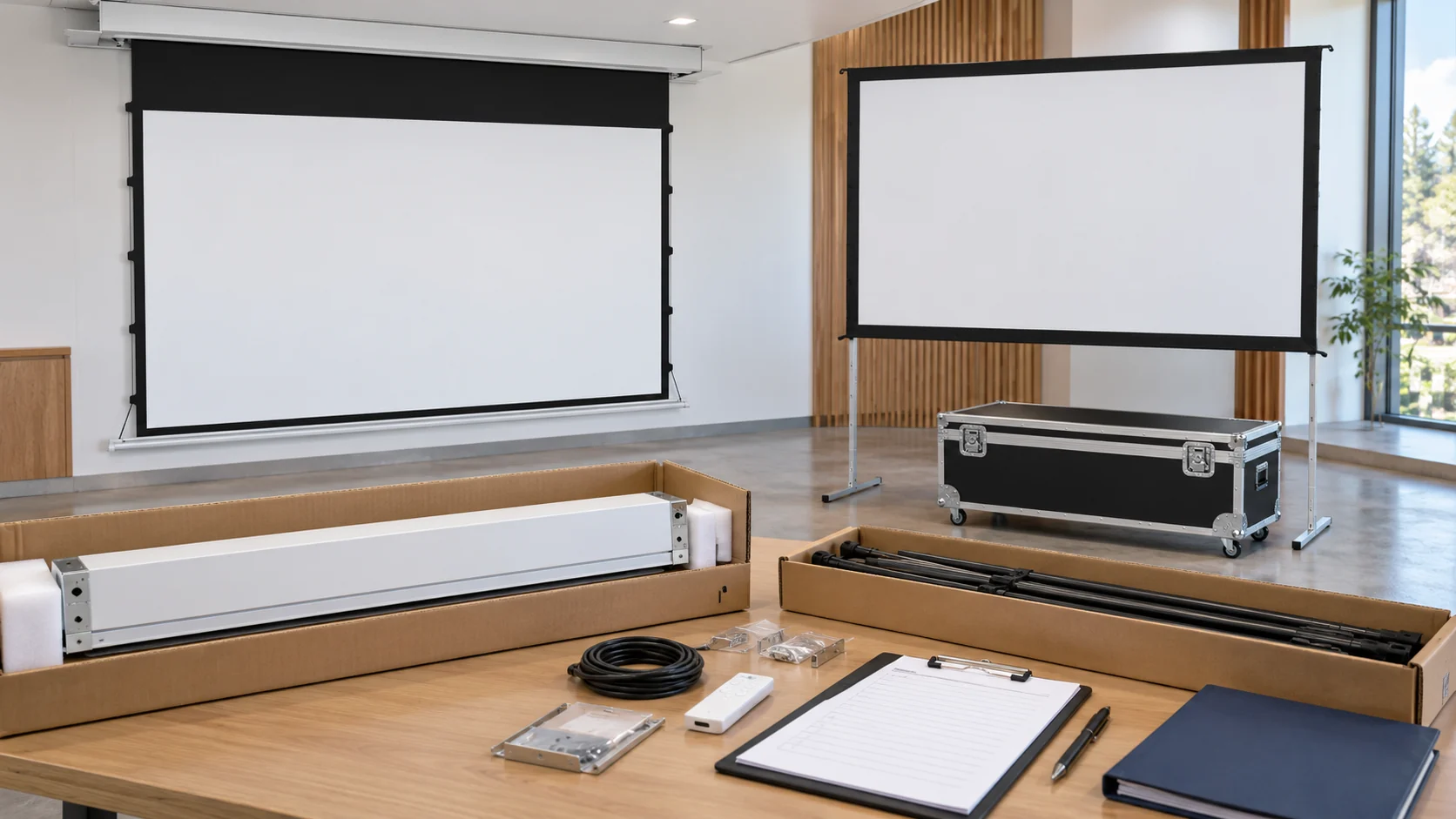
A filled scope example
The following offers are hypothetical; they do not state MGF inclusions or prices.
| Item | Offer A | Offer B | Comparison action |
|---|---|---|---|
| Screen | Named retractable configuration | Same requested image, different housing | Assess both complete configurations |
| User control | Listed handheld device included | User control priced separately | Align the required operation |
| Installation | Excluded | Defined site work included | Separate equipment and installation |
| Building power | By others | By others | Assign site provision |
| Documents | Applicable instructions | Instructions plus project drawing review | Compare the required evidence scope |
| Receiving | Stated delivery basis | Different delivery basis | Align destination and responsibility |
Use included, optional, excluded and awaiting information as explicit supplier-response categories. An omitted row is not evidence of inclusion. Quantity, destination, currency, quotation validity and delivery basis must stay comparable as scope is clarified.
The In-Ceiling Tab-Tension Electric Projection Screen and a Portable Folding Projection Screen have different surrounding work. The word “set” should not make their building, handling and receiving interfaces appear identical.
3. Compare technical fit before price
Check whether the material suits the projector and environment, whether the structure fits the installation, and whether the control method matches the AV system. Review dimensions, service access and packaging length. A low price for a product that cannot be installed or integrated is not a saving.
Link technical review to product size and aspect ratio and control integration.
Compare Standard and Economic Frames as Complete Kits
Choose an economic configuration when its written material, frame and component scope satisfy the requirement and its complete commercial offer is preferable. Choose a standard configuration when its documented layout or supplied kit better matches the approved baseline. The product names alone establish no price saving, reduced scope or quality ranking.
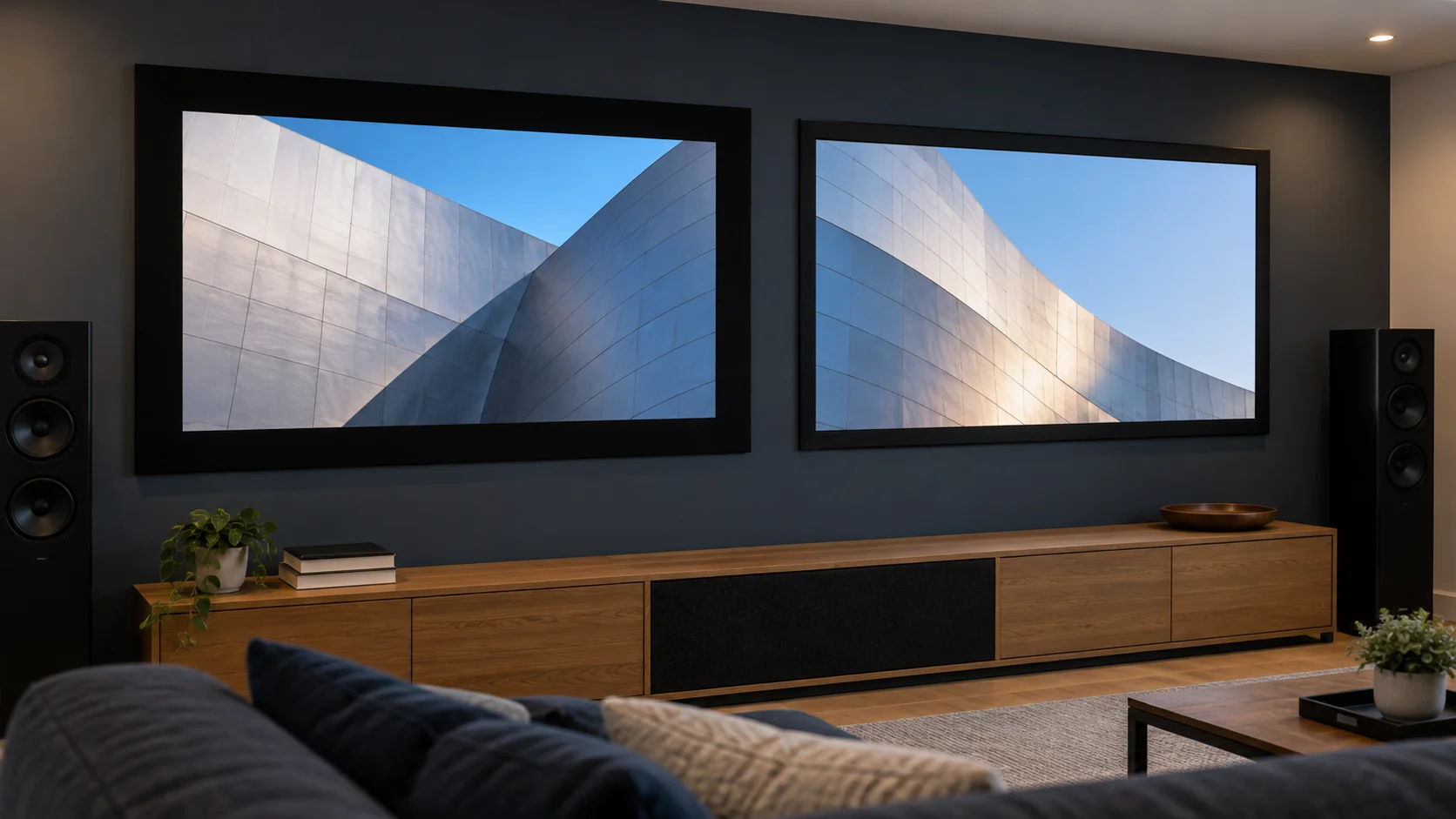
Request a dimensioned drawing for each quoted standard and economic fixed-frame configuration. Compare frame-profile width, measurement reference and overall outside dimensions, then verify each model's connection details and complete commercial scope. A specification for one model cannot establish the other's dimensions, connection system or price.
| Component | Difference that changes the decision | Consequence to resolve |
|---|---|---|
| Profiles and corner connections | Outside size, depth or joint arrangement | Wall fit and permitted assembly |
| Prepared surface | Material or edge construction | Optical task and frame compatibility |
| Surface attachment components | Type, quantity or inclusion | Completeness against the actual parts list |
| Wall-interface scope | Product-side kit versus site-selected items | Site design and additional procurement |
| Documents and packaging | Supplied configuration/handling information | Receiving and repeat installation |
For repeated rooms, an already approved wall detail and kit can make consistency important. Changing from that baseline requires a scope/drawing review. In a new project with flexible wall design, both identified frames can be evaluated against the same image and optical requirement.
Assume a 12-room order. Hypothetical Offer A includes the matched attachment kit, while Offer B excludes it. The difference is 12 required kits, not one incidental accessory. Obtain the actual scope, price and availability before comparing totals; an arbitrary allowance does not make the offers equivalent.
If the offers instead include complete kits but different surfaces, resolve the material requirement before ranking price. Equal image size does not establish equal optical scope. Compare the Standard Fixed Frame Projection Screen and Economic Fixed Frame Projection Screen as separate ordered configurations, with their actual bill of materials.
4. Separate one-time and recurring charges
List tooling, artwork setup, sample fees, custom labels, printed cartons, special accessories and engineering charges separately from the unit price. This is essential for private-label programs and small launch orders.
5. Evaluate quality and evidence
Ask what is checked, when it is checked and what document records the result. Review sample approval, in-process checks, final inspection, packaging inspection and claim handling. The quality-control checklist provides a useful comparison structure.
Compare each supplier's sample approval process and factory production context without assuming that a general capability statement applies to the quoted model.
6. Compare logistics and schedule
Record Incoterm, named destination, packing dimensions, estimated dispatch, production assumptions, quotation validity and change conditions. Compare dispatch date with expected arrival; they are not the same milestone.
7. Score risk, not just price
Use a weighted score for technical fit, documentation, sample quality, QC evidence, packaging, schedule clarity, communication and total landed cost. The weighting should reflect your project risk and channel requirements.
Compare a Design Change Against the Accepted Baseline
A revised price is only one consequence of changing image size, material, controls or installation. Preserve the earlier accepted offer as the baseline and identify which rows change. Technical acceptance and commercial acceptance are separate decisions.
| Earlier requirement | Hypothetical change | Review triggered |
|---|---|---|
| Accepted image dimensions | Wider image | Complete product, lens geometry and audience layout |
| Candidate material A | Material B | Frame/structure match and viewing evidence |
| Handheld operation | Room-panel sequence | Actual supported interface and integration scope |
| Exposed housing | Concealed installation | Ceiling, access and other trades' work |
| Defined equipment offer | Revised configuration | Included items, exclusions and delivery basis |
A wider in-ceiling screen can affect an opening; a floor-rising change can affect furniture and movement. A control change can affect the AV provider's scope. Identify those project consequences before choosing from the equipment-price difference alone.
If fabrication or site work has already been released, record that status and obtain the applicable response on the change. Do not assume an unchanged schedule, automatic price increase or a particular cancellation term. In a multi-room order, identify the affected rooms so unchanged configurations remain clear.
Attach the accepted itemised scope and any approved change to the current quotation/order. Keep superseded documents as history, and give purchasing and receiving the same current reference. A focused revision must not silently remove a previously included accessory or document.
FAQ
Should I ask factories to quote the same screen size?
Yes, but size alone is not enough. Include ratio, visible area, material, housing, controls, accessories and packaging.
Why do two quotes with the same price look different after ordering?
One quote may have included different assumptions or exclusions. Normalize scope in writing before comparing.
Is the cheapest quote suitable for a trial order?
Only after confirming sample quality, scope and risk. A cheap trial that cannot be repeated may create more cost later.
Should compliance be part of quote comparison?
Yes. Ask which documents apply to the exact model and destination market, then verify current applicability.
Request a comparable quotation
Send MGF the common equipment brief, itemised scope and marked change from the accepted quotation where applicable. The comparable response should identify the complete configuration and the specific commercial basis being evaluated.