Short-Throw vs Standard-Throw Projection Screen Material
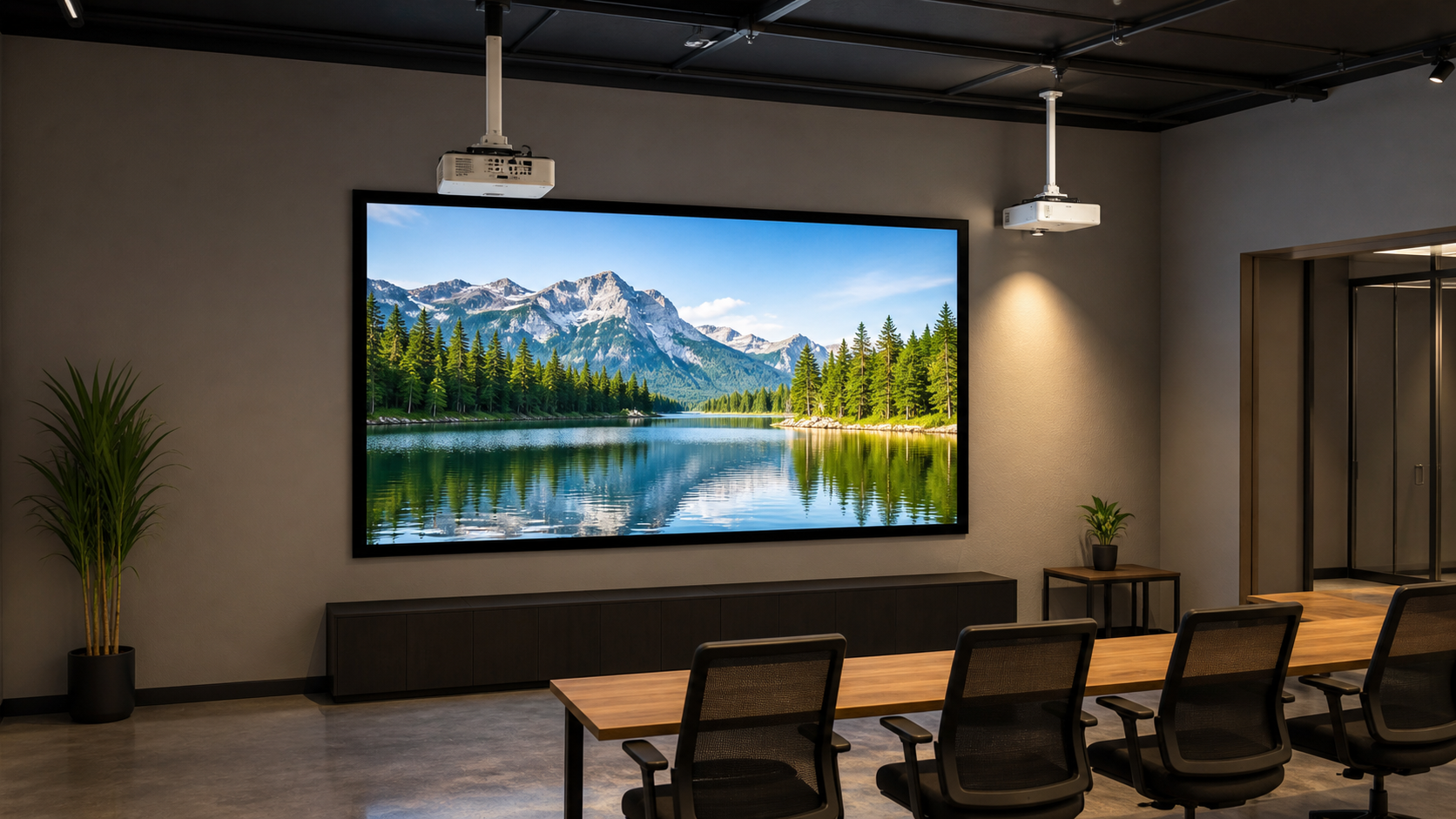
Screen material must be chosen with the projector’s light direction, throw distance and room-light pattern. Standard-throw projectors usually illuminate the surface from a more forgiving angle. Short-throw and ultra-short-throw (UST) projectors send light from a steep angle, so surface texture, optical directionality, flatness and installation accuracy become much more important.
In This Guide
Quick Answer
Use a material explicitly approved for the intended short-throw or UST projector when the lens sits close to the screen or below it. Do not assume that a matte white, ALR or grey fabric designed for standard throw will perform correctly with UST. For standard throw, start with room light, seating width and projector output; for short throw, add the exact lens geometry, screen flatness and material orientation to the approval checklist.
The ALR, CLR and UST guide explains the broader material categories. MGF’s screen materials resources should be used with the quoted projector and screen model, not as a substitute for model confirmation.
Who This Guide Is For
This guide is for AV integrators, distributors, contractors and project buyers who need a documented selection and project-planning path for this topic before requesting a quotation.
Why Throw Geometry Changes the Surface Decision
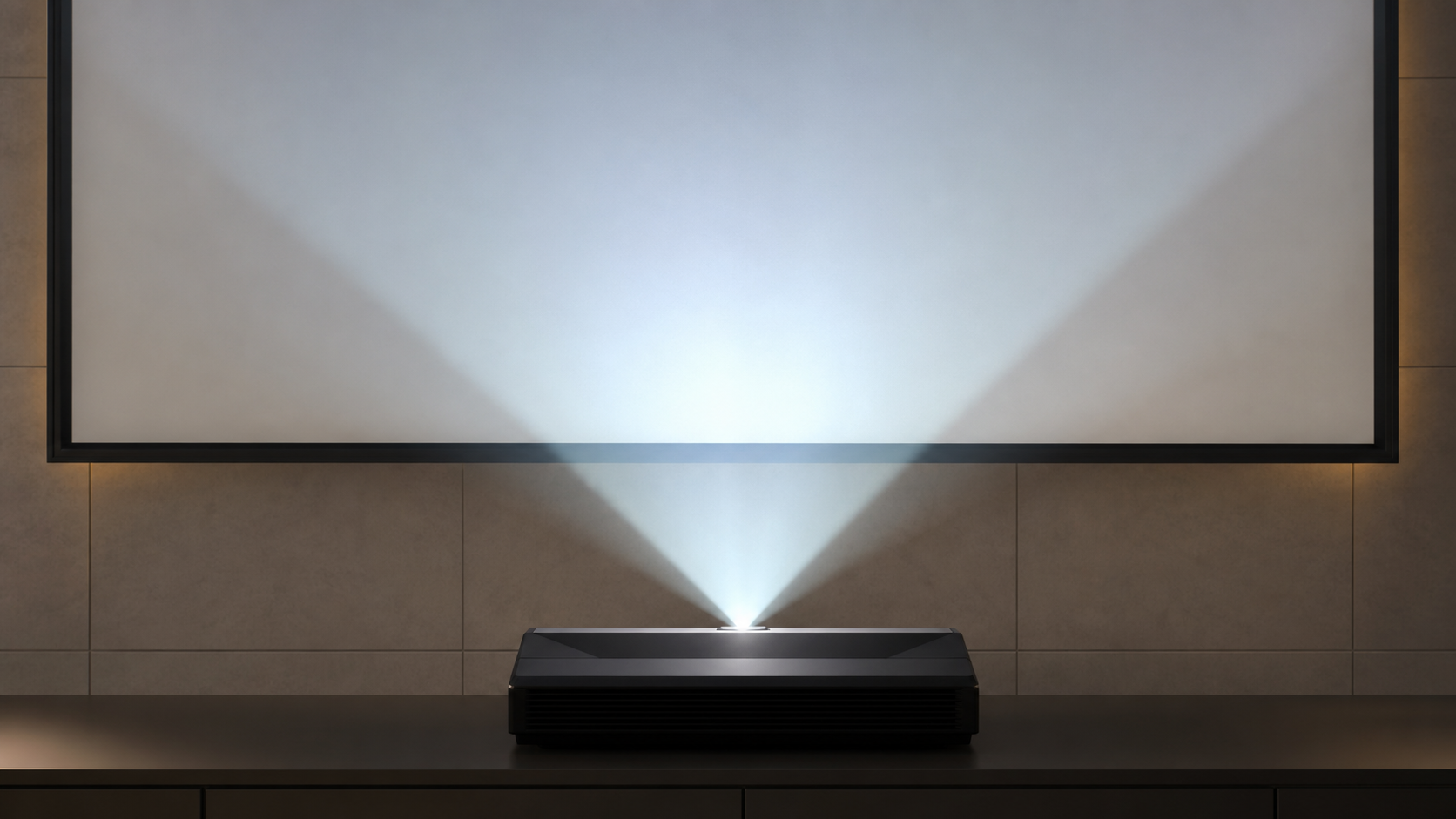
A standard-throw projector typically sits farther from the screen and sends light toward the surface from near the audience direction. A short-throw projector is closer and may use a steeper vertical or horizontal angle. A UST projector commonly sits below the image and sends light upward. Directional coatings or optical structures can be designed to redirect light toward the audience, but that only works when the projector, screen orientation and seating layout match the material’s intended geometry.
If the material is wrong for the angle, viewers may see uneven brightness, hotspotting, corner falloff, sparkle or a limited viewing cone. Surface waves can be more visible because the light hits the screen at a steep angle. Flatness and installation tolerance therefore become part of the material decision.
Compare the Three Planning Directions
| Projector direction | Material planning priority | Typical risk if mismatched |
|---|---|---|
| Standard throw | Room light, viewing width, gain and color neutrality | Reflections, low contrast or insufficient brightness |
| Short throw | Approved optical direction, lens position and flatness | Hotspotting, uneven brightness or texture visibility |
| UST | UST/CLR compatibility, screen level and vertical alignment | Severe banding, visible texture or image distortion |
These are planning directions, not universal performance claims. The final result depends on the exact projector, image size, material and room.
Standard-Throw Material Workflow
Start by fixing the image width and aspect ratio. Then record projector brightness, throw ratio, lens shift, audience width and room light. A matte white surface may be practical when light is controlled and seats are spread across a wide angle. A grey or ALR direction may be considered when the room has a defined light source, but the viewing response must be tested. The gain and viewing-angle guide explains the trade-off between center brightness and seating coverage.
For a retractable screen, include surface flatness, side tensioning and bottom-bar alignment. A good standard-throw projector cannot correct a screen that retracts unevenly or develops waves.
Short-Throw and UST Workflow
Treat normal short throw and ultra-short throw as separate configuration reviews. Start with the exact projector and lens, not a generic distance label.
Scroll horizontally to compare all columns on smaller screens.
| Review step | Send or record | Approval boundary |
|---|---|---|
| Identify the system | Projector/lens model, screen SKU, surface code and image size | A previous standard-throw result does not approve UST |
| Locate the image plane | Lens-to-surface distance, image height, projector position and screen angle | Use the projector's model-specific placement instructions |
| Confirm direction | Viewing side, top/bottom orientation and intended mounting position | Do not invert a directional surface without approval |
| Inspect the image | Same grid and text at center, edges and actual side seats | Record the symptom before assigning a cause |
| Approve the complete screen | Surface support, mechanism, installation and final viewing conditions | Side tension or a fixed frame alone does not establish optical compatibility |
If a sample is used, keep its identity and orientation in the sample approval record. A small sample cannot demonstrate the complete screen's installation or deployed shape. Describe granular or sparkling appearances separately; the laser-speckle observation guide explains what to record before changing materials.
Follow the evidence from project geometry to a reviewed combination
The published Exhibition Center project records a 120-inch, 16:9 portable folding screen with RGG rear-projection material, an approximately 2.13 m lens-to-screen distance and an integrator-supplied projector. A 120-inch 16:9 image is about 2.6566 m wide, so 2.13 ÷ 2.6566 ≈ 0.80:1, consistent with the project's approximate ratio.
The case does not identify the projector make/model or exact lens. It therefore supports this geometry check and the stated screen configuration, not a transferable projector–material approval.
- Identify the proposed combination: obtain the projector/lens identifiers and matching distance table; record the MGF screen model, material code, image size, projection side and orientation.
- Review the sample: retain its code/batch, orientation, projector settings, content, lighting and observations from agreed seats. The published case supplies no sample-test record for another combination.
- Check the finished installation: record the mounting and deployed surface, grid/text observations and the agreed model-specific flatness criteria. Keep the acceptance record and reviewer/date; do not assign a pass from the ratio alone.
Keep unverified combinations marked candidate — pending review. The pairing guide's independent projector example shows how to use a named manufacturer's distance table; it does not identify the projector used in this exhibition.
Installation Details That Affect Material Choice
Short-throw systems magnify small alignment errors. The wall, frame or housing must be level; the projector must be square to the screen; and the final image should be checked after all brackets, mounts and cables are secured. Avoid deciding material before the projector mounting zone is known.
If the screen is in a bright conference or retail environment, light control still comes first. A directional material can reduce selected reflections, but it cannot eliminate direct sunlight or a lamp aimed into the viewing surface. For commercial planning, see the Commercial Display guide.
What to Include in the RFQ
Send projector make and model, throw ratio or lens data, image width and height, screen structure, room-light conditions, seating width, front/rear projection direction and the desired material family. Ask MGF to confirm whether the surface is approved for standard throw, short throw or UST and whether a sample is required. Link the request to the OEM RFQ guide so assumptions are visible.
MGF Product Direction
MGF can compare suitable product directions once the project brief confirms visible image size, aspect ratio, projector geometry, material direction, mounting condition, control requirements, quantity and destination market. The final quotation should identify the exact model, compatible material, drawing and approval information rather than treating a generic guide as a product specification.
Project / OEM Checklist
- visible image width, height and aspect ratio;
- projector model, lens position and image geometry;
- room or venue use, seating and ambient-light condition;
- proposed material, structure, mounting and service access;
- power, control and installation responsibility where relevant;
- required quantity, destination market, drawing revision and approval owner.
Continue Your Project Planning
- Screen Materials Guides
- Fixed Frame Projection Screens
- Home Theater Applications
- Factory & Production
- Acoustic Transparent Screen Guide
- Projection Screen Gain and Viewing Angle Guide
- Contact MGF Screens
FAQ
Can I use a matte white screen with a UST projector?
Only if the exact projector and material combination is tested and approved. “Matte white” alone does not confirm UST compatibility.
Is ALR always the right choice for short throw?
No. ALR behavior depends on optical direction and the room. A material made for standard throw may not suit UST, while a UST/CLR surface may be too restrictive for a wide seating layout.
Why do waves matter more with UST?
Steep-angle light makes small surface variations more visible. Flatness, level and tension should be reviewed with the material.
Should the projector be purchased before the screen?
The projector model and screen material should be coordinated before either is locked. The RFQ should identify both.
Request a Projector–Material Pairing Review
Send the projector model, lens position, target image, room-light pattern and seating layout to MGF via the Contact page. Ask for the confirmed material direction, installation conditions and sample requirements before production.
Attach the projector specification/manual page, a dimensioned lens-to-screen plan, the proposed screen model and material code, and any sample or installation record with its revision/date. Use the existing Pairing Verification Worksheet (CSV) to keep geometry, material and complete-screen decisions separate. Its prompts are not completed results; record pending items and the evidence required to close them.