Projection Screen Submittal Drawing and Technical Package Checklist
---
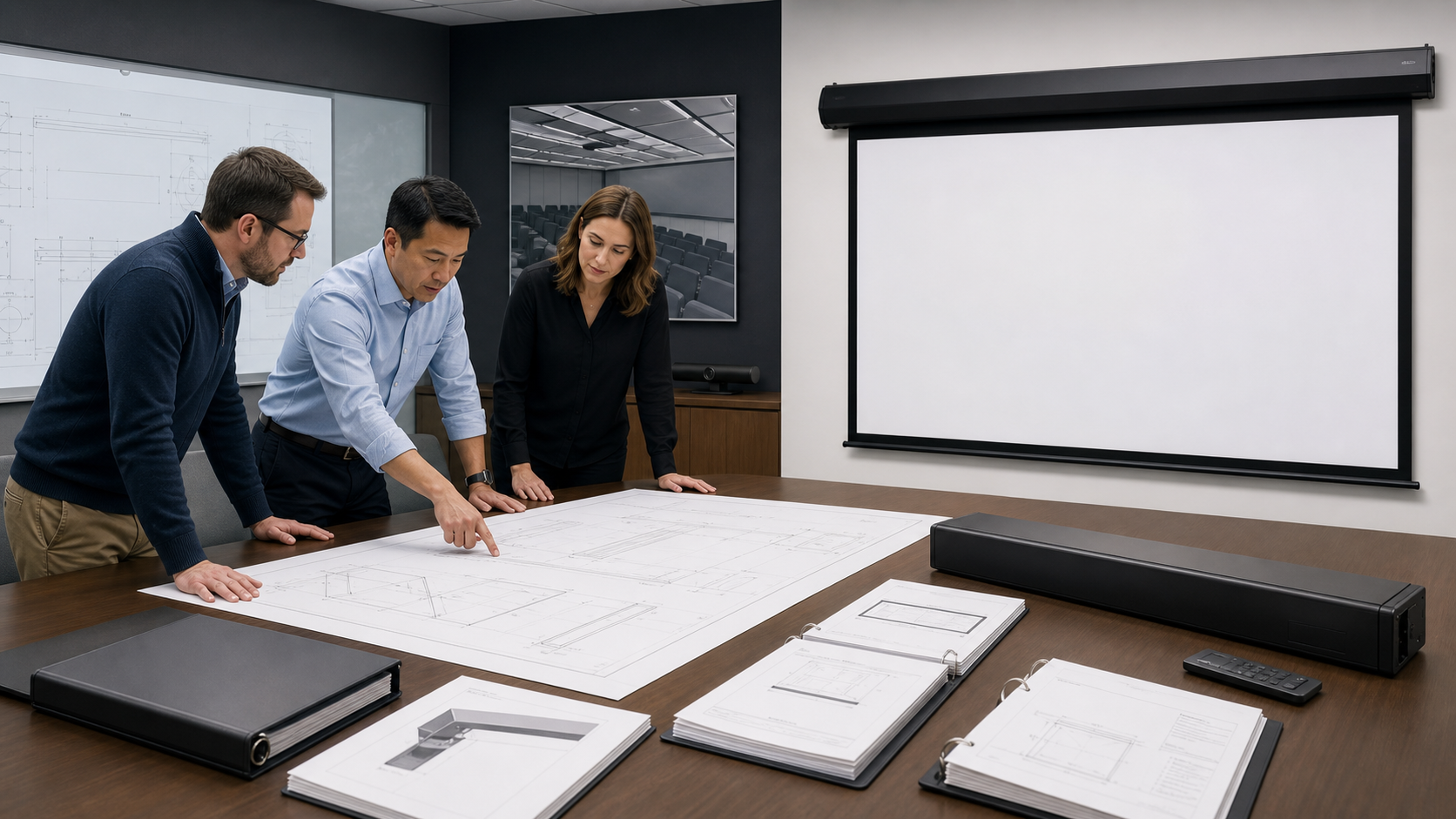
A projection screen submittal package converts a product recommendation into an installable, reviewable scope. It should show what is being supplied, how it fits the room, how it is controlled and which project assumptions still need confirmation. A catalogue page alone is rarely enough for a commercial AV approval.
In This Guide
Quick Answer
Include a cover sheet, product identification, active image dimensions, aspect ratio, material, frame or housing drawing, mounting method, power and control information, installation notes, maintenance requirements, sample or finish approval and a revision record. Mark model-specific fields as confirmed, pending or not applicable. Keep the same identifiers in the quotation, drawing, purchase order and inspection documents.
The OEM Procurement Hub and Quality Control checklist provide useful project context. MGF’s Factory & Production page can support the supplier trust section.
Who This Guide Is For
This guide is for AV integrators, distributors, contractors and project buyers who need a documented selection and project-planning path for this topic before requesting a quotation.
1. Cover Sheet and Scope
Start with project name, location, package number, supplier, installer, consultant, date, revision and document status. State whether the submission covers one screen, a room type or a complete fleet. List exclusions such as projector, speakers, structural steel, power wiring or control programming when they are outside the screen supply.
The cover sheet should make it possible to identify the exact product family without opening every attachment. Add a contact person for technical questions and a document register for the pages that follow.
2. Product and Material Identification
List the product family, model or proposed configuration, visible image size, aspect ratio, border, drop, screen material, projection direction and mounting type. If a material sample was approved, include its code and revision. If the model is still under review, write “proposed” rather than presenting it as a final fact.
Do not add gain, viewing angle, noise, load, fire, IP or electrical claims unless they are present in the controlled technical record for that exact model. The material sample checklist explains how to connect a sample to the submittal.
3. Dimensional and Installation Drawings
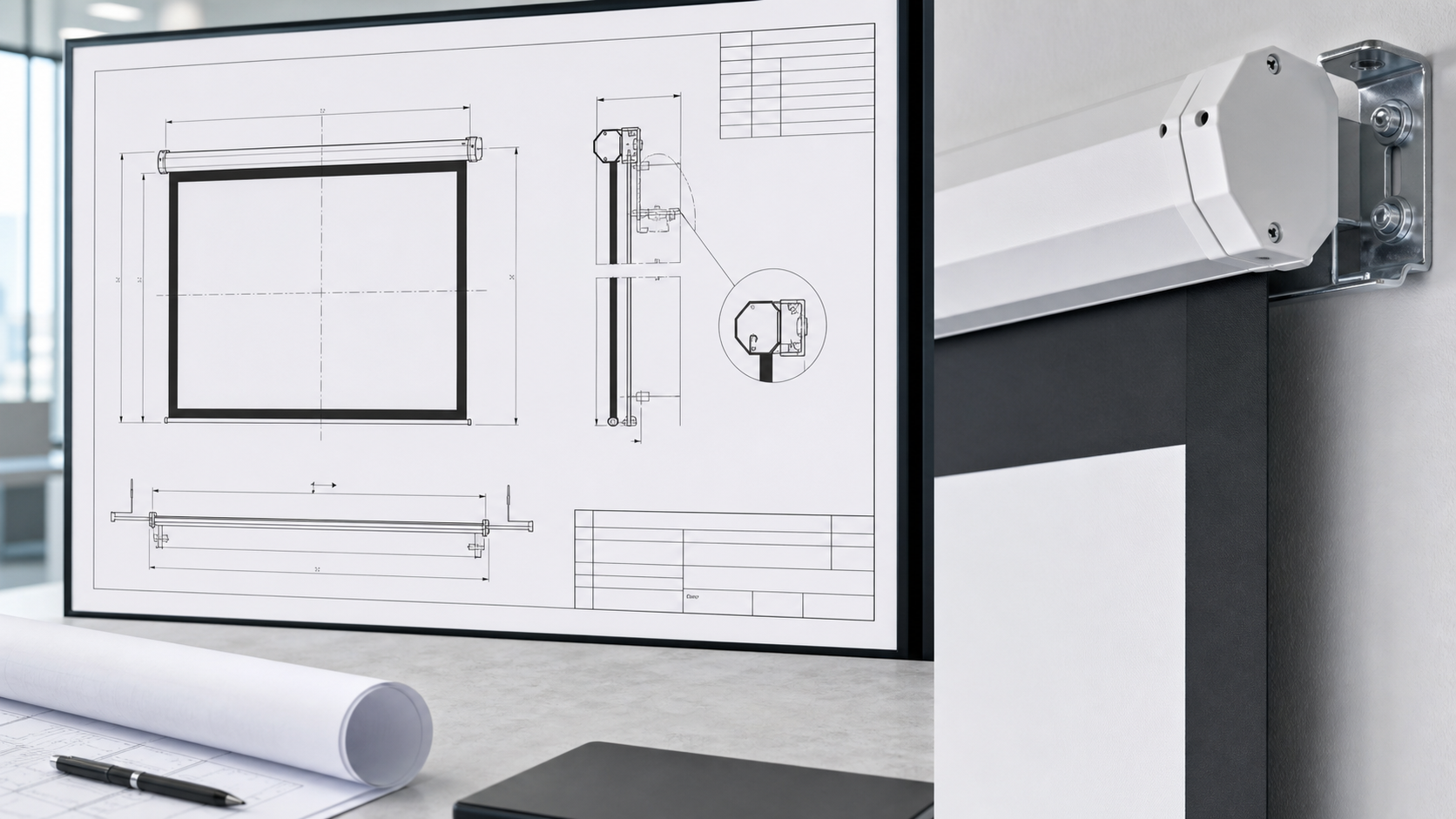
Provide overall dimensions, active image, black border, drop, casing or frame, bracket positions, cable entry, service access, wall or ceiling fixing zones and required clearances. For recessed installations, show the trim, opening, finished ceiling and removal path. For fixed frames, show wall stand-off, frame depth and edge detail.
Coordinate the drawing with the room plan. The casing, black border and drop guide can be used as a measurement checklist. A drawing should answer “where does it go?” and “how can it be serviced?” without requiring a catalogue photo.
4. Electrical and Control Information
Identify the power requirement from the approved model documentation, cable entry, local switch or remote direction and any intended integration. If the project expects dry contact, trigger, RF, IR or serial control, mark it as a requirement for confirmation. Do not imply that every motor supports every protocol.
The motorized wiring and pre-wire guide and control integration guide provide the coordination questions. Include a simple responsibility matrix: factory, installer, electrician, AV programmer and client.
5. Installation, Testing and Maintenance
Add installation sequence, leveling guidance, fabric protection, first operation checks, limit-setting responsibility and service-access notes. Include the applicable acceptance checklist and identify who records the test result. For maintenance, provide the approved cleaning method and storage or replacement instructions where relevant.
The package should link to the motorized troubleshooting guide or the relevant product manual. If a detail is not confirmed, list it as a question for the approval response rather than filling the gap with a generic claim.
Technical Package Table
| Section | Minimum content | Approval question |
|---|---|---|
| Cover | Project, package, revision and status | Is the submission clearly identified? |
| Product | Model, image, ratio, material and structure | Is the proposed product unambiguous? |
| Dimensions | Active image, border, drop, housing/frame and clearances | Will it fit and remain serviceable? |
| Controls | Power entry, control method and integration assumptions | Who supplies and tests each interface? |
| Installation | Fixing, level, access and commissioning sequence | Can the installer work from the document? |
| Quality | Sample, inspection and acceptance references | How will compliance be checked? |
| Revision | Change summary, owner and date | Which version governs purchasing? |
6. Submission and Revision Workflow
Issue the package with a clear status such as “for review,” “approved with comments” or “approved for manufacture.” Track each comment, response and drawing change. When the model, size, material, border or control method changes, update the revision and resend the affected pages.
The RFQ should not remain the only source of truth after approval. Link the final package to the purchase order and factory inspection record so the shipped product can be traced back to the approved scope.
Review an alternative against the specified configuration
| Requirement | Proposed alternative | Evidence and decision |
|---|---|---|
| Visible image and overall dimensions | Identify each difference separately | Relevant drawing and revision |
| Material and projector geometry | Identify the actual surface and equipment | Supported match, review needed or not demonstrated |
| Installation, controls and access | Record changes to the project arrangement | Responsible reviewer and accepted conditions |
A matching diagonal does not establish equivalence. Keep accepted deviations with the released order and installation information. Submission of a comparison table is not the project's approval of the alternative.
MGF Product Direction
MGF can compare suitable product directions once the project brief confirms visible image size, aspect ratio, projector geometry, material direction, mounting condition, control requirements, quantity and destination market. The final quotation should identify the exact model, compatible material, drawing and approval information rather than treating a generic guide as a product specification.
Project / OEM Checklist
- visible image width, height and aspect ratio;
- projector model, lens position and image geometry;
- room or venue use, seating and ambient-light condition;
- proposed material, structure, mounting and service access;
- power, control and installation responsibility where relevant;
- required quantity, destination market, drawing revision and approval owner.
Continue Your Project Planning
- OEM & Procurement Guides
- OEM & ODM Projection Screens
- Quality Control
- Factory & Production
- OEM Projection Screen Manufacturer Evaluation Guide
- OEM Projection Screen Ordering Process
- Contact MGF Screens
FAQ
Is a product brochure enough for consultant approval?
Usually not. A brochure may describe a range, while approval needs the exact model, dimensions, material, controls and installation details.
Should the drawing show the projector?
Yes when the projector position, lens shift, image height or throw geometry affects the screen decision. It may be a coordinated drawing rather than a screen-only detail.
What if a project requirement is unknown?
Mark it pending and assign an owner. Do not invent a value to make the submittal look complete.
When can production start?
After the project’s required approvals, sample decisions, model details and commercial terms are confirmed according to the agreed workflow.
Request a Technical Submittal Package
Send the project drawings, room use, image dimensions, projector data, mounting method, material direction, controls and required approval format to MGF via the Contact page. MGF can then identify which model drawings and product documents are needed.